Exportera data och vänta på att IT-avdelningen ska skapa rapporten
Statiska kalkylblad som redan är inaktuella innan de ens har publicerats
Massändringar som görs utan insyn, utan några skyddsmekanismer
Ett format, en målgrupp, omformatera manuellt inför nästa
Ställ en fråga och få svar direkt
Diagram och tabeller baserade på samma realtidsdata, ingen export
Säkerhetsåtgärder, godkännanden och en spårbarhetskedja för varje åtgärd
Säg “cirkeldiagram” eller “linjediagram” – samma data, ny vy, på ett ögonblick
Hoppa över filtren och strunta i exportfilerna. Fråga om uppgifternas status, försenade beställningar eller de bästa plockarna och få en Rensa tabellen med diagram omedelbart. Spara prompten en gång och använd den sedan varje dag.
Gå bortom översiktspaneler och agera snabbare. Be assistenten att sätta partier med kort hållbarhetstid i karantän, häva spärrar efter kvalitetskontroll eller tilldela arbete till en zon. Den kontrollerar vad som krävs och utför åtgärden med din behörighet.
Allt drivs av realtidsdata från Clarus… Inga gamla nyckelblad, ingen omkodning. Assistenten svarar direkt på frågor och ger konsekventa svar. Cheferna får kontroll utan extra klick.
Förvandla tillförlitliga signaler till repeterbara affärer. Utgångssvep. Risk för att priset sjunker under bärarpriset. Topplistor för val. Varje automatiserad process körs enligt schemat med samma logik, samma regler och samma spårbarhet.
Lagren får det svårt när Teamen får inte svar tillräckligt snabbt eller inte kan agera utifrån dem. Det är just den luckan som Clarus AI-assistenten fyller. Den är integrerad i Clarus WMS och ger dig tydliga svar på några sekunder och säkra åtgärder samtidigt.
Ställ en tydlig fråga och få direkt den information du behöver. När något behöver åtgärdas, be systemet att agera: lägga mycket på is, sätta igång omarbetningar eller skapa uppgifter i stor skala.

Se dagens uppgifter efter status och område, upptäck flaskhalsar och vidta åtgärder i ett enda arbetsflöde. Sparade påminnelser standardisera stand-up-mötena. Automatiseringarna utför samma kontroller redan innan skiftet börjar.

Fråga “Vad går ut den här veckan?” och få en överskådlig, sorterbar lista med partier, antal och platser. Be assistenten att lägga undan partier med kort hållbarhetstid, tilldela uppgifter för ommärkning eller omfördela dem till prioriterade beställningar.

Egen säkerhet och omfattning. Konfigurera behörigheter en gång, presentera de MCP-verktyg som assistenten kan använda och publicera en sammanställd katalog med prompter.
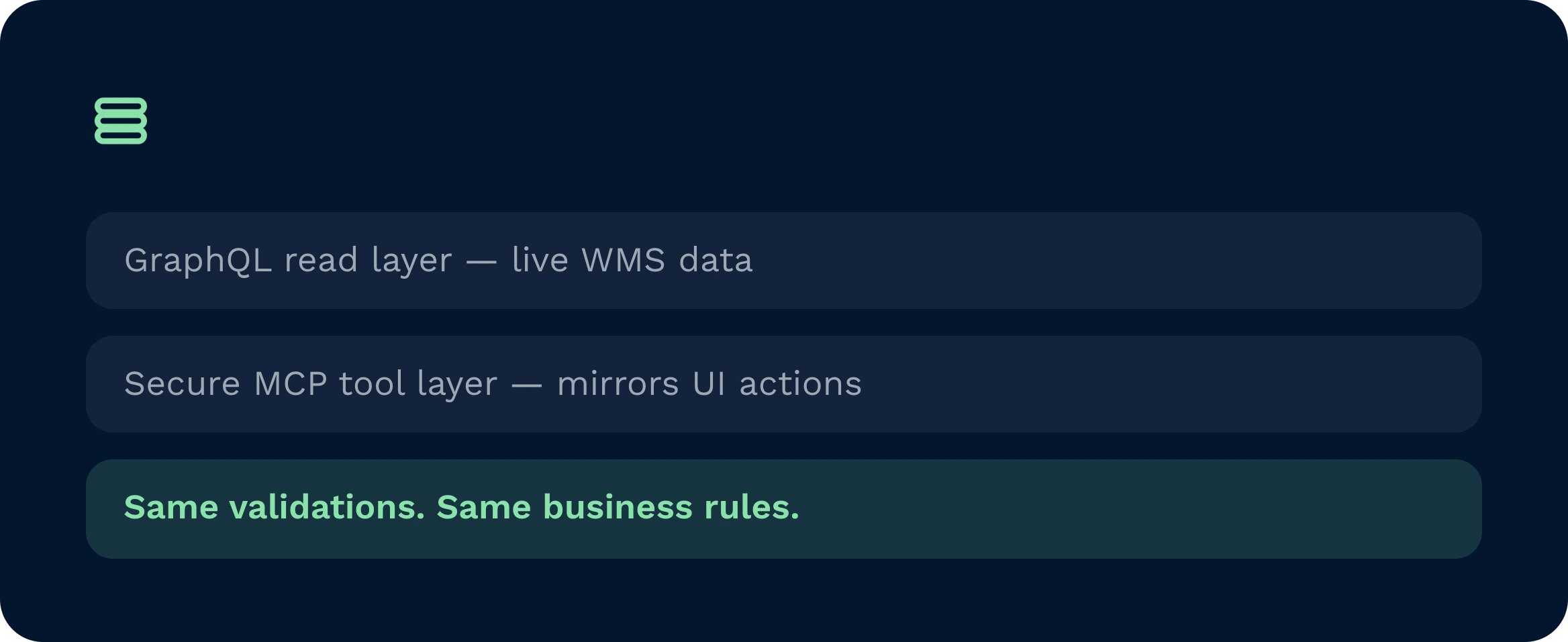
Assistenten är en integrerad del av Clarus WMS. Den läser data via GraphQL och agerar genom ett säkert MCP-verktygslager som återspeglar användargränssnittets funktioner. Valideringar och arbetsflöden återanvänds, inte kringgås, vilket innebär att du behåller samma affärsregler. Rollbaserad åtkomst styr vad som kan ses och göras. Det finns inga sidodatabaser, inga nattliga batchkörningar och inga bräckliga kopplingar att underhålla. Implementeringen sker stegvis och säkert.
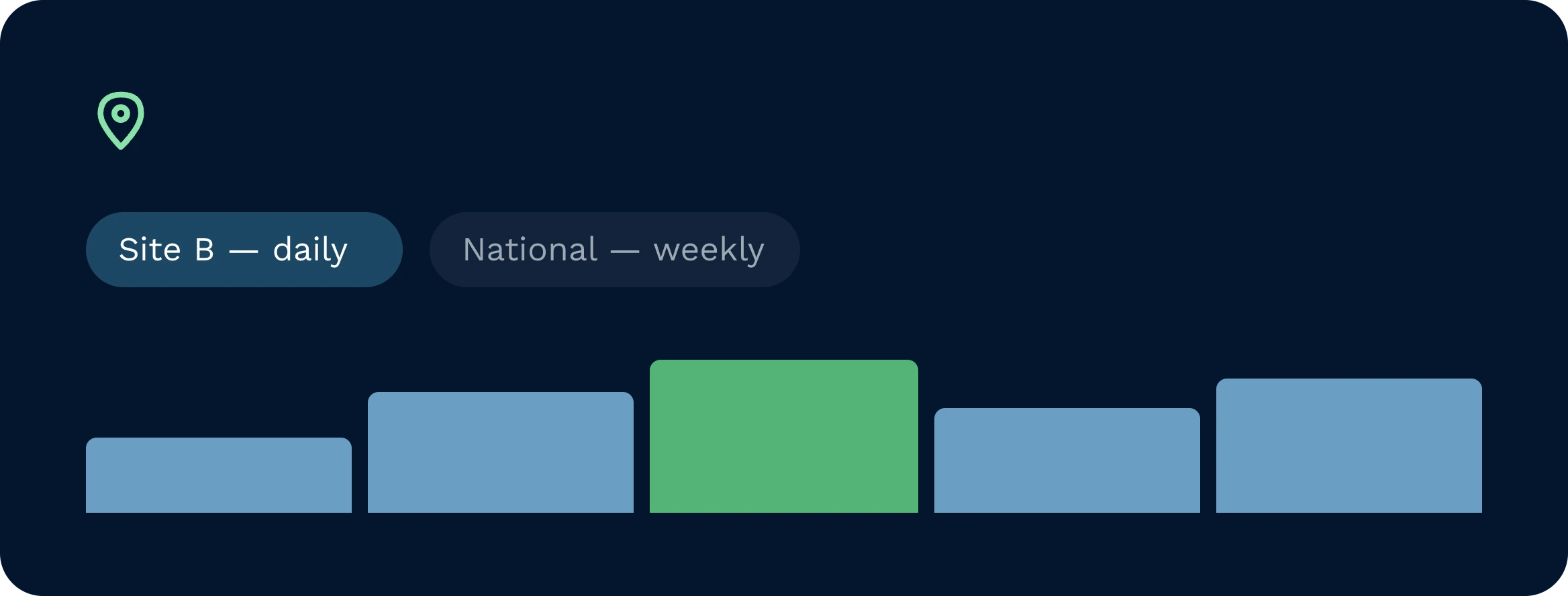
Ja. Meddelanden kan begränsas till en enskild anläggning, kund, region eller varumärke. En regionschef kan prenumerera på en lagerrapport per anläggning som upphör att gälla dagligen, medan en nationell chef får en sammanställd översikt. Rollbehörigheter säkerställer att användarna endast ser och kan agera på det de har behörighet till. Automatiseringarna respekterar dessa behörighetsområden när de körs enligt schema, vilket ger en strikt kontroll över alla platser.
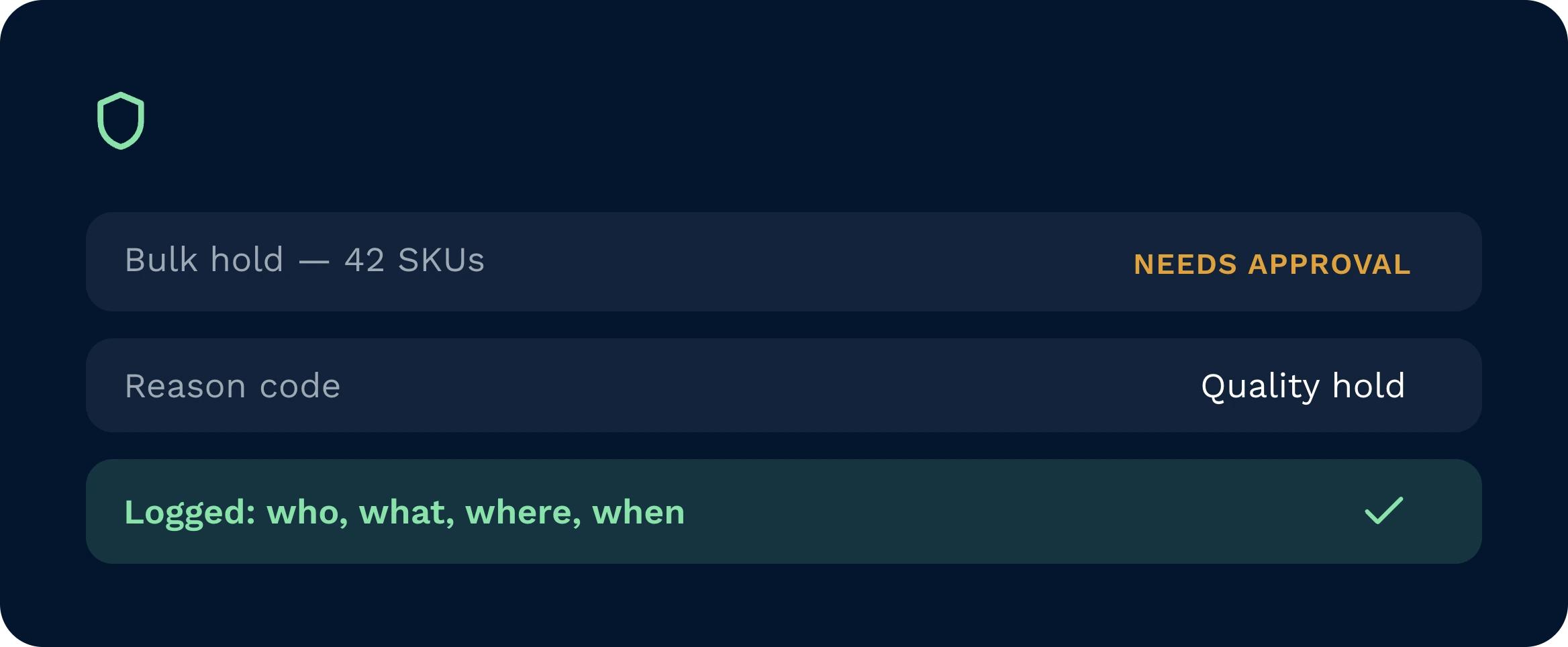
Åtgärderna utförs med den som initierar åtgärdens roll och genomgår samma valideringar som användargränssnittet. Ytterligare säkerhetsåtgärder begränsar bulkstorleken, kräver bekräftelse vid känsliga åtgärder och säkerställer att obligatoriska fält, såsom orsaks koder, fylls i. Du kan kräva dubbel godkännande för definierade uppgifter och vidarebefordra aviseringar till Slack, Teams eller e-post. Varje åtgärd är fullständigt spårbar, med uppgifter om vem, vad, var och när.
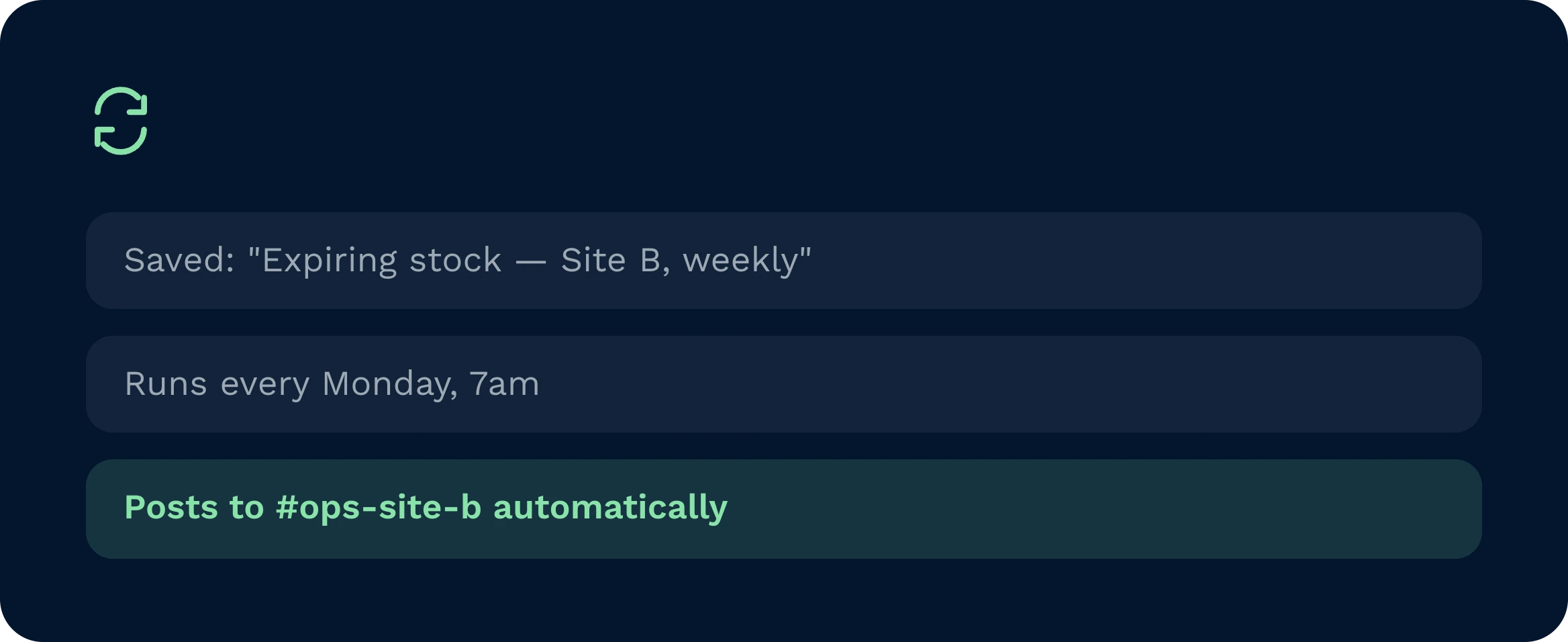
Alla användbara prompter kan sparas. Assistenten lagrar avsikter, filter och önskade utdata. Ett klick räcker för att köra den igen. Genom schemaläggning blir det en automatiserad process som publicerar resultat, öppnar uppgifter eller utför konfigurerade åtgärder. När du uppdaterar en prompt tillämpas ändringen på framtida körningar. På så sätt standardiserar du effektivt arbetsflöde och eliminerar manuellt arbete från de dagliga rutinerna.
Absolut. Säg “cirkeldiagram över de fem främsta” eller “linjediagram per dag”, så omformaterar assistenten samma datamängd utan att behöva skapa en ny fråga. Eftersom källan är i realtid förblir diagrammen korrekta. Länkar till den sparade prompten kan delas, så att teamen kan jämföra likvärdiga data istället för att exportera kalkylark och skapa en uppsjö av olika versioner. Det gör analysen snabb och konsekvent.
Implementeringen är enkel. IT-avdelningen kartlägger rollbehörigheter, aktiverar MCP-verktygen anpassade efter era användningsfall och publicerar en startkatalog med prompter. Teamen börjar med skrivskyddade befogenheter och lägger sedan till säkra, värdefulla åtgärder som att spärra dokument eller skapa uppgifter. Utbildningen fokuserar på konsten att formulera bra prompter. De flesta organisationer ser värdet inom några dagar och utökar sedan användningsområdet i takt med att förtroendet växer. Tidsramarna varierar beroende på omfattning och förändringshantering.
Fortfarande osäker? Se hur Clarus hanterar det på fyra minuter varumottagning, plockning och leverans. Du kommer att se varför Våra kunder säger hela tiden ”ja” till nya avtal.