Only one pickface location per product, no way to add more
Stock had to be manually transferred in before picking could start
Replenishment only ever topped up that single location
Pick tasks all routed to the same location, no rotation
Multiple pickfaces per product, stock spread automatically
Replenishment task generates once stock drops below the minimum trigger
Pick tasks rotate evenly across all eligible pickfaces
Tops up to a set maximum, in full storage units if required
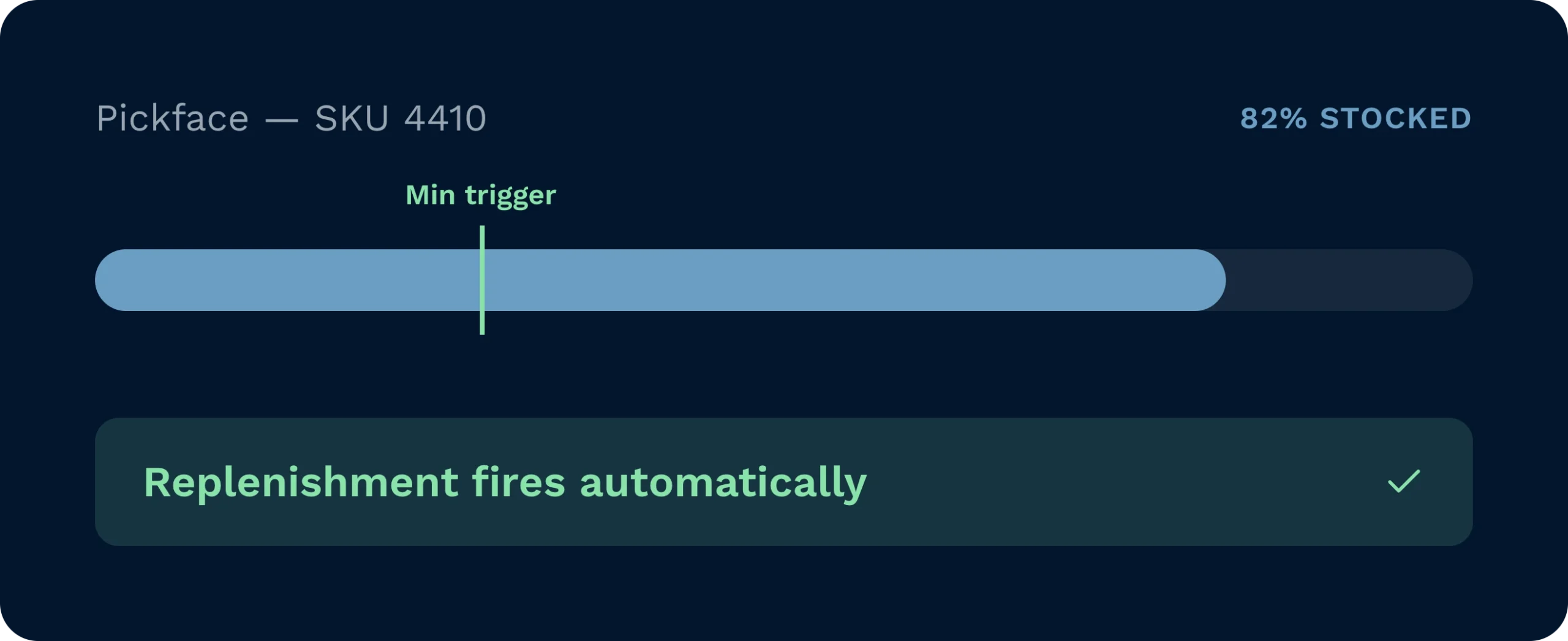
Replenishment tasks fire automatically at the minimum trigger, so pickers are directed to stocked locations every time, with no manual checks needed.
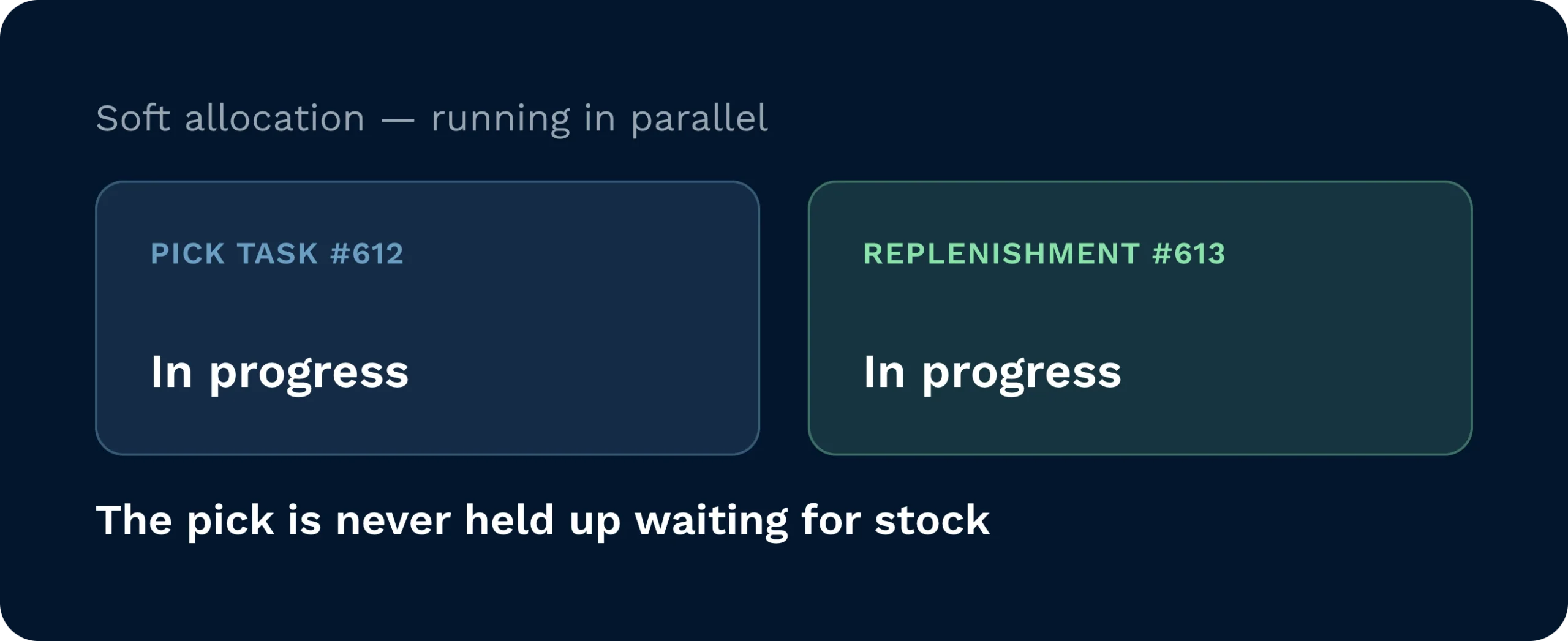
Soft allocation means pick tasks and replenishment tasks run in parallel, so no pick is ever held up waiting for stock to arrive at the pickface.
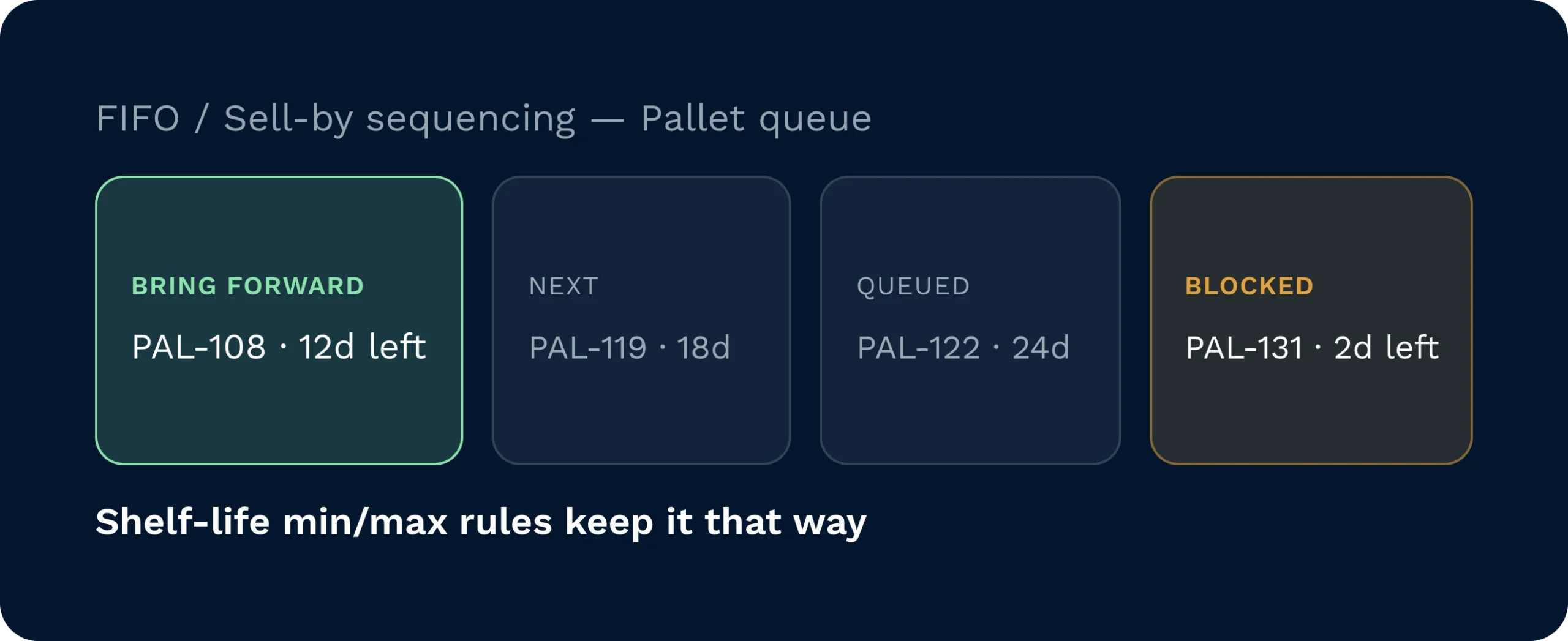
FIFO and Sell By Date selection rules ensure the correct pallet is always brought forward, with shelf life min/max rules blocking unpickable stock from entering the pickface.
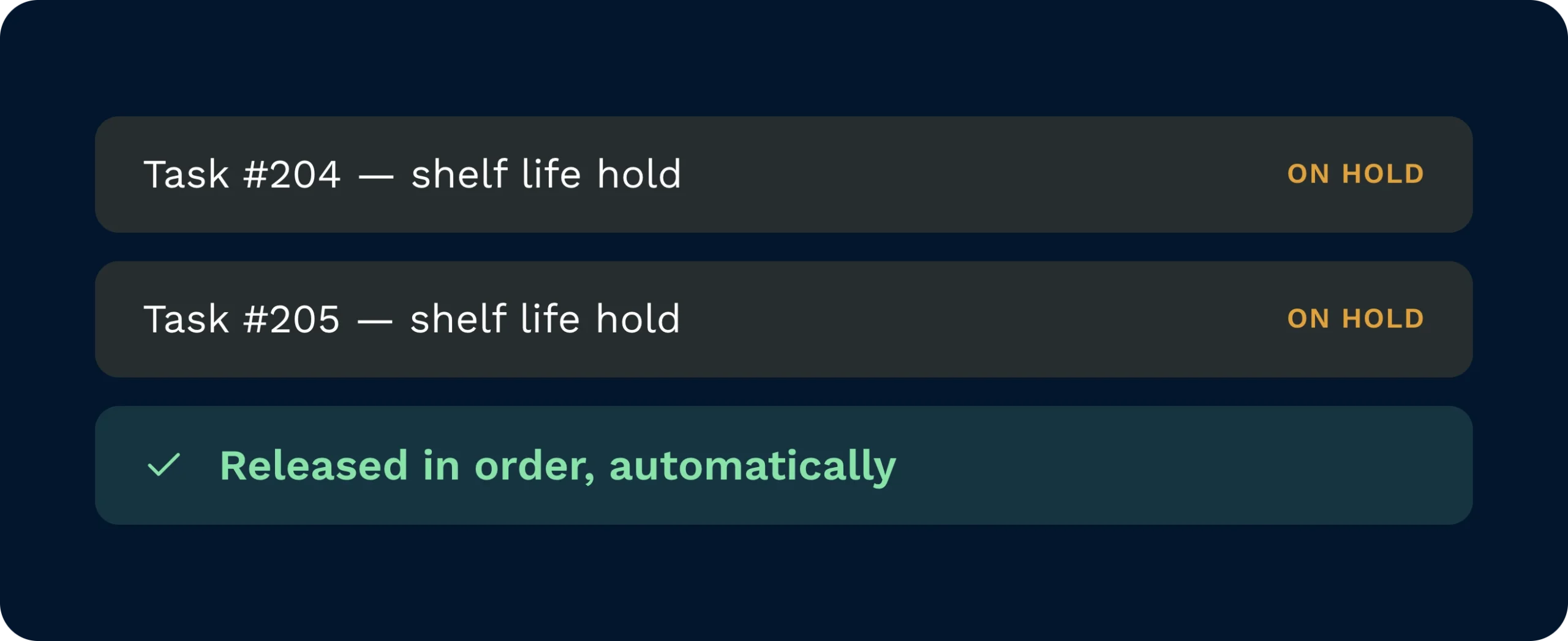
Pick tasks placed on hold due to shelf life requirements are released automatically in order once qualifying replenishment stock arrives at the pickface.
Continuous Replenishment monitors configured pickfaces in real time and generates a replenishment task automatically the moment stock reaches the minimum trigger. Stock is soft-allocated, so pick tasks are never blocked while replenishment is in progress. Operatives receive clear HHD guidance covering source location, destination, and quantity, with no manual coordination required from supervisors.

Set minimum and maximum quantities once per pickface and the system monitors levels, generates tasks, and releases held picks automatically throughout every shift.

Replenishment tasks appear on the HHD with source location, destination, and quantity clearly displayed, removing any guesswork from moving stock forward.

Configure FIFO or Sell By Date pick rules and shelf life min/max per product to keep each customer’s pickface stocked with only compliant, pickable stock.
Continuous Replenishment is controlled by the Continuous Pickfaces feature flag, which is enabled per customer subdomain by the Clarus team. Once enabled, pickfaces are configured individually with minimum trigger quantity, maximum quantity, pick rule, and Full Storage Units Only setting via the pickface panel in the WMS.
Yes. Multiple continuous pickfaces can be configured per product. Replenishment tasks are assigned in the priority order defined on the pickface panel, so pick volume is distributed across locations in a controlled sequence.
The pick rule set on the pickface controls stock selection. FIFO selects the oldest received pallet first; Sell By Date selects the pallet with the shortest remaining shelf life within the product’s configured shelf life min/max range. Only stock meeting those shelf life requirements is eligible for replenishment.
The pick task is placed On Hold automatically. Once qualifying replenishment stock arrives at the pickface and is confirmed, Clarus checks all held tasks and releases them in the order they were placed on hold, oldest first.
No. Stock is soft-allocated to the pickface, so pick tasks are directed to that location regardless of whether a replenishment task is still being completed. Picks and replenishments run in parallel without blocking each other.
When set to Yes, the system will only generate a replenishment task that moves a complete pallet or storage unit. When set to No, the system will top the pickface up to the maximum quantity regardless of whether that requires a partial quantity. This setting is typically used where racking space or handling constraints make partial moves impractical.
Fortfarande osäker? Se hur Clarus hanterar det på fyra minuter mottagning, plockning och utleverans. Du kommer att se varför våra kunder säger ”ja” till nya avtal.