New dashboards meant technical setup or a wait for IT
Report queries, reports and widgets sat as separate screens
A quick question meant building a chart by hand
Role-specific views meant sifting through irrelevant data
Describe a metric in plain English and the AI builds the widget
See a preview of the live data before anything is added
Widgets follow your date, warehouse and account filters
Rename it by asking, or drag and resize it yourself
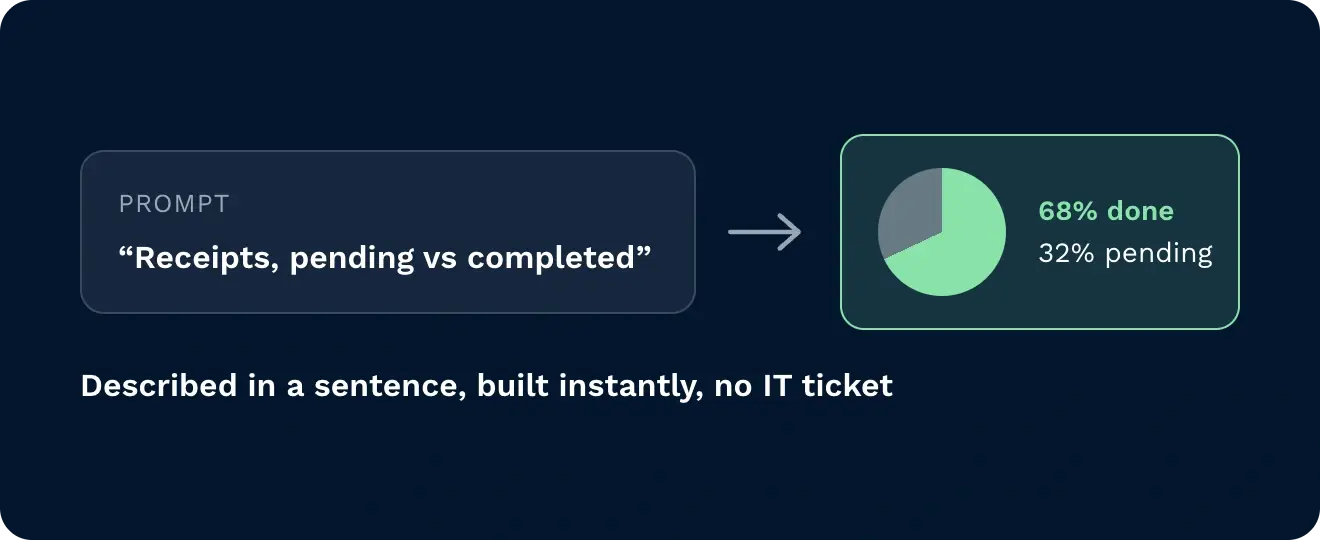
Describe the metric you need and the AI builds it instantly, no manual setup or waiting on IT. A simple prompt turns receipts into a pending-versus-completed pie chart, or picks into a bar chart sorted by who’s busiest.
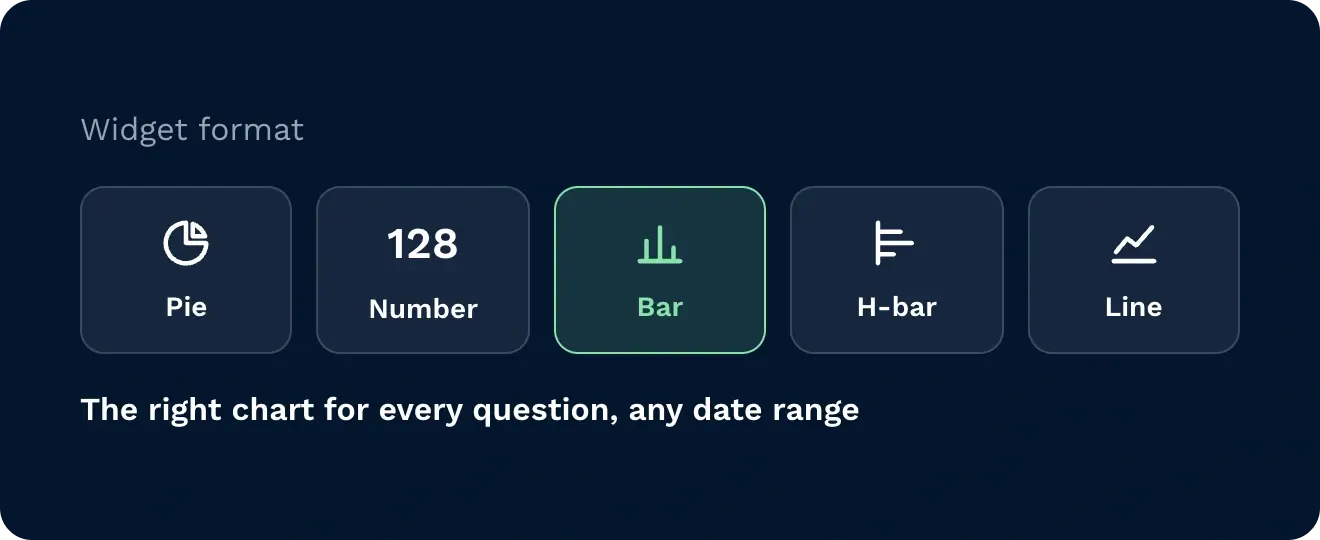
Not every metric needs the same chart. Ask for a pie, a single number, a bar or horizontal bar, or a line chart, from receipts by status to goods in received per day across the date range you pick.
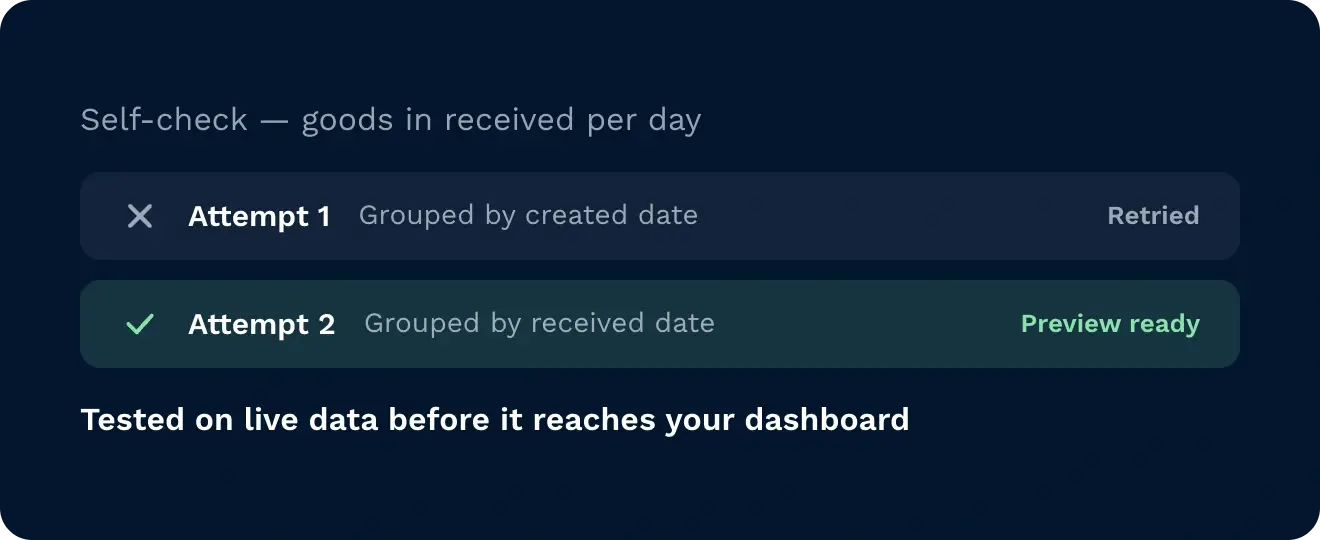
The AI tests its query and shows you a preview of the live data before a widget lands. If an attempt fails, it tries another way, for example grouping by a different date field, until the result matches what you asked for.
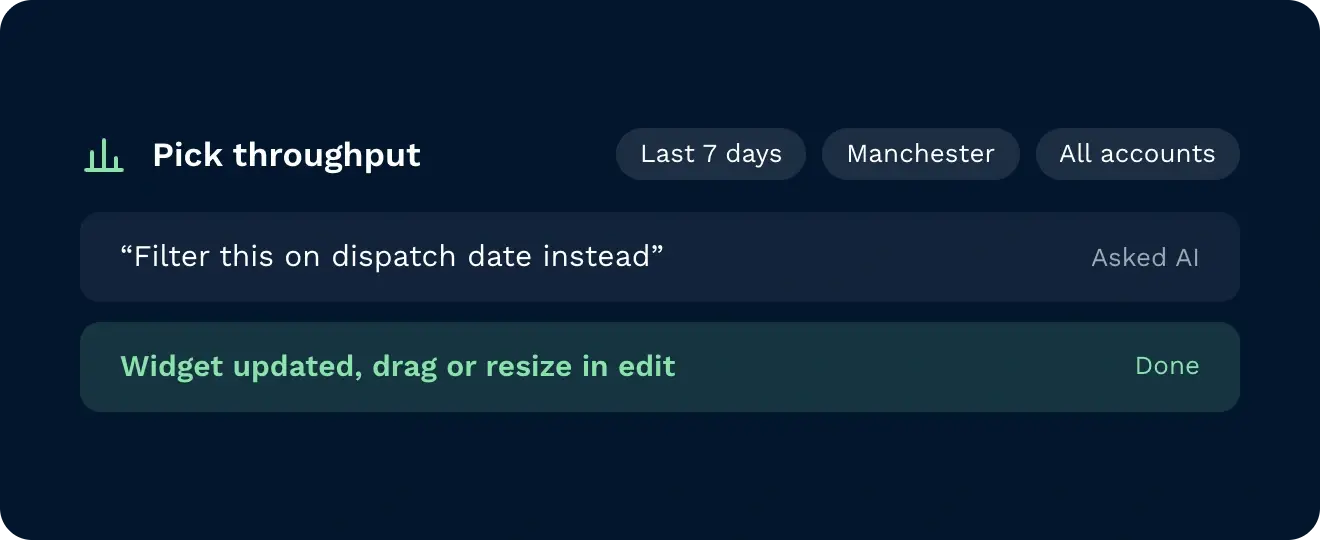
Every widget follows the dashboard filters for date, warehouse and account. Ask the AI to rename a widget or change which date it filters on, or press edit to drag and resize it.
When you need a number, you can’t afford to wait on a report request. Bespoke dashboards, built using AI, surface the answer in seconds, so a status breakdown becomes a pie chart, a completed order count becomes a metric, and picking performance becomes a bar chart sorted by who’s busiest. Ask for a trend and goods inbound becomes a line chart across the date range you choose. Filter by warehouse and date, then rename, resize, or move any widget in seconds. Bespoke dashboards remove the wait so you focus on stock, orders, and labour where it matters most.

See status across receipts, orders, and picking without waiting for someone to build it. Ask for a breakdown, a count, or a trend and the dashboard updates in seconds, filterable by warehouse and date.

Track who’s busiest on the pick, and spot a stall before the shift falls behind. Ask for pick tasks by user and get a bar chart sorted by volume, updated live. Filter by warehouse without switching screens.

Track completed orders and receipt status without building a report from scratch. Ask for a count of completed orders or a trend of goods received by day. No manual query, no waiting on IT.
You describe what you want to see, and it gets built. There’s no query builder, no chart configuration, no picking a data source by hand. You type a plain-language request and a working widget lands on your dashboard.
If you can describe the metric, you can build the widget. No SQL, no filters to configure manually. Ask for receipts by status, a count of completed orders, or pick tasks by user, and the AI works out how to show it.
It picks the right format for the question, not just charts. A status breakdown becomes a pie chart, a ranked comparison becomes a bar chart, a trend over time becomes a line chart, and a simple total becomes a single number.
It checks its own work before the widget goes live. If an initial attempt at grouping the data doesn’t match what you asked for, the AI corrects the query itself so what lands on the dashboard is right.
Nothing about it is fixed once it’s on the dashboard. Widgets can be renamed, resized, or moved, and the dashboard stays filterable by date range and warehouse after creation.
Yes. Build as many as you need, for example an operations overview for one person and a picking view for another.
Yes. Widgets follow the dashboard’s date, warehouse and account filters, and you can ask the AI to filter on a different date field.
Still on the fence? Spend four minutes watching Clarus handle goods?in, picking and dispatch. You’ll see why our customers keep saying?”yes” to new contracts.