

Getting help meant moving between the WMS, a support portal and email
Live chat was the only way to talk to the team in the app
Complicated questions went back and forth for hours
Ideas went in and you rarely heard what happened to them
An always-on support assistant uses AI to answer how-to questions from the Clarus documentation
Ask the team to join a live video call without leaving Clarus
The team aims to respond within 5 minutes in support hours
Upvote roadmap ideas and get an email when they move forward and when they’re released
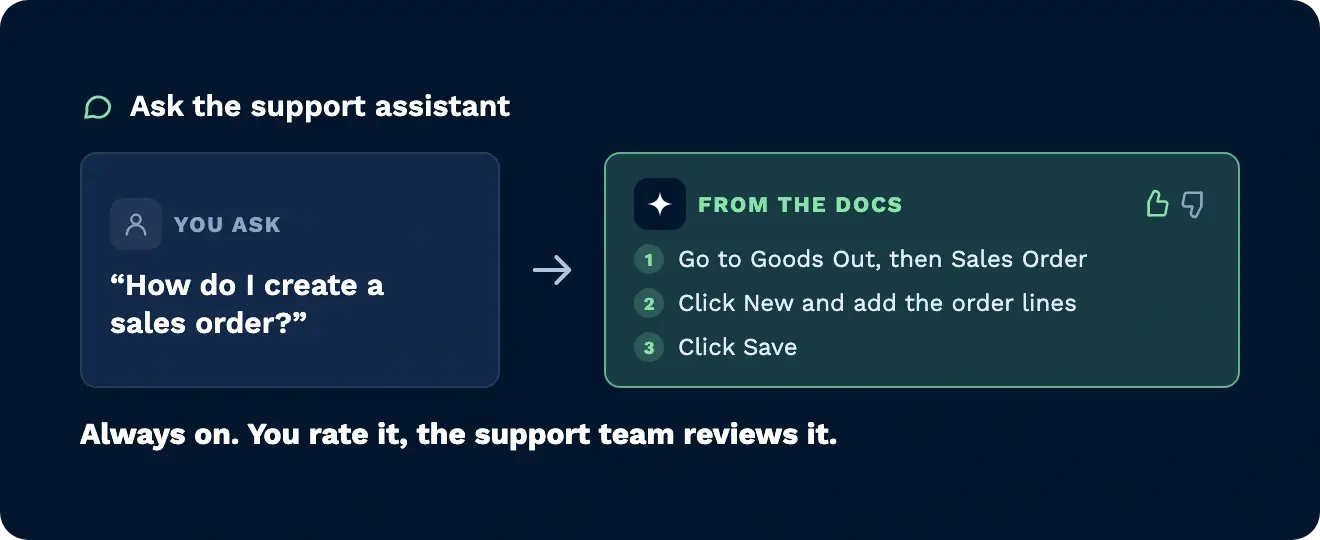
The support assistant is always on and works from the Clarus documentation. Rate each answer good or bad, and the support team reviews the bad ones to keep improving it.
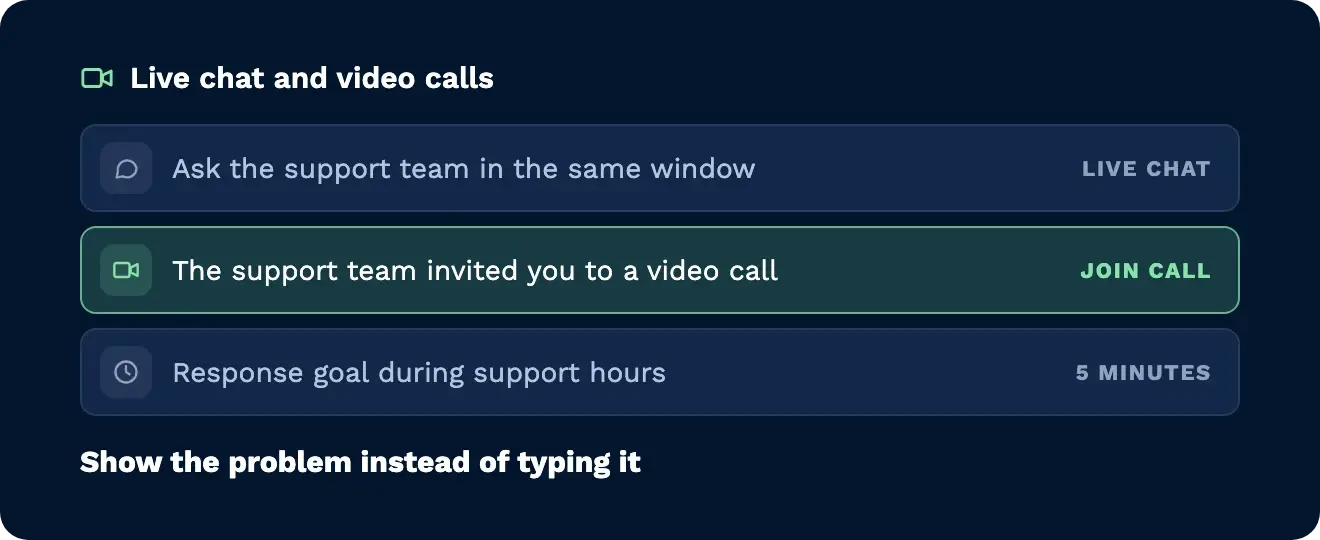
Some problems are quicker to show than describe. Ask in the chat and a team member invites you to a live video call inside Clarus. The team aims to respond within 5 minutes during support hours.
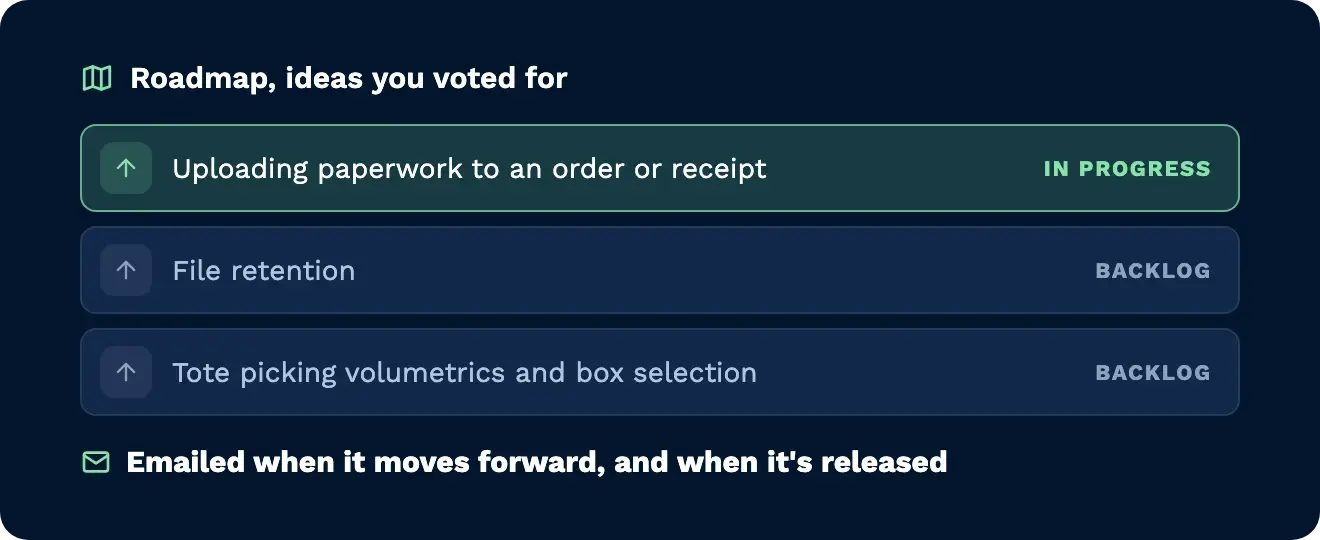
Open the roadmap tab to read ideas from other customers and the Clarus team. Upvote the ones you want and you’ll get an email when an idea moves into active work, and again when it’s released.
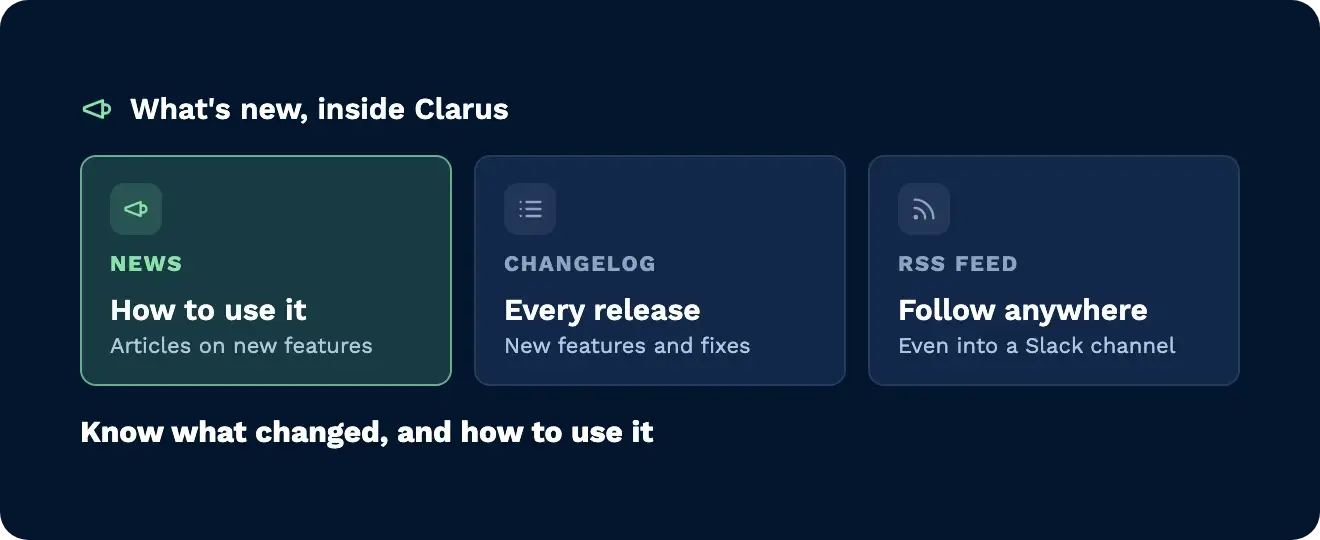
News articles explain new features and how to use them. The changelog lists every release, in the app or by RSS feed, and the product and API documentation now go into more detail.
Support lives where it always has, in the bubble at the bottom right of Clarus. Ask the support assistant how to create a sales order and it answers from the documentation in plain steps. If the answer isn’t documented, ask the team. Need to show someone the problem? Ask for a call, click join, and you’re talking face to face in seconds.

Stuck on a process mid-shift? Ask the support assistant and get the steps from the documentation straight away, or bring the team in on a video call.

Got a setup question that’s hard to put in a message? Share it face to face on a live call with the support team instead of a long email thread.

Want a say in where the system goes next? Vote on roadmap ideas and get emailed as they progress and ship, and follow every release in the changelog.
In the support bubble at the bottom right of the screen, where it has always been. The support assistant, chat, video calls, roadmap and news are all in there.
How-to questions covered by the Clarus documentation, such as how to create a sales order. If the answer isn’t in the documentation, ask the support team in the same window.
The support assistant is always on. The support team works UK business hours: Monday to Friday, 08:00 to 17:00.
The team aims to respond within 5 minutes during support hours. Contracted response times depend on the priority of the issue and your support tier.
Ask in the chat for someone to join a call. A team member invites you, you click join, and the call opens inside Clarus.
You get an email when the idea moves from the backlog into active work, and another when it’s released.
Read the News section in the app, or follow the changelog in the app or through its RSS feed, which can also post new releases into a Slack channel.
Nog steeds niet zeker? Bekijk vier minuten hoe Clarus omgaat met goederen, picken en verzenden. Je zult zien waarom onze klanten zeggen steeds ”ja” tegen nieuwe contracten.