Every new system needed its own costly, one-off connector
Teams waited on analysts for reports instead of live data
Custom integrations required between WMS, ERP, TMS and BI tools
Integration choices locked you into one AI platform
Configure the mapping once, reuse it across finance, transport and BI
Ask questions and get live answers back
AI agents query and act with permissions enforced automatically
Works with Claude, ChatGPT or proprietary tools, not locked to one provider
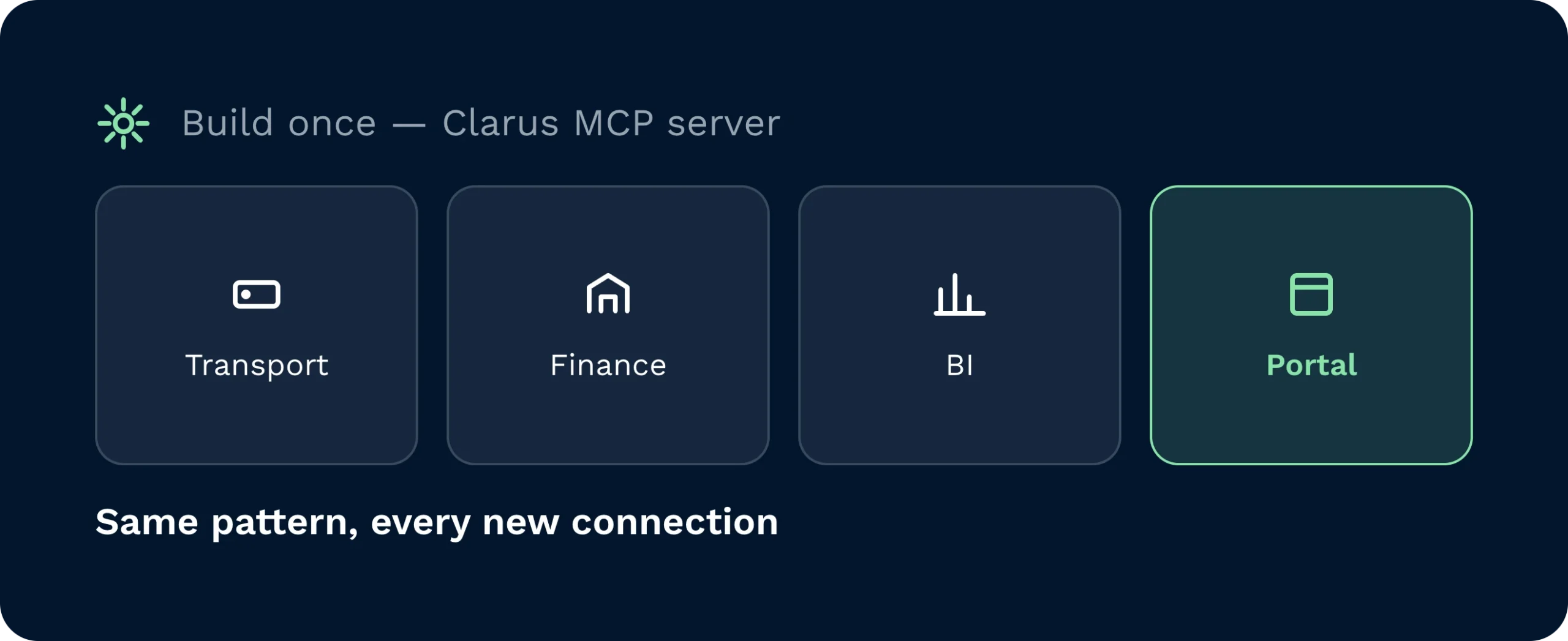
Expose Clarus capabilities once through the MCP server, then connect transport, finance, BI and portal tools using the same repeatable pattern.
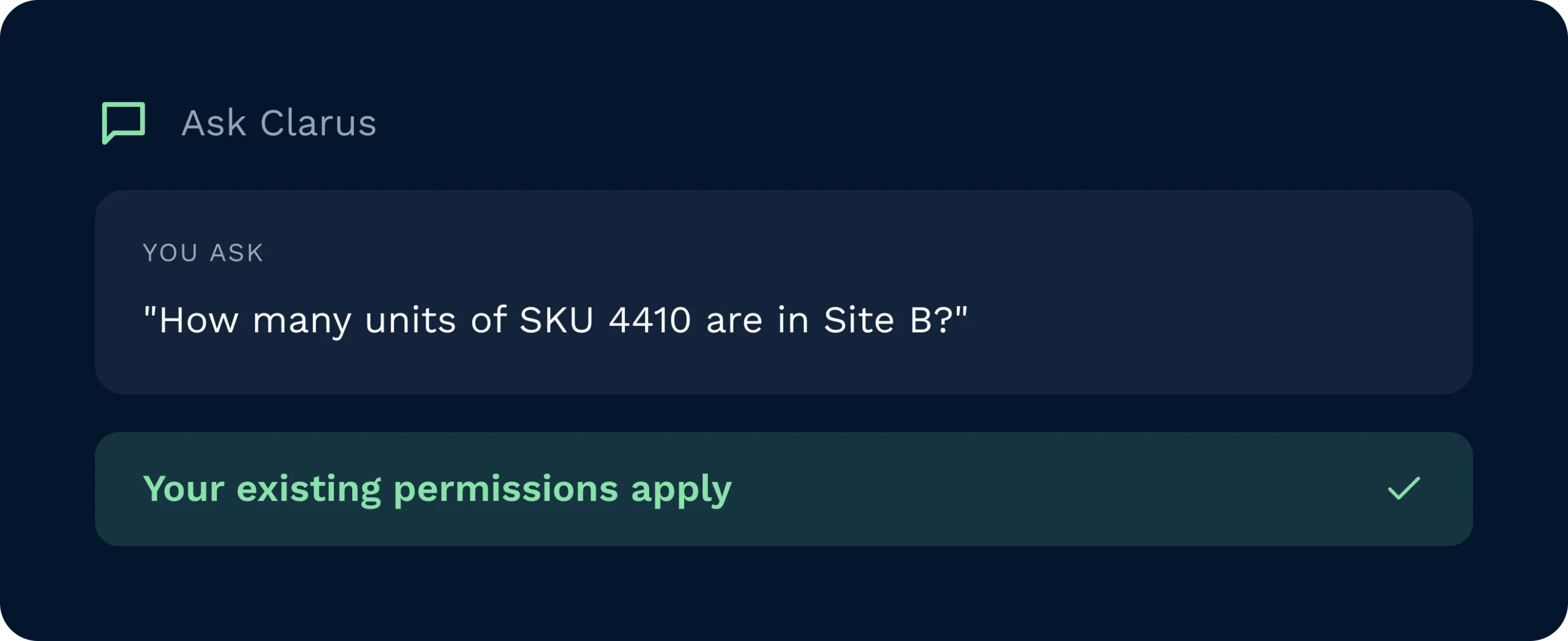
Ask a plain-English question and get a live answer from Clarus, with the same permissions your team already has enforced automatically.
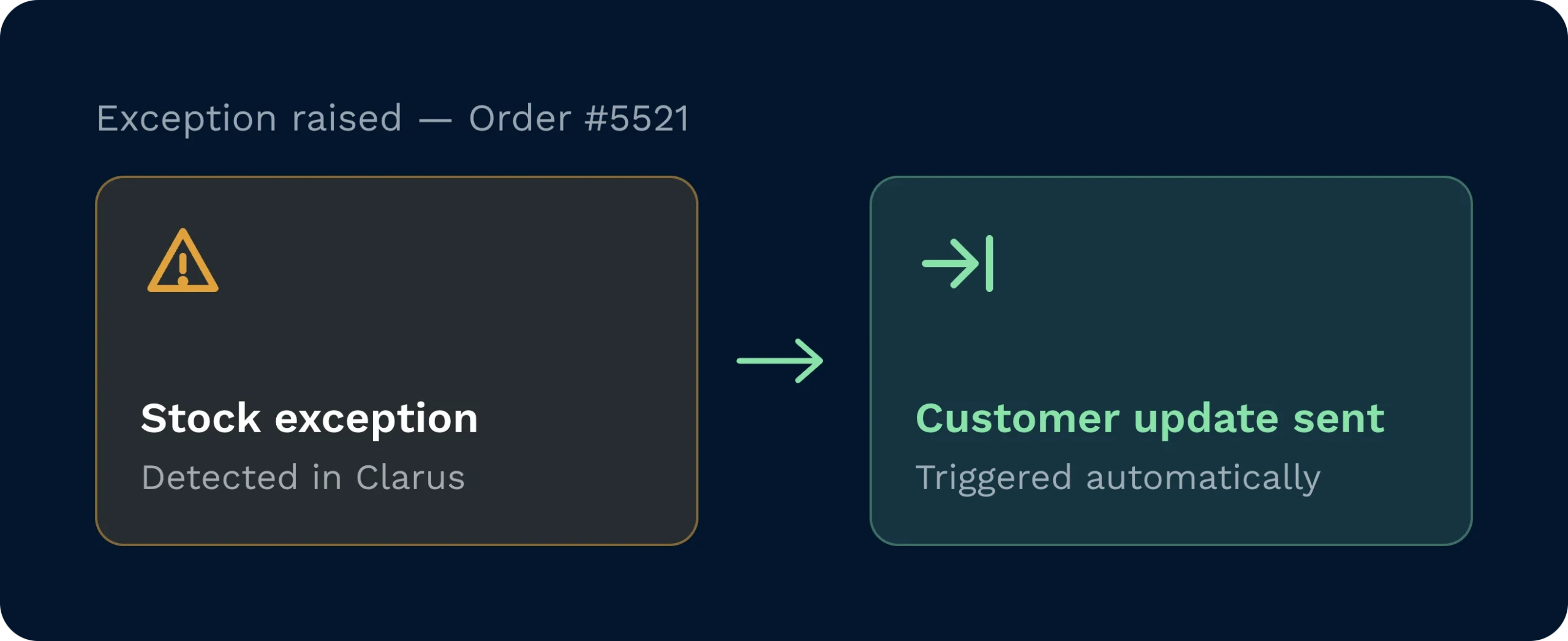
Trigger actions in other systems the moment something changes in Clarus, from an exception alert to a customer update.
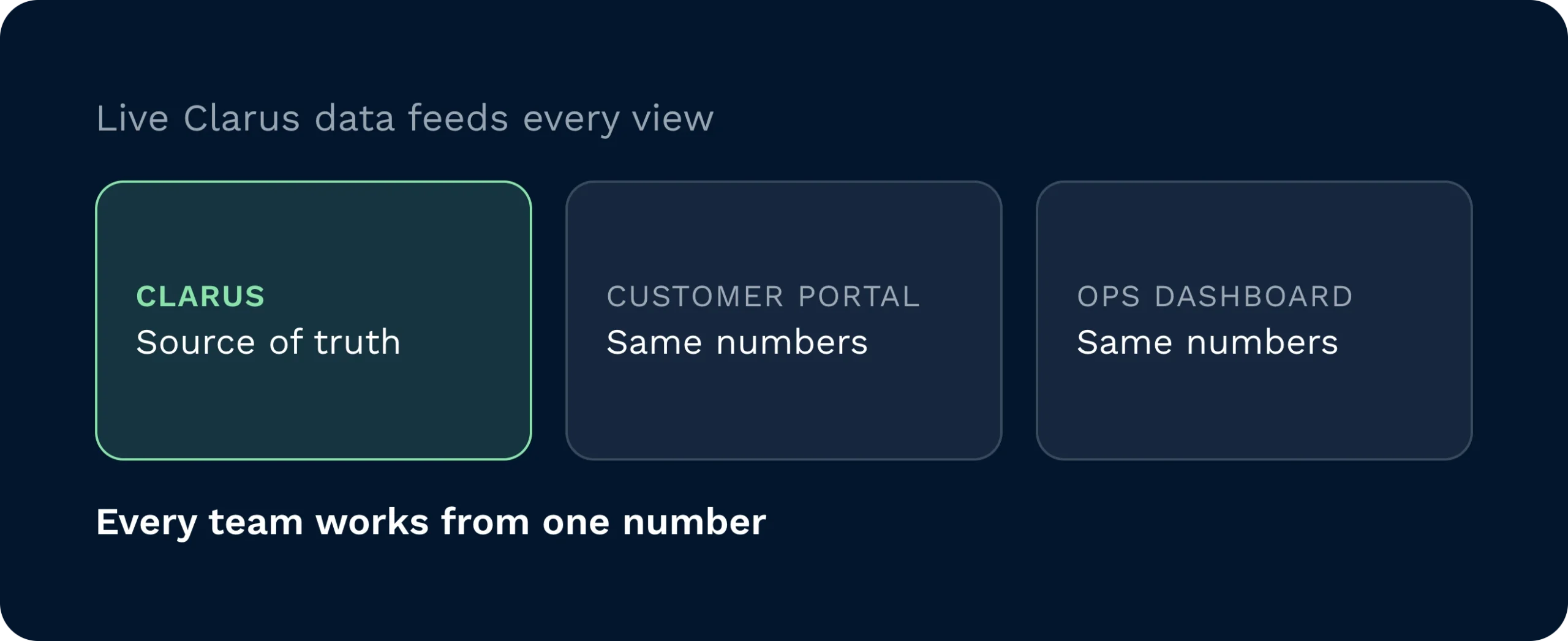
Feed live Clarus data into customer portals and dashboards automatically, so every team works from the same numbers.
Clarus MCP Server gives AI assistants such as Claude and ChatGPT, alongside your own tools, a standard way to read and act across your software suite, not just inside Clarus WMS. Instead of building bespoke connectors for every finance, TMS or BI tool, you configure the mapping once and reuse it everywhere. Approved tools and agents work within the permissions you set.

Operations Managers get instant answers on exceptions and SLAs straight from Clarus, without waiting on an analyst to pull a report.

Customer Service teams pull order status and ETA updates in seconds, then push the answer to email or CRM automatically.

IT and Integration leads replace one-off connectors with a single MCP interface, so new systems plug into Clarus the same way every time.
It is a standard interface that sits between Clarus WMS and the rest of your software stack, using the Model Context Protocol so AI tools and other systems can read Clarus data and trigger actions through one consistent layer instead of custom, one-off connectors.
Clarus MCP Server works with Claude, ChatGPT and any other MCP-compatible AI assistant, as well as your own internal tools and agents, so you are not locked into a single AI provider.
MCP does not replace your ERP, TMS or BI tools. It gives them, and any AI agents you use, a standard way to reach Clarus data and processes, so you keep your existing stack and cut the custom integration work needed to connect it to Clarus.
Yes. Once MCP is connected, approved users and AI agents such as Claude or ChatGPT can ask questions in plain English, such as which orders are at risk of missing SLA, and get a live answer pulled directly from Clarus.
MCP servers are part of a wider push to connect our AI assistant across a customer’s entire software suite, bridging Clarus WMS with finance and HR systems, alongside specialised AI agents for specific jobs and direct notifications through Slack, Teams and WhatsApp.
Configuration is done once per system you connect, using standard patterns rather than bespoke code for every integration. Your account manager can talk you through what is needed for your specific stack.
Talk to your Clarus account manager to confirm what is enabled for your organisation and what it would take to connect your first system.
Fortsatt usikker? Bruk fire minutter på å se Clarus håndtere varemottak, plukking og utsending. Du vil se hvorfor våre kunder sier stadig vekk ”ja” til nye kontrakter.