Rental charges scaling by volume were calculated by hand each month
Large, efficient picks earned no discount on the per-unit rate
Tiered pricing agreements lived in spreadsheets
Manual tracking led to invoice delays and billing errors
Quantity tier bands set on the charge card, flat-tier or cumulative
Rental charges calculate automatically from the snapshot at window end
Picking charges apply the right rate the moment an order dispatches
Every charge line shows tier, quantity, price and method, ready to invoice
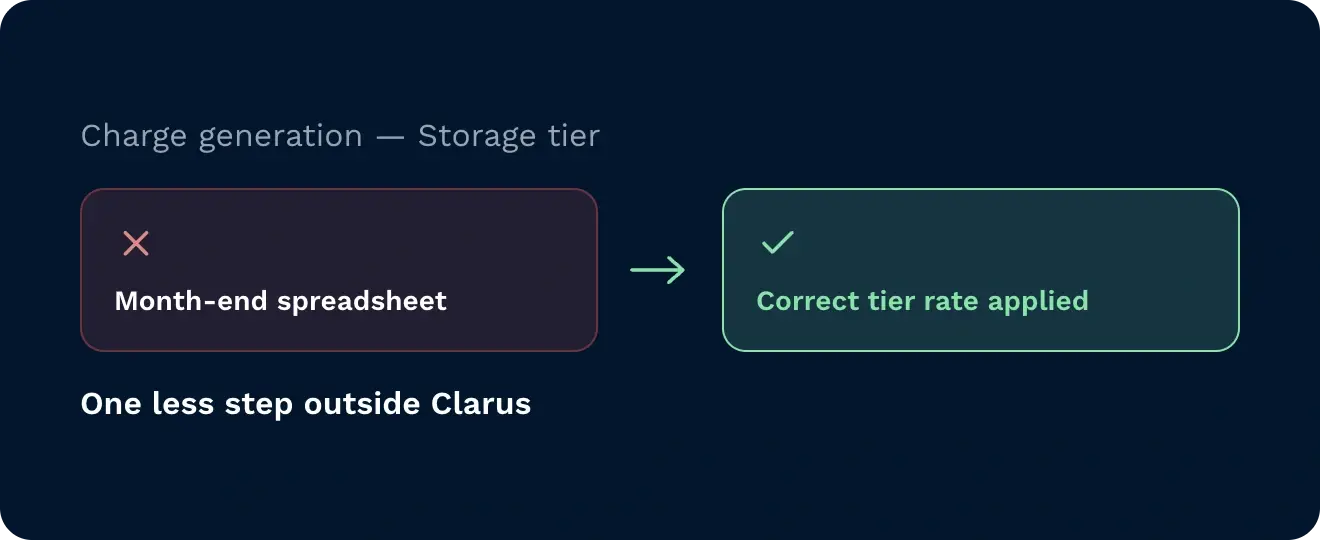
The system applies the correct tier rate at charge generation, removing the end-of-month spreadsheet step that previously sat outside Clarus.
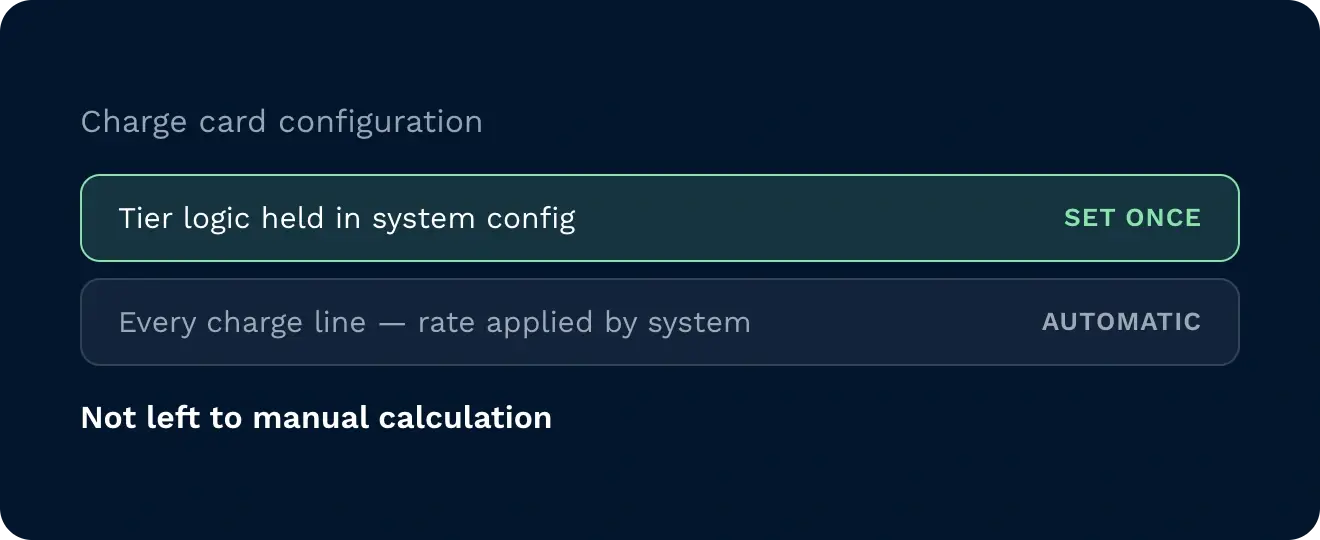
Tier logic is held in the charge card configuration, so the rate applied to each charge line is determined by the system, not by manual calculation.
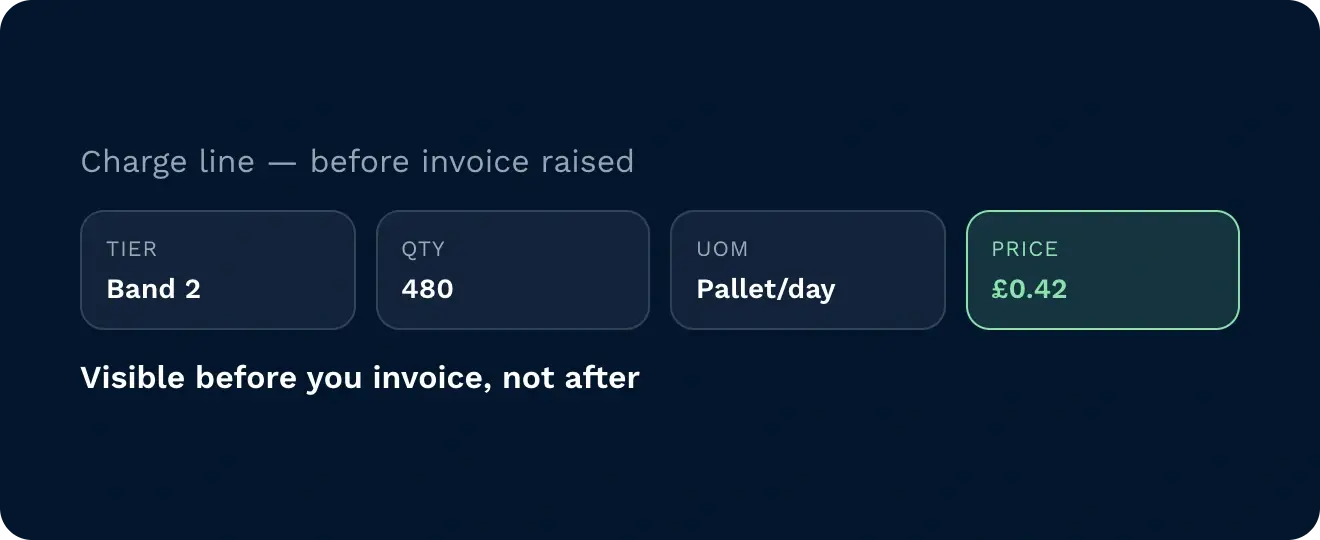
Every generated charge line shows the tier description, billed quantity, unit of measure, price and pricing method before the invoice is raised.
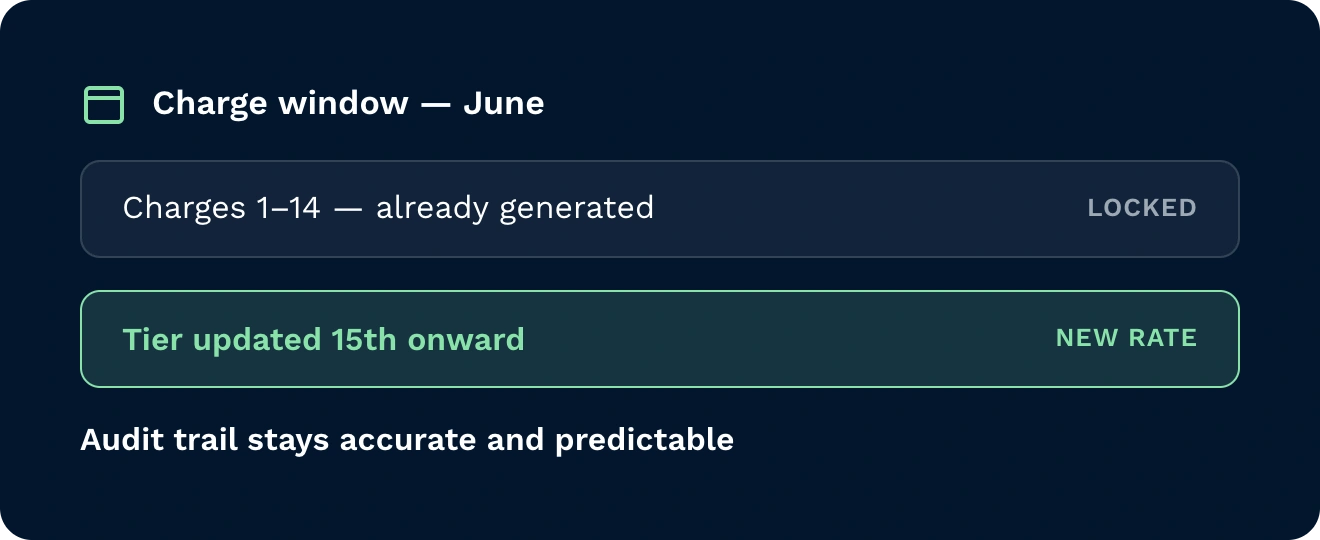
If tier configuration changes during a charge window, charges already generated are not recalculated, so the audit trail remains accurate and predictable.
On each rental charge card, you configure non-overlapping, sequential quantity bands, each with its own per-unit rate, and select either flat-tier or cumulative as the calculation method. When charges are generated, the system finds the applicable tier for the rental quantity in the charge window and builds the correct charge lines automatically. Each line displays the tier description, billed quantity, unit of measure, price and pricing method so your billing team can validate before sending an invoice.

Charge lines are generated with the correct tier rate automatically, so billing managers no longer need spreadsheets to calculate tiered rental charges before invoicing.

Step pricing tiers are configured directly on the rental charge card in Clarus, keeping billing logic inside the system and visible to the whole operations team.

Volume-based rental agreements can now be reflected natively in Clarus, making it straightforward to offer and manage tiered pricing with each customer account.
Open the rental charge card in Clarus and configure non-overlapping, sequential quantity bands, each with its own per-unit rate. You then select either Flat-tier or Cumulative as the calculation method for that card. The upper bound on any tier can be left blank to apply that rate to all quantities above the lower bound.
No. You can set the lowest tier to start at any quantity. If a customer’s rental quantity at the end of the charge window falls below the lowest configured tier, no charge is created for that step pricing rule.
Flat-tier finds the single tier that matches the total rental quantity for the charge window and applies that tier’s rate to the entire quantity. Cumulative builds charges progressively using the standard rental charge logic, applying the rate for the tier reached at the point each individual charge is generated.
Charges already generated are not recalculated. The system uses whichever charge card configuration was active at the point each charge was generated, so earlier charges in the window remain as calculated and the audit trail is preserved.
Every generated charge line displays the tier description, billed quantity, unit of measure, price and pricing method. Billing teams can review all charge lines within Clarus before raising the invoice.
Yes. The initial Clarus step pricing release covers both rental and picking charge types, so both can be configured independently using the same tier-based approach on their respective charge cards.
Nog steeds niet zeker? Bekijk vier minuten hoe Clarus omgaat met goederen, picken en verzenden. Je zult zien waarom onze klanten zeggen steeds ”ja” tegen nieuwe contracten.