Replenishment only fires once stock drops below the minimum trigger
Pickers arrive at a location already short on stock
High-volume periods outpace the pickface before anyone notices
No way to see incoming pick demand before it hits the shelf
Replenishment triggers the moment pick tasks are created
Stock is already moving before a picker reaches the location
Multiple pick tasks in quick succession don’t duplicate replenishments
Configurable per pickface, full pallets or precise quantities
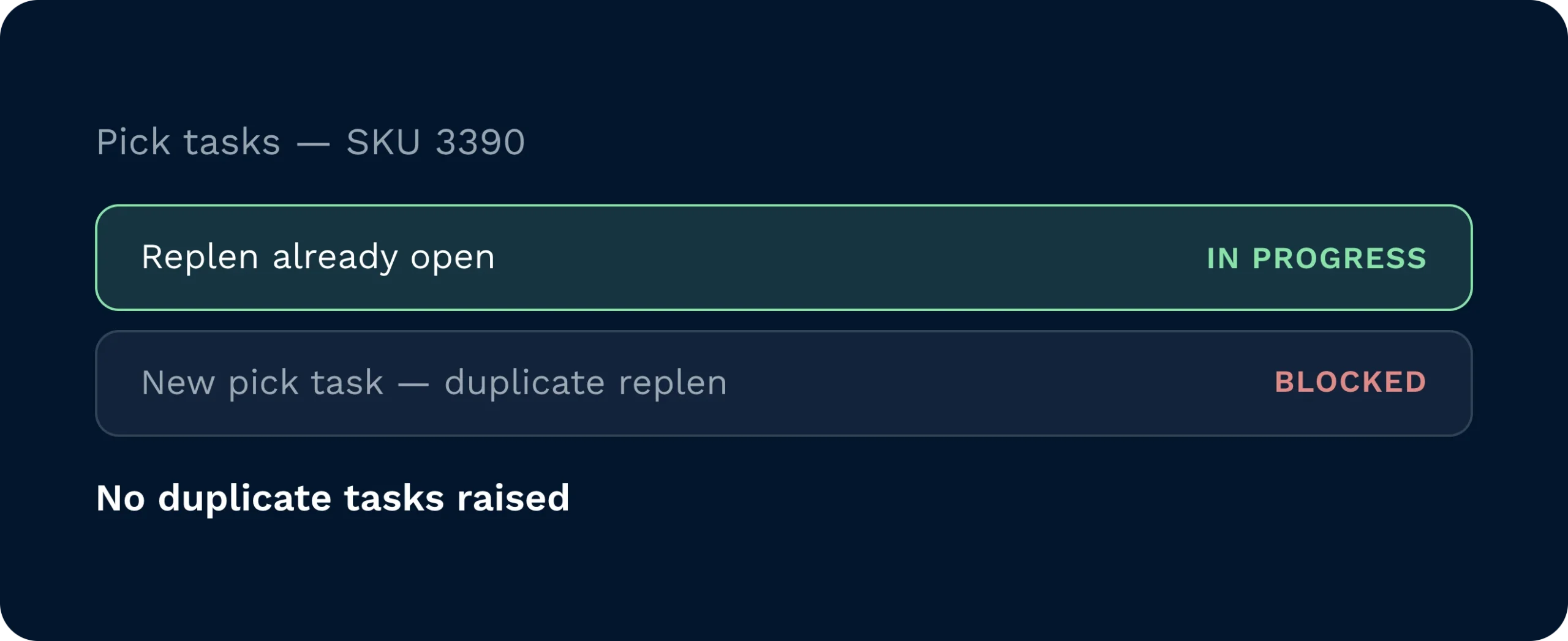
When multiple pick tasks are created in quick succession, Clarus accounts for open replenishments already in progress, preventing duplicate tasks from being raised.
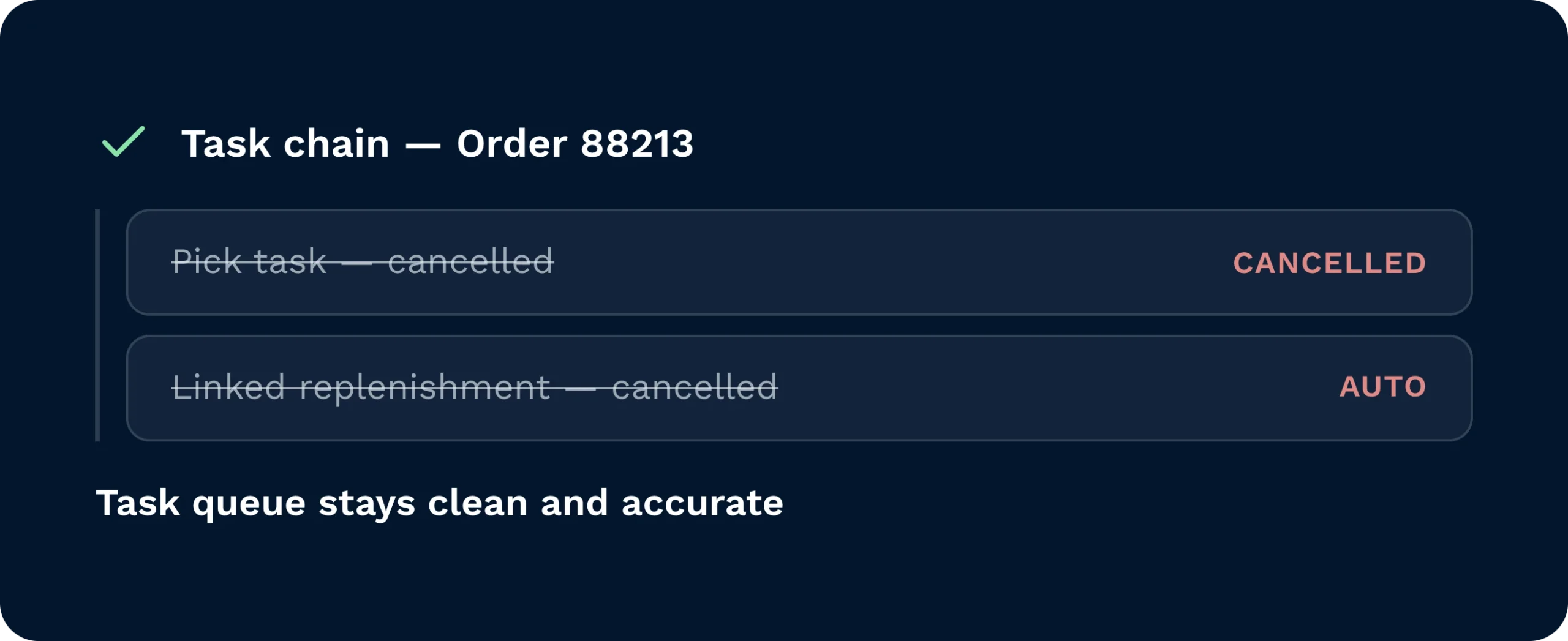
If the associated pick tasks are cancelled, their linked replenishment tasks are cancelled automatically, keeping the task queue clean and accurate.
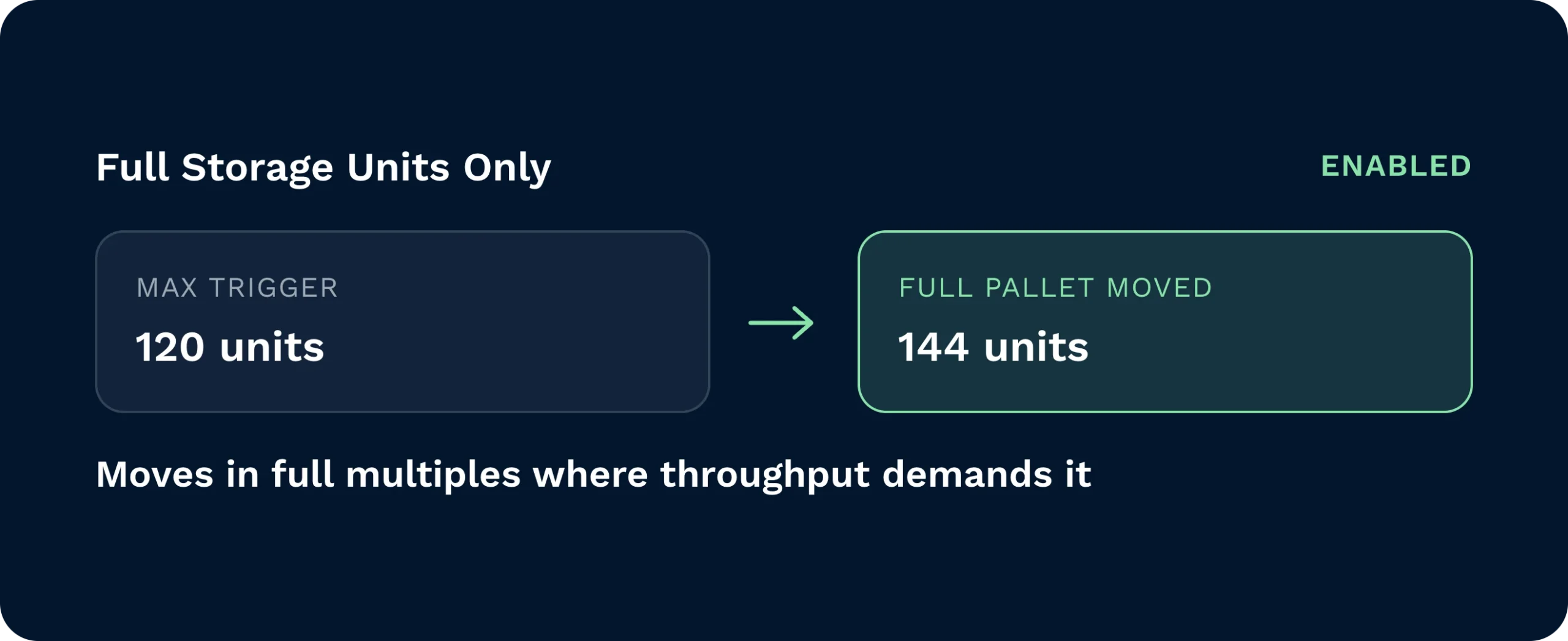
Enable Full Storage Units Only mode to move stock in full pallet multiples, which can exceed the max trigger where operational throughput demands it.
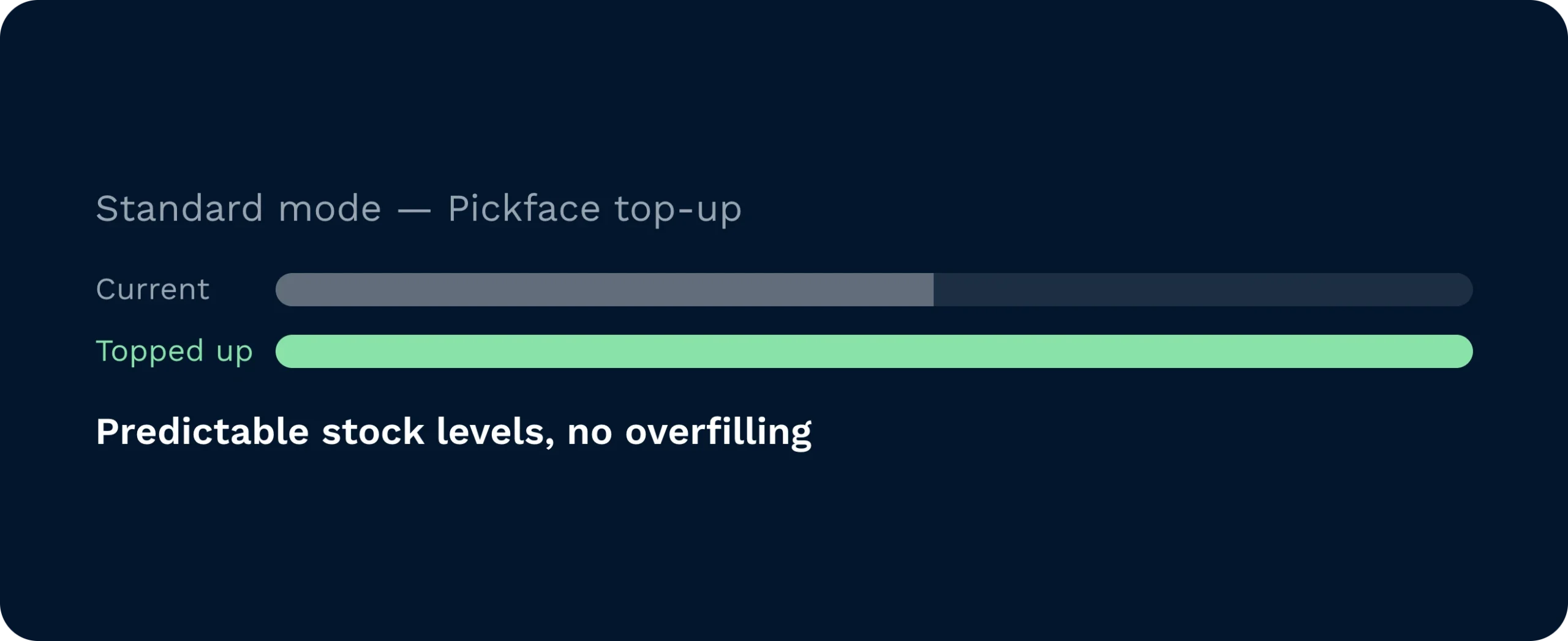
In standard mode, replenishment tops up exactly to the max trigger quantity, giving you predictable pickface stock levels without overfilling locations.
The moment a sales order is processed and pick tasks are raised, Clarus checks available pickface stock against total confirmed pick demand, including any replenishments already in progress. If the demand would take stock below the minimum trigger, a replenishment task is created automatically. No manual intervention, no waiting for a threshold breach.
Gain confidence that replenishment tasks are queued automatically at order processing, so pickface shortfalls are resolved before they affect pick performance.

Complete order volume replenishment tasks directly on your handheld device, with clear task instructions and no waiting for manual supervisor intervention.

Configure order volume replenishment per pickface location, mixing it with continuous or demand replenishment types to match each area of the operation.
It replaces the min-trigger-based replenishment for any pickface it is active on. You can configure it per location, so other pickfaces in the same warehouse can continue to use continuous or demand replenishment independently.
Continuous Pickfaces must be enabled on your Clarus account. Order Volume Replenishment is then configured at the individual pickface level, with min and max trigger quantities set per location.
Yes. Replenishment type is set per pickface, so you can use order volume replenishment for fast-moving ambient lines and demand replenishment for BBD-sensitive or perishable locations in the same warehouse.
Clarus checks for open replenishment tasks already in progress before creating a new one, so the same location will not receive duplicate replenishment tasks from concurrent order processing.
When Full Storage Units Only is enabled, the system moves complete pallets rather than topping up to a precise quantity, which means the resulting pickface stock may exceed the configured max trigger.
Order Volume Replenishment tasks use the standard Clarus HHD replenishment workflow, so any operative already familiar with continuous replenishment on handheld devices will be able to action these tasks without additional training.
Nog steeds niet zeker? Bekijk vier minuten hoe Clarus omgaat met goederenontvangst, picking en verzending. Je zult zien waarom Onze klanten zeggen steeds ”ja” tegen nieuwe contracten.