No existe un método sistemático para cotejar el stock físico con los registros del sistema
No hay constancia de cuándo se comprobó por última vez una ubicación o un producto, ni de quién lo hizo.
No existía ningún procedimiento formal para investigar o notificar las discrepancias
No hay nada que presentar a los clientes o a los auditores como prueba de la exactitud de las existencias
Comprobaciones de existencias programadas por establecimientos desde el ordenador, o creadas de forma masiva mediante un archivo CSV
Los operarios realizan el recuento en el HHD utilizando un flujo de recuento ciego guiado
Los resultados se recogen en una tabla de datos; se compara el recuento del sistema con el recuento físico
Las comprobaciones fallidas se resuelven con un código de motivo y, a continuación, se exportan para los clientes o los auditores.
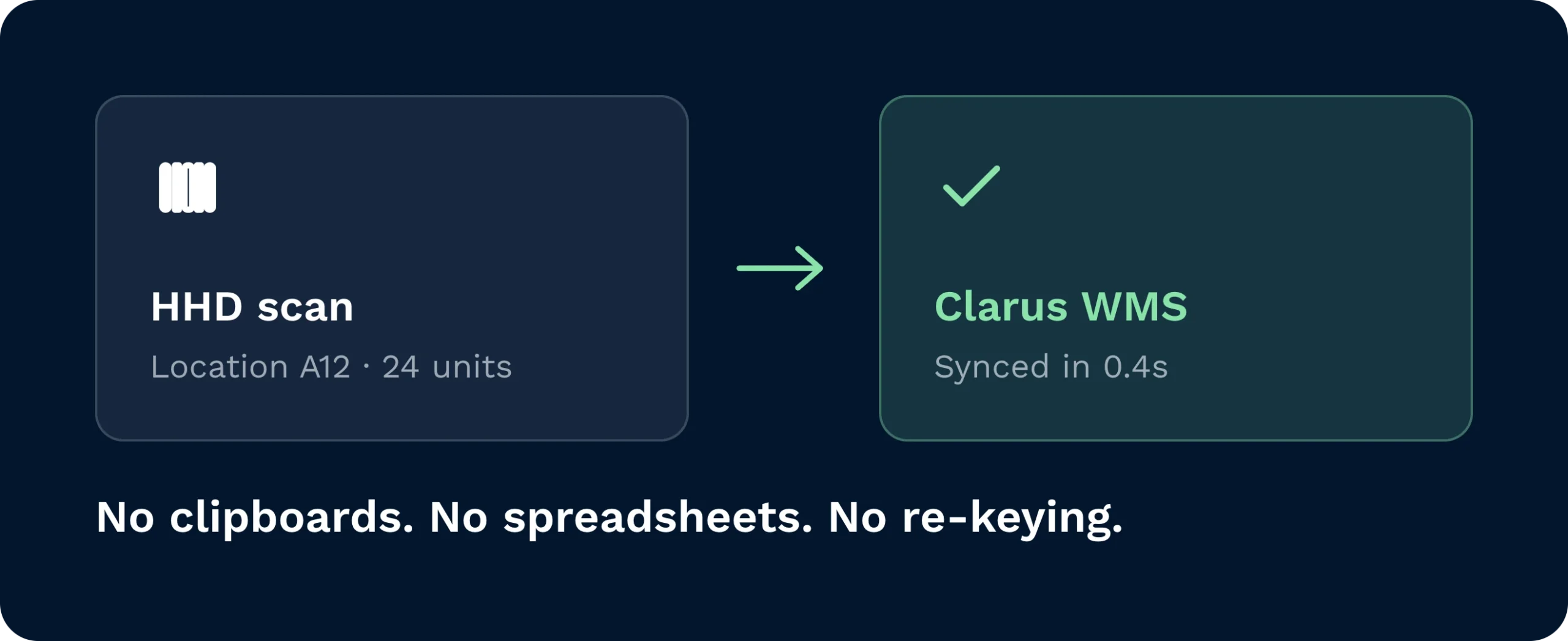
Cada recuento pasa automáticamente por el HHD y se transfiere a Clarus, lo que elimina por completo del proceso de inventario el uso de portapapeles, hojas de cálculo y la introducción manual de datos.
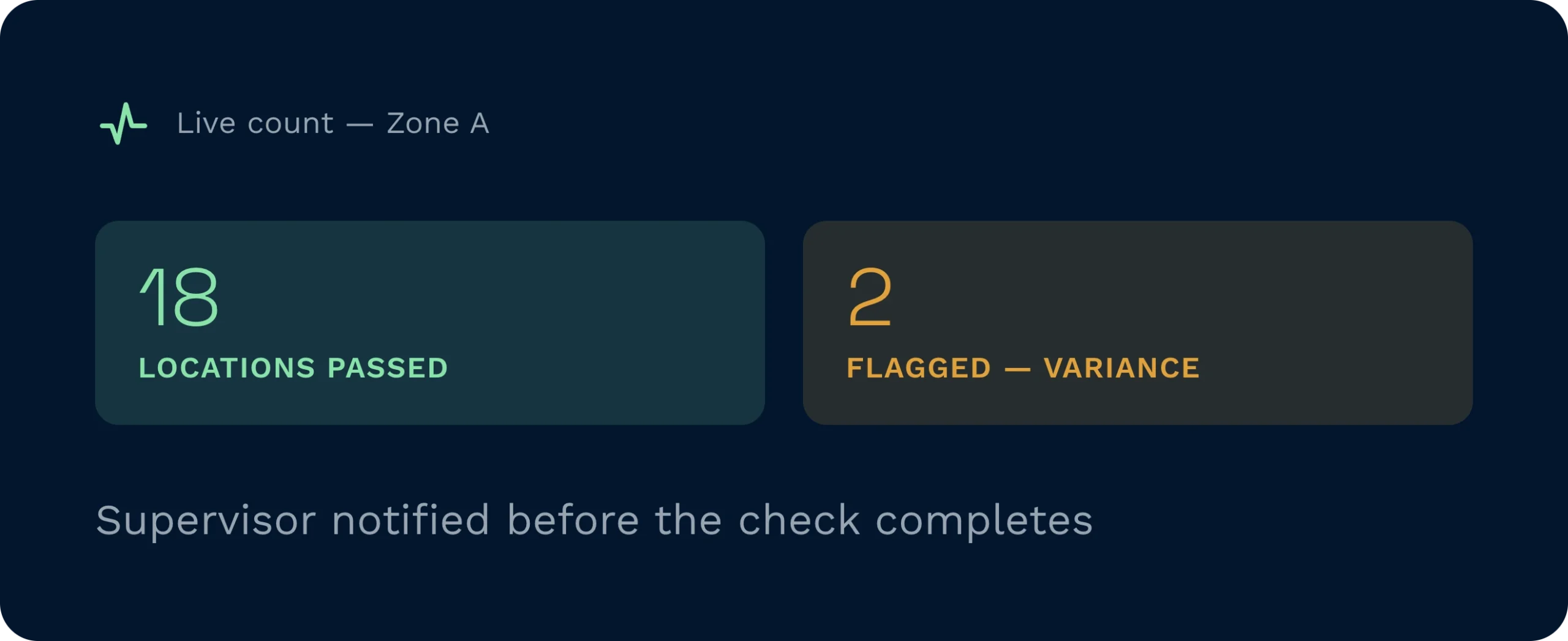
Los resultados de «aprobado/suspenso» aparecen en tiempo real a medida que los operadores realizan el recuento, de modo que los supervisores pueden tomar medidas ante cualquier desviación incluso antes de que se haya completado la comprobación.
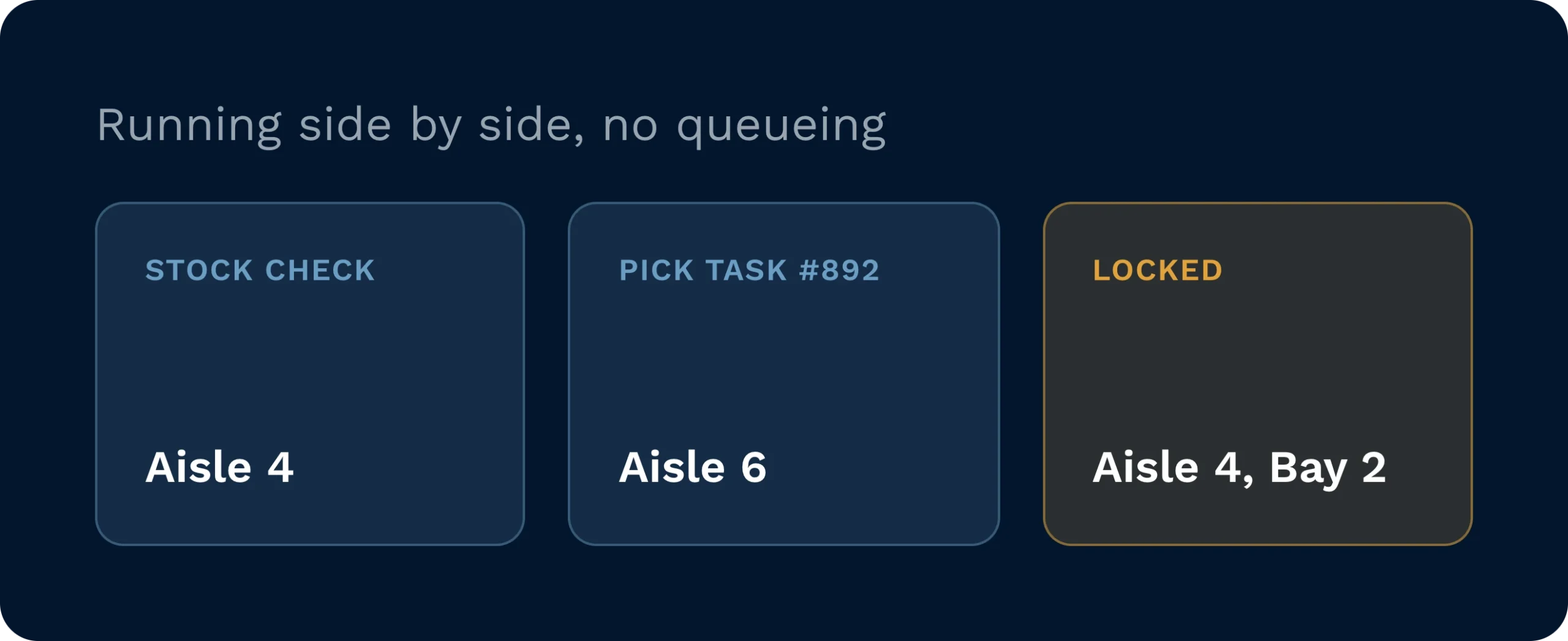
Las comprobaciones de existencias se realizan en paralelo con las operaciones de recogida, reposición y almacenamiento, y el bloqueo de ubicaciones solo se aplica cuando las tareas activas generan un conflicto real.
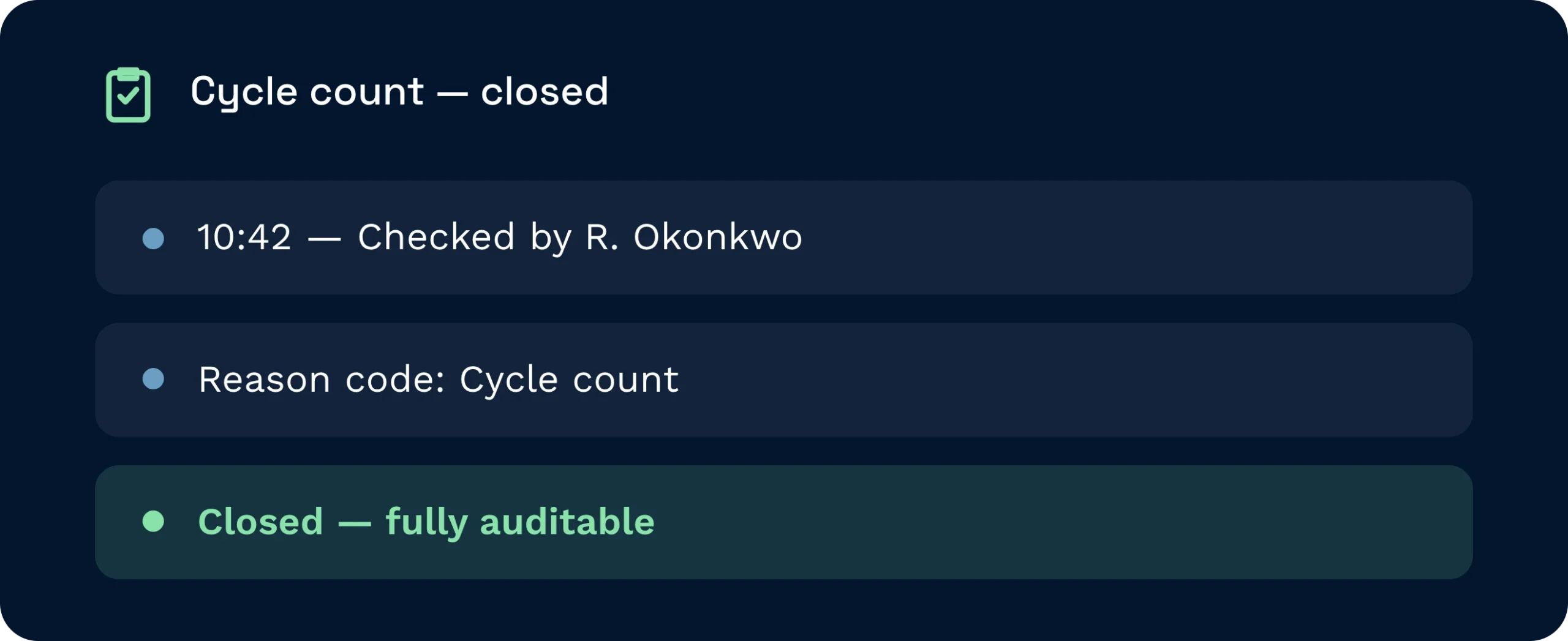
Cada comprobación lleva una marca de tiempo, se atribuye a un operador concreto y se cierra con un código de motivo, lo que te proporciona un registro de auditoría claro y verificable para fines de cumplimiento normativo o para la elaboración de informes para los clientes.
Crea un control de existencias en el ordenador, filtrando por cuenta, producto, ubicación o zona de almacén, y Clarus genera inmediatamente tareas y las envía a los operarios equipados con HHD. Los operarios escanean el código de barras de la ubicación para confirmar su posición, introducen las cantidades contadas y el sistema compara esas cifras con los registros en tiempo real. El estado de «aprobado» o «rechazado» se muestra en tiempo real a medida que se cuenta cada ubicación, sin necesidad de volver a introducir datos y sin retrasos.
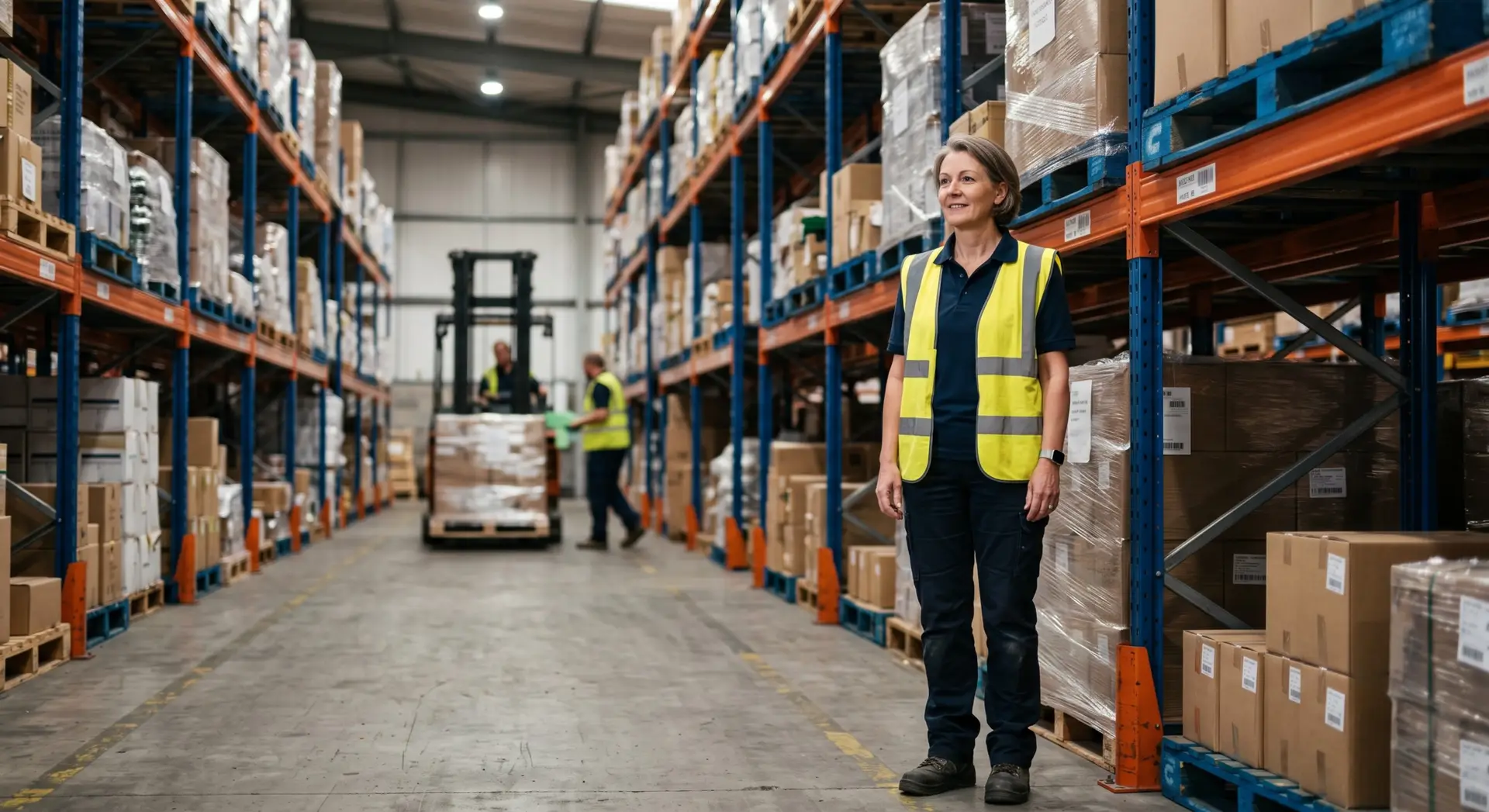
Crea comprobaciones específicas por ubicación, producto o cuenta, asígnalas a varios operadores a la vez y resuelve las discrepancias con códigos de motivo desde una única tabla de datos.
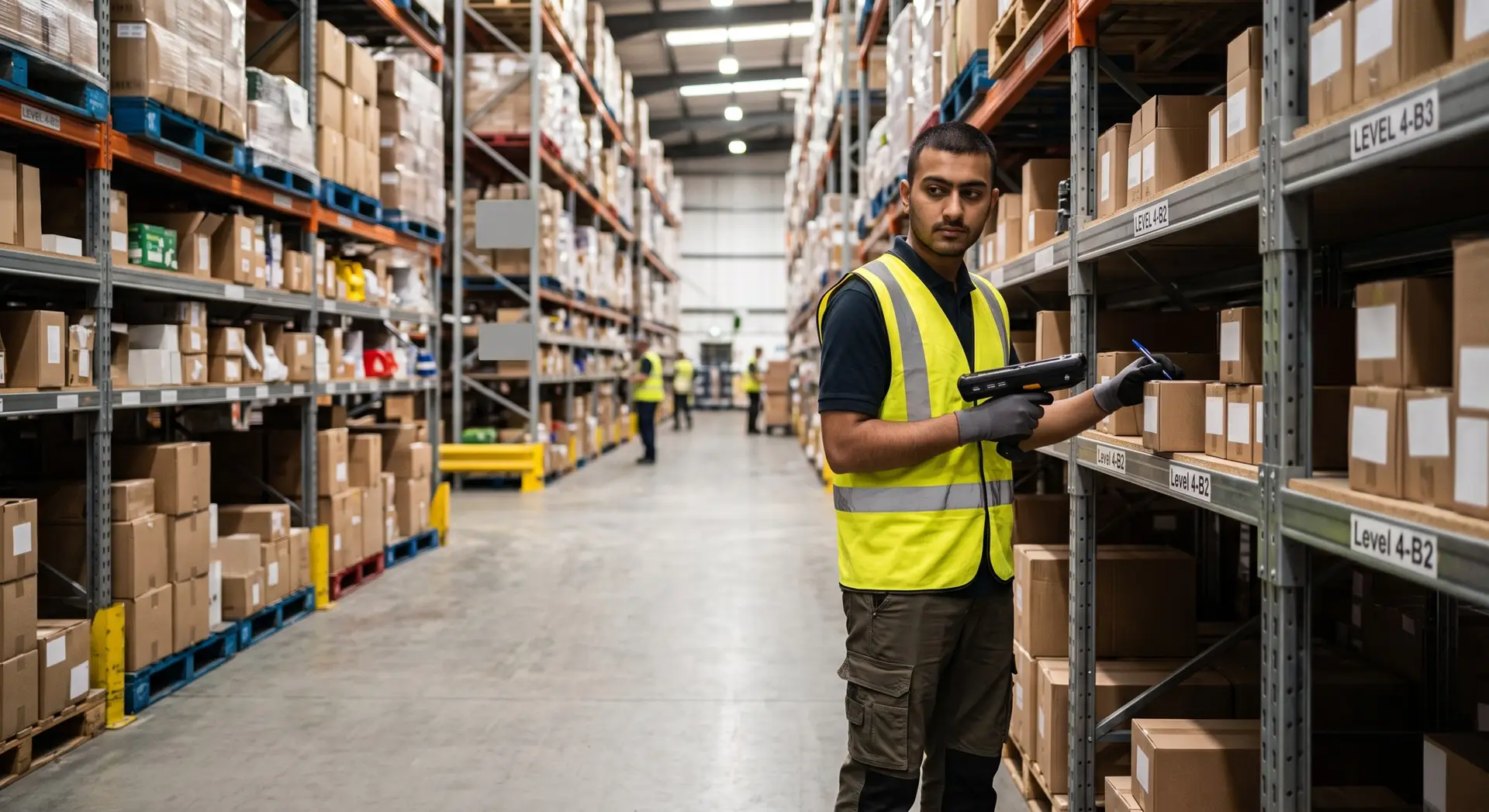
Recibe las tareas de control de existencias directamente en tu HHD, escanea el código de barras de la ubicación para confirmar la posición e introduce las cantidades contadas sin necesidad de papel ni de volver a introducir los datos manualmente.

Proporcionar a los clientes y auditores registros de recuento de existencias con marca de tiempo y por usuario, que cumplan los requisitos de cumplimiento normativo, incluidos los de Cyber Essentials Plus y las normas de seguridad alimentaria.
No. Los recuentos de existencias se realizan en paralelo con las operaciones de preparación de pedidos, reposición y almacenamiento. La única restricción se aplica cuando una ubicación tiene una tarea activa en curso; en ese caso, dicha ubicación queda bloqueada para el recuento hasta que la tarea finalice, lo que evita cualquier conflicto.
Stock Check admite cuatro tipos de recuento: recuento completo del almacén, recuento cíclico, recuento por ubicación y recuento aleatorio. Cada uno de ellos se inicia desde el ordenador, aplicando filtros en el momento de su creación para delimitar con exactitud el alcance requerido.
Sí. Los operarios confirman su ubicación física escaneando el código de barras de ubicación de su HHD, por lo que las ubicaciones y las unidades de almacenamiento deben tener un código de barras y estar configuradas correctamente en Clarus antes de realizar una comprobación.
Sí. Se puede asignar a varios operarios la misma comprobación de existencias para que trabajen en ella simultáneamente sin que se produzcan conflictos entre usuarios, lo que permite completar recuentos más amplios con mayor rapidez sin necesidad de dividirlos en registros de comprobación independientes.
Las ubicaciones con discrepancias aparecen en la tabla de datos del control de existencias, donde se muestran una al lado de la otra las cantidades contadas y las esperadas. Un supervisor asigna un código de motivo a cada ubicación con discrepancia —por ejemplo, error de preparación de pedidos, mercancía dañada o problema del sistema— para resolver la discrepancia y mantener un registro de auditoría completo.
Sí. La función «Stock Check» entró en funcionamiento para todas las cuentas el 29 de abril de 2026 y no requiere ninguna configuración adicional para acceder a ella, aunque las ubicaciones deben estar identificadas con códigos de barras y los operarios deben disponer de dispositivos HHD para utilizar el flujo de trabajo de escaneo.
¿Todavía indeciso? Dedica cuatro minutos a ver cómo Clarus se encarga de mercancías?en, recogida y expedición. Ya verás por qué Nuestros clientes siguen diciendo ”sí” a nuevos contratos.