No systematic way to check physical stock against system records
No record of when a location or product was last checked, or by whom
Discrepancies had no formal way to be investigated or reported
Nothing to show customers or auditors as evidence of stock accuracy
Stock checks scheduled against locations from the desktop, or bulk created via CSV
Operatives count on the HHD using a guided blind count flow
Results land in a data grid, system count against physical count
Failed checks resolved with a reason code, then exported for customers or auditors
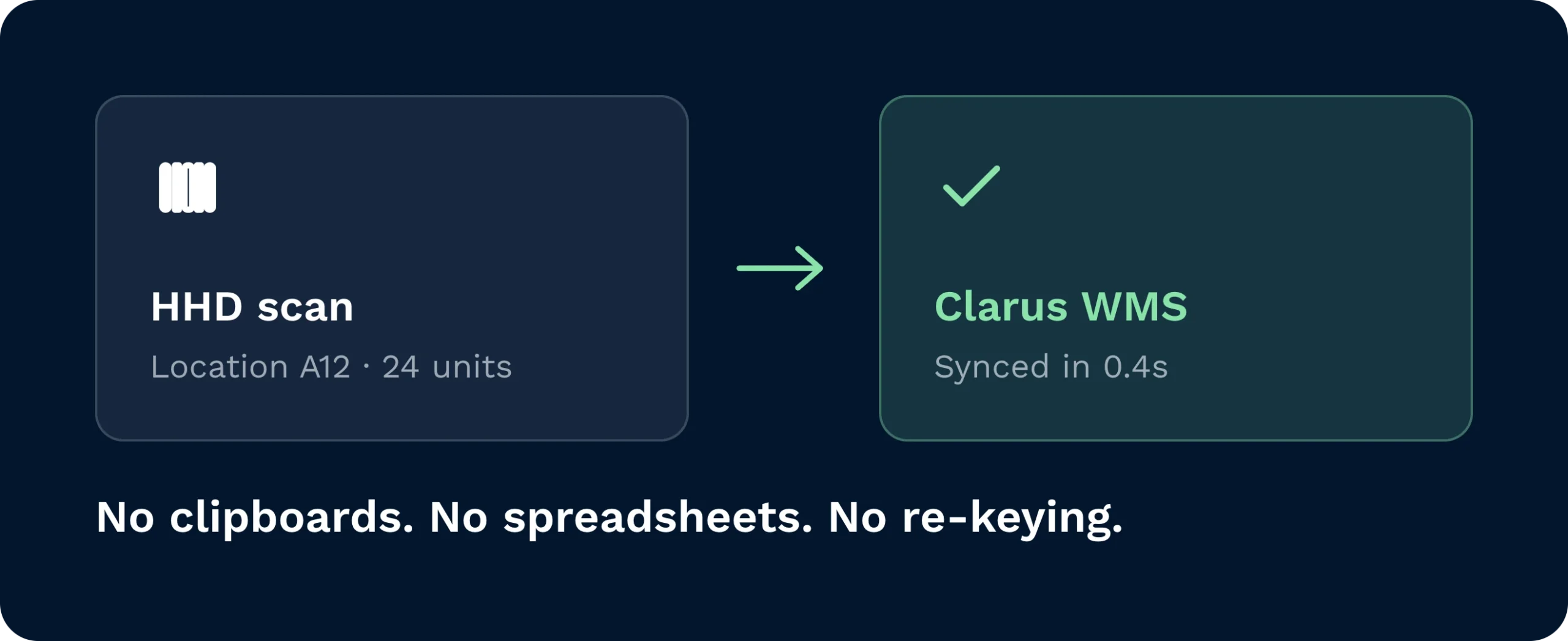
Every count flows through the HHD and into Clarus automatically, removing clipboards, spreadsheets, and manual re-keying from the stocktake process entirely.
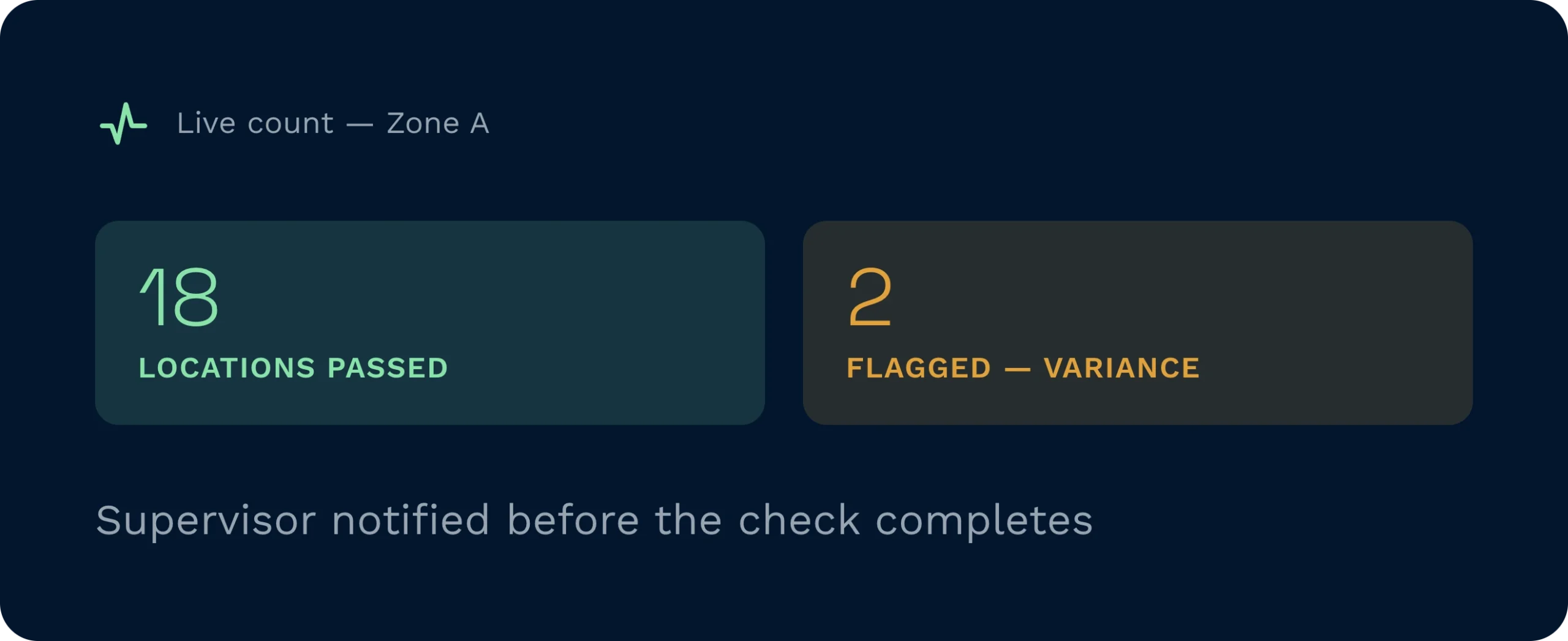
Pass/fail results appear in real time as operators count, so supervisors can act on variances before the check is even complete.
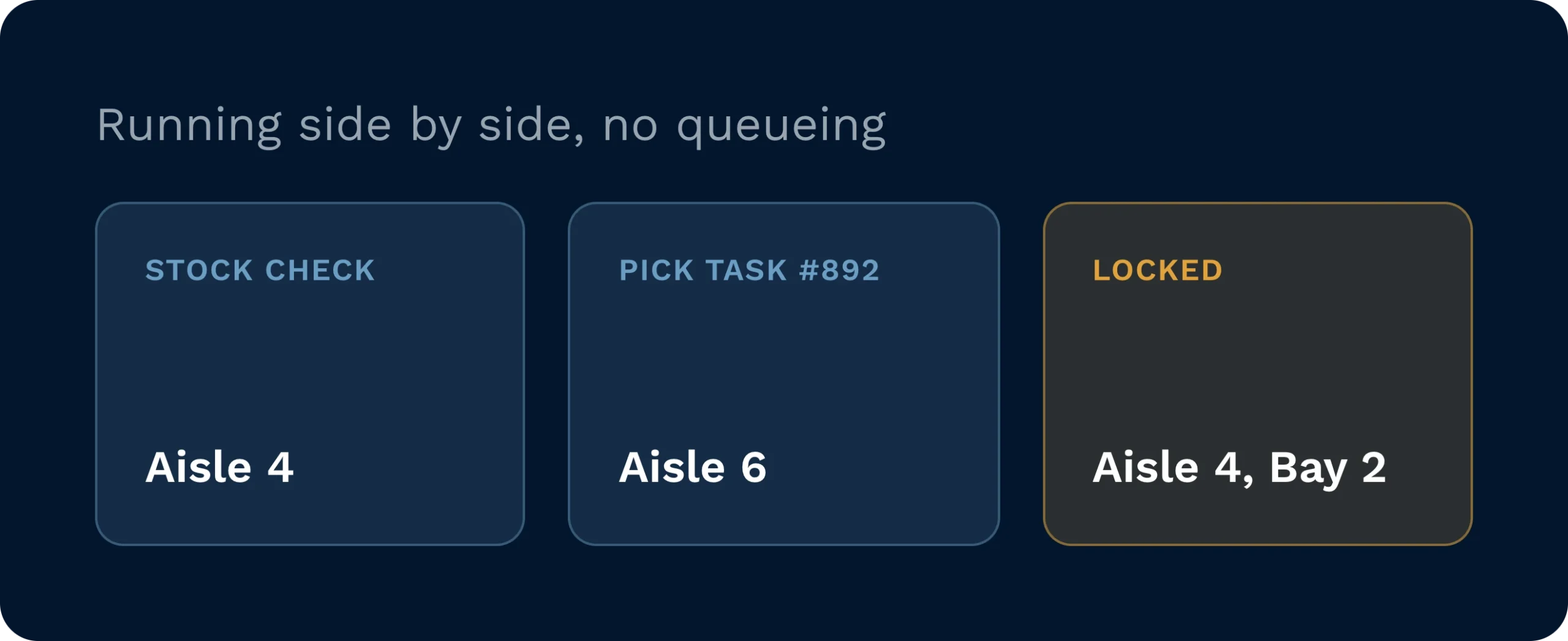
Stock checks run in parallel with picks, replenishments, and putaways, with location locking only applied where active tasks create a genuine conflict.
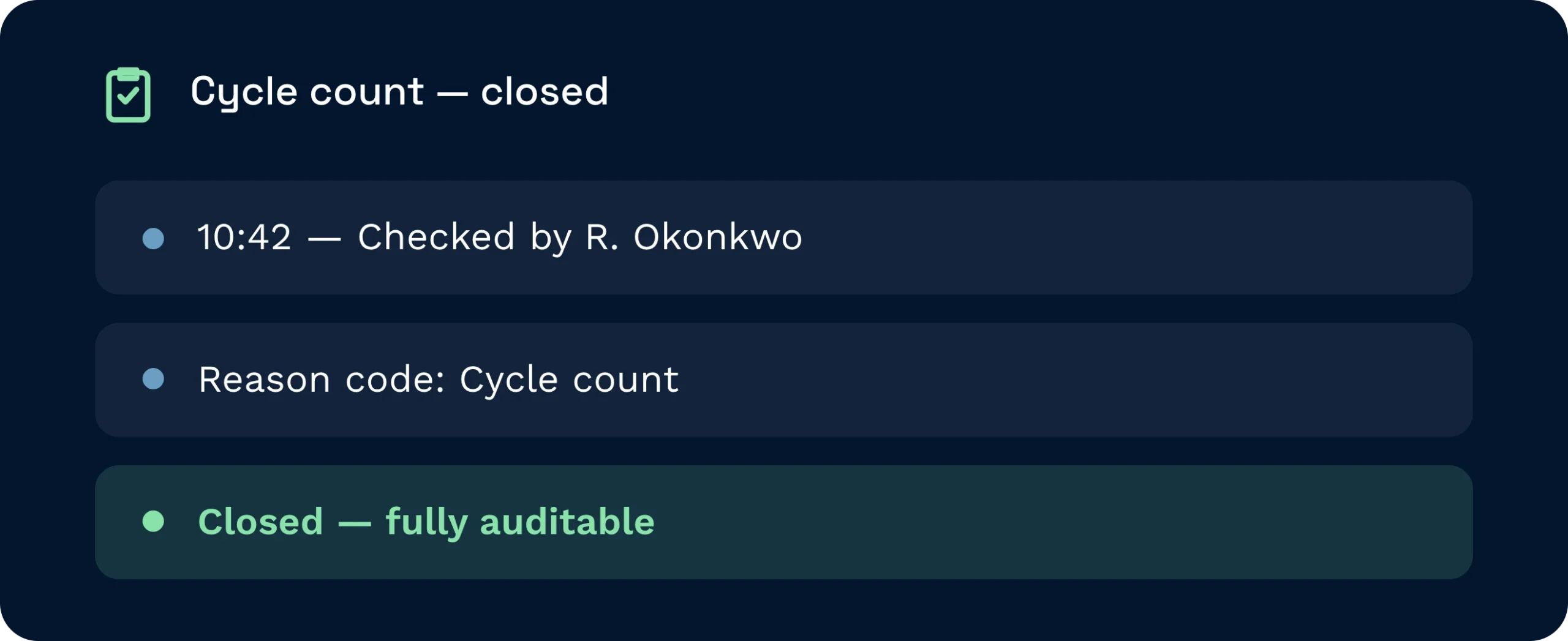
Every check is timestamped, attributed to a named operator, and closed with a reason code, giving you a clean, verifiable audit trail for compliance or customer reporting.
Create a stock check on the desktop, filtering by account, product, location, or warehouse area, and Clarus immediately generates tasks and pushes them to HHD-equipped operators. Operators scan the location barcode to confirm their position, enter counted quantities, and the system compares those figures against records in real time. Pass or fail status is live as each location is counted, with no re-keying and no delay.
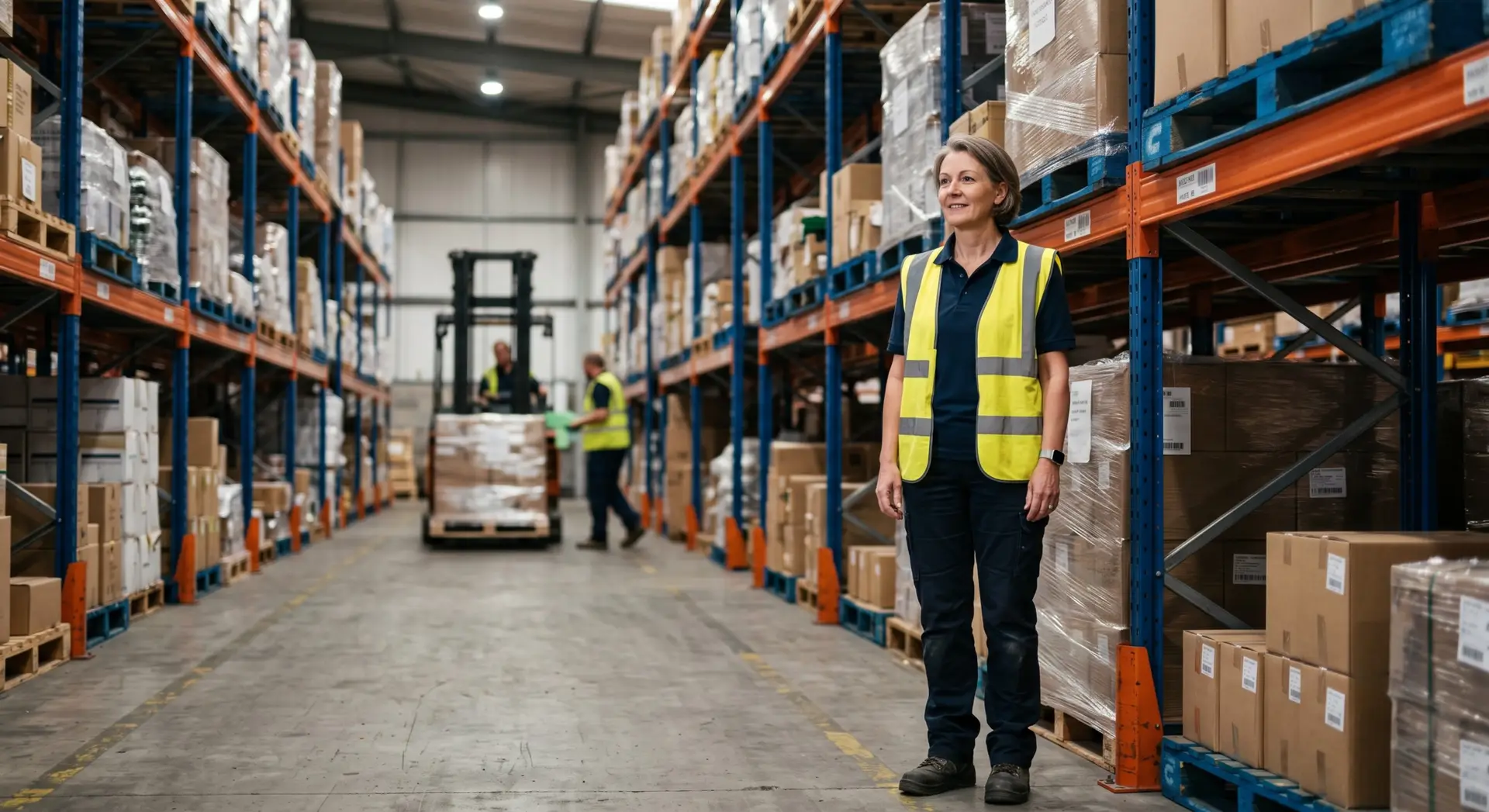
Create targeted checks by location, product, or account, assign them to multiple operators simultaneously, and resolve discrepancies with reason codes from a single data grid.
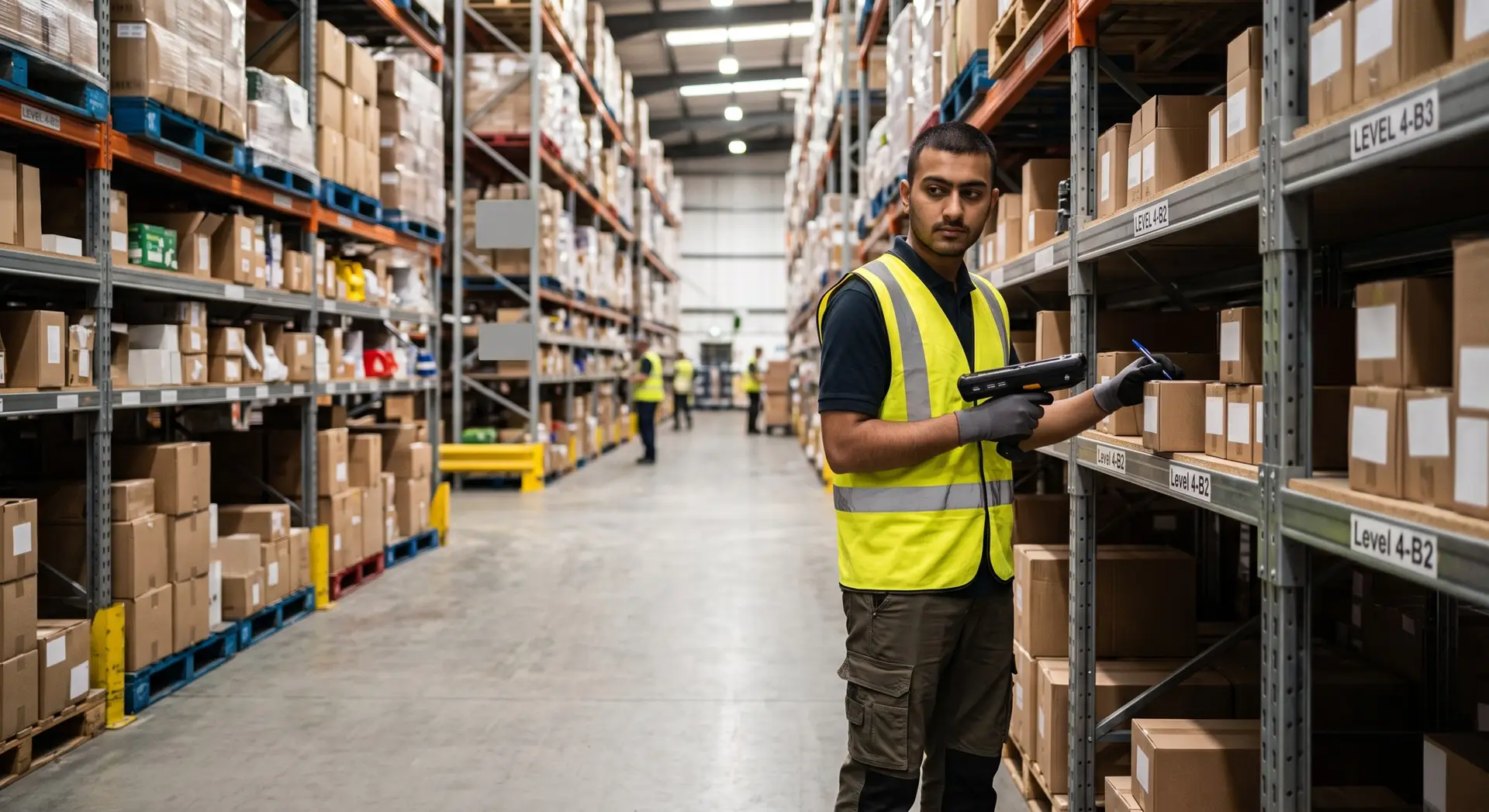
Receive stock check tasks directly on your HHD, scan the location barcode to confirm position, and enter counted quantities without paper or manual re-keying.
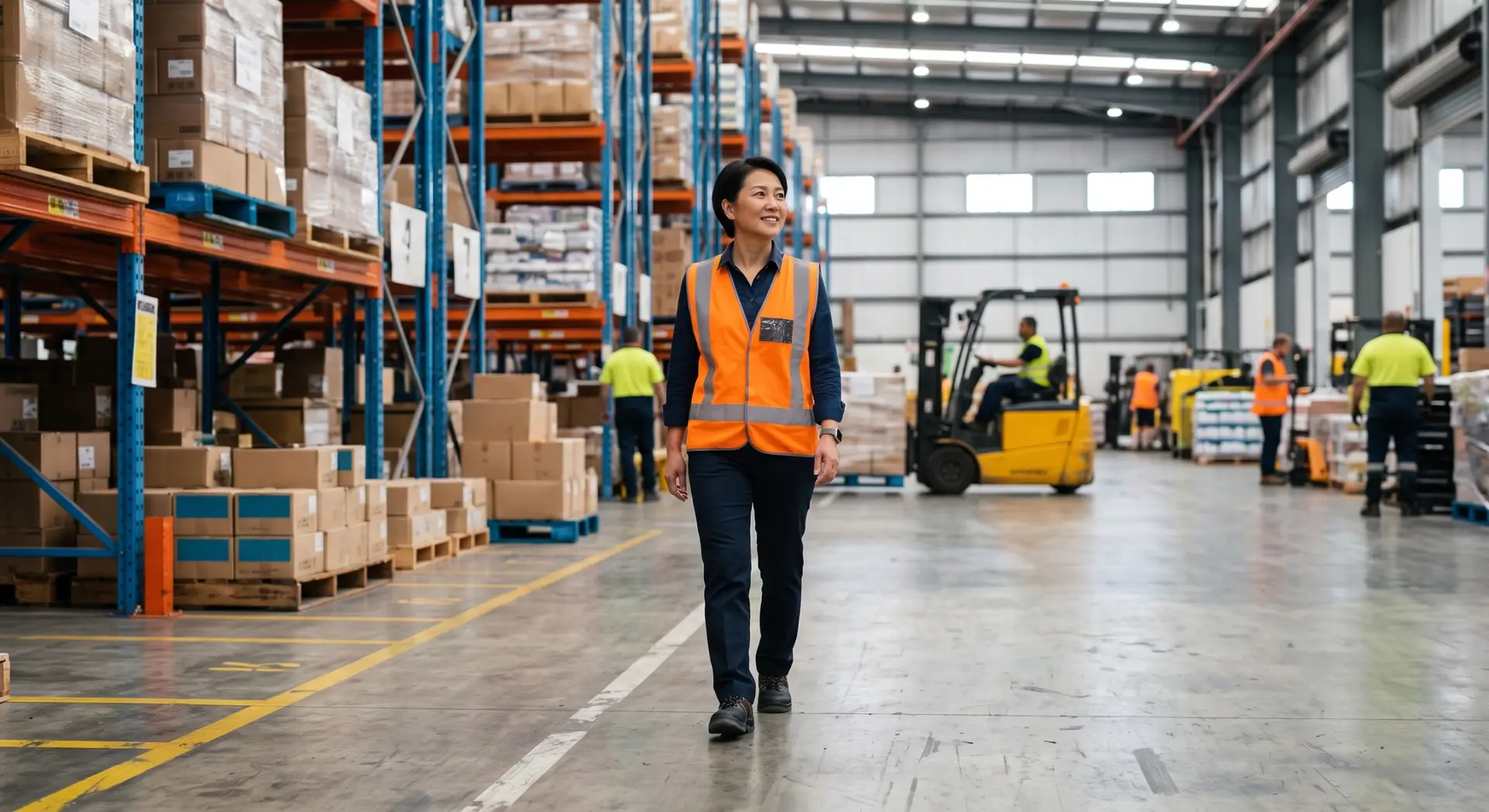
Provide clients and auditors with timestamped, named-user stock count records that satisfy compliance requirements including Cyber Essentials Plus and food safety standards.
No. Stock checks run in parallel with picks, replenishments, and putaways. The only restriction applies when a location has an active task in progress, in which case that location is locked for counting until the task completes, preventing any conflict.
Stock Check supports four check types: full warehouse count, cycle count, location-based check, and spot check. Each is initiated from the desktop with filters applied at creation to target exactly the scope required.
Yes. Operators confirm their physical position by scanning the location barcode on their HHD, so locations and storage units must be barcoded and set up correctly in Clarus before running a check.
Yes. Multiple operators can be assigned to and work on the same stock check simultaneously with no conflicts between users, which means larger counts complete faster without splitting into separate check records.
Failed locations appear in the stock check data grid with counted versus expected quantities shown side by side. A supervisor assigns a reason code to each failed location, such as pick error, damaged stock, or system issue, to close the discrepancy and maintain a complete audit trail.
Yes. Stock Check went live for all accounts on 29 April 2026 and requires no additional configuration to access, though locations must be barcoded and operators must be equipped with HHDs to use the scanning workflow.
Fortsatt usikker? Bruk fire minutter på å se Clarus håndtere varemottak, plukking og utsending. Du vil se hvorfor våre kunder sier stadig vekk ”ja” til nye kontrakter.