Getting an answer out of the WMS meant opening the WMS
A quick stock question on the floor meant finding a scanner
Out of the building, you still had to log in to check one number
Clarus AI was reachable inside the WMS and by email
Ask Clarus AI from Slack, Microsoft Teams or WhatsApp
Install each channel in one click, with Clarus guiding the setup
WhatsApp only answers the phone numbers you’ve validated
Replies are conversational, with follow-up questions when it needs more detail
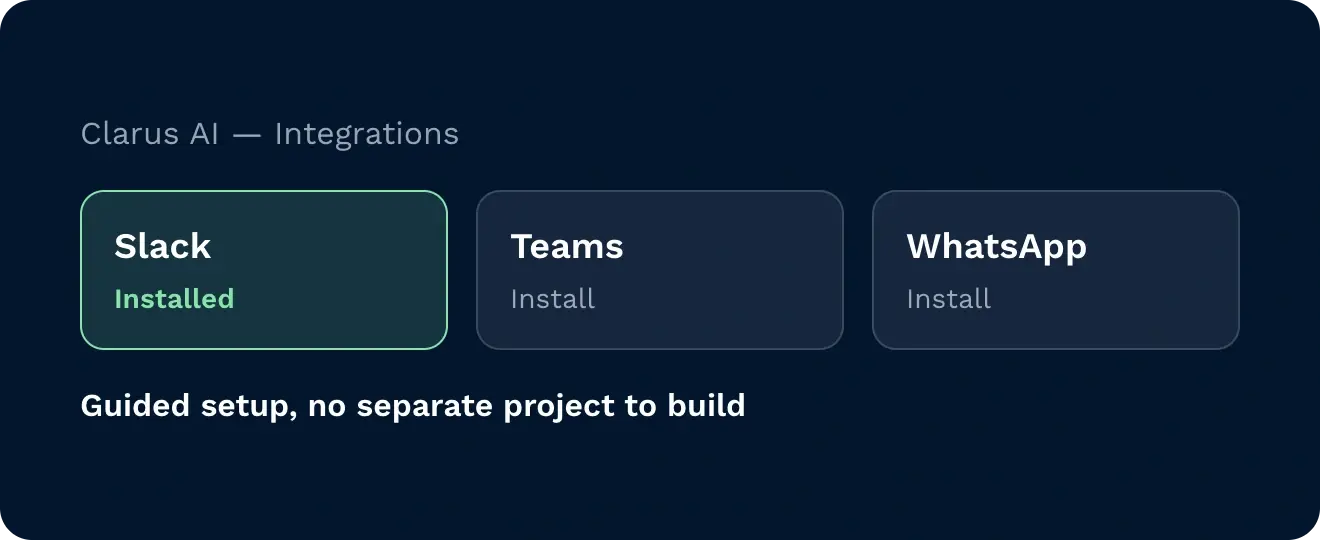
Open the integrations option in Clarus AI and press install. Clarus guides you through adding the app to Slack, Teams or WhatsApp. No separate project to set up.
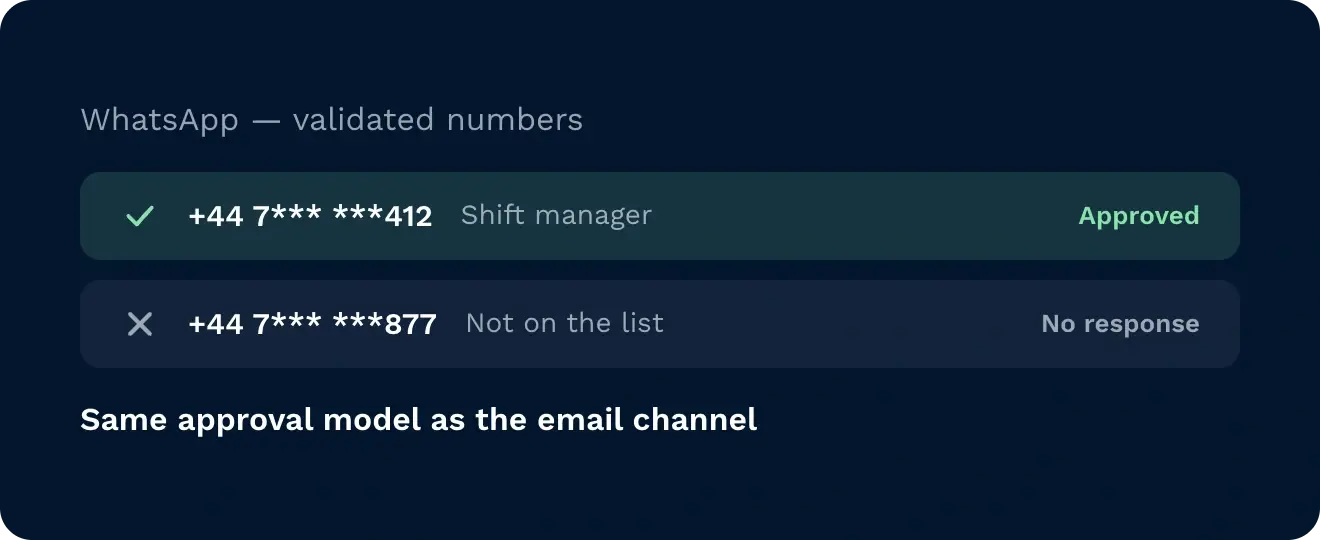
On WhatsApp you validate the phone numbers that can talk to Clarus AI, the same way the email channel works. Anyone not on the list gets nothing out of the system.
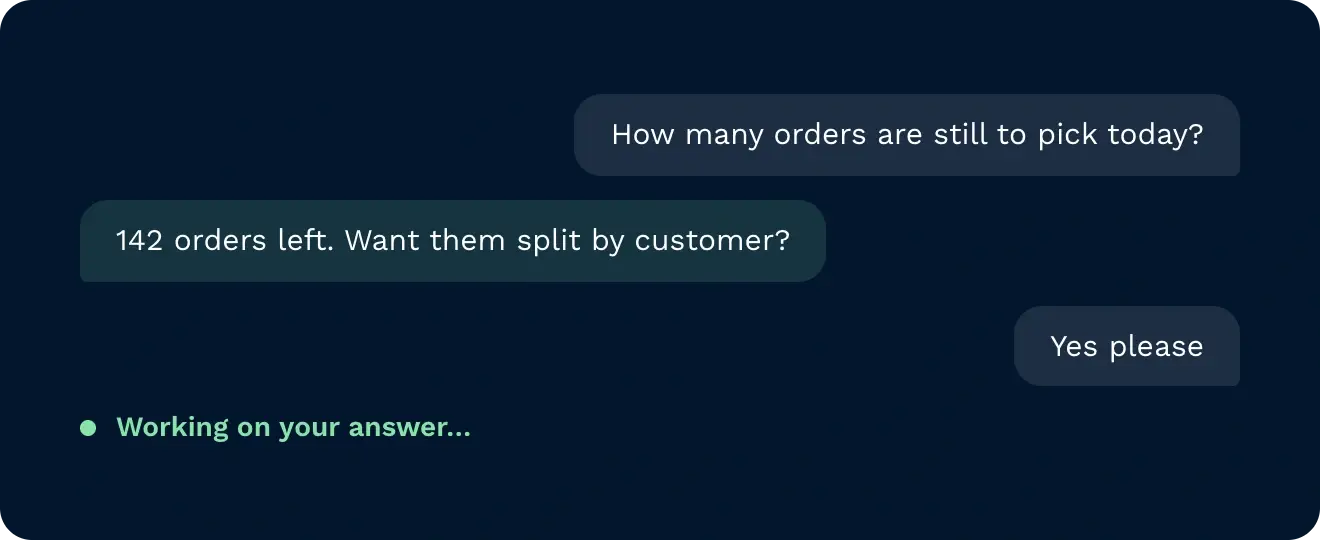
Chat replies are written to be talked to. The AI asks follow-up questions, can give you more detail, and shows a status while it’s working on your answer. Keep asking in the same thread.
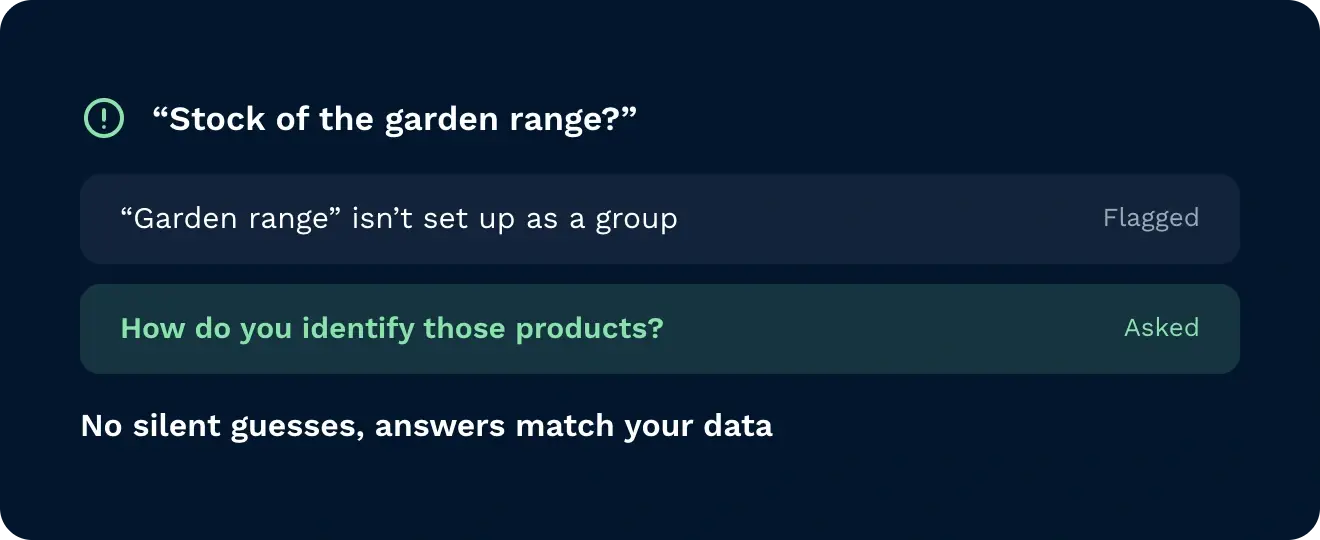
If a question doesn’t match how your data is set up, it says so. Ask about a product range that isn’t set up as a group and it tells you, then asks how you identify it.
Your team already has Slack, Teams or WhatsApp open all day. Clarus AI now sits in there with them. Ask how many cases of a product are at a site, and it tells you what’s on hold, what’s allocated and what’s free to pick. If it isn’t sure what you mean, it asks. Carry the conversation on in the same thread, on the warehouse floor or nowhere near it.

Need to know what’s at a location or what’s free to pick? Ask from your phone on WhatsApp instead of hunting for a scanner or a PC.

Off site and need a number? Message Clarus AI in Teams or WhatsApp and get on hold, allocated and available stock back in the chat. No laptop, no login.

Already working in Slack or Teams all day? Ask Clarus in a thread alongside your other conversations and carry on the conversation there, without switching into the WMS.
Slack, Microsoft Teams and WhatsApp. Each one is installed from the integrations option in Clarus AI.
Each channel is a one-click install. Press install and Clarus guides you through adding the app.
No. You validate the phone numbers that are allowed to talk to it, in a similar way to the email channel. Only approved contacts can get information out.
As a Clarus AI bot you add as a contact and message directly, like a colleague.
The data is the same, the style is different. Email replies are kept short and answer the question. Slack, Teams and WhatsApp replies are more conversational, with follow-up questions and more detail.
It works from the guidance it has been given about your operation. If something isn’t set up, such as a product group, it tells you what it assumed and asks you to clarify.
Fortsatt usikker? Bruk fire minutter på å se Clarus håndtere varemottak, plukking og utsendelse. Du vil se hvorfor Kundene våre sier stadig ”ja” til nye kontrakter.