Les opérations reposaient sur les boîtes de réception et la mémoire, et des retards se sont progressivement installés
Les mises à jour des stocks prenaient du retard, et les commandes attendaient que quelqu'un s'en aperçoive
La saisie manuelle des données entraînait davantage de corrections et de réclamations de la part des clients
Chaque intégration nécessitait du code sur mesure pour transférer les données d'une étape à l'autre
Les actions automatisées remplacent les mises à jour manuelles, sans intervention entre les différentes étapes
Une réception validée génère automatiquement des tâches de mise en stock, sans qu'il soit nécessaire de ressaisir les données.
Les contrôles de qualité et les blocages s'appliquent automatiquement lorsque les conditions sont remplies.
Les déclencheurs transfèrent des fichiers vers SFTP ou appellent des webhooks, sans nécessiter de code personnalisé
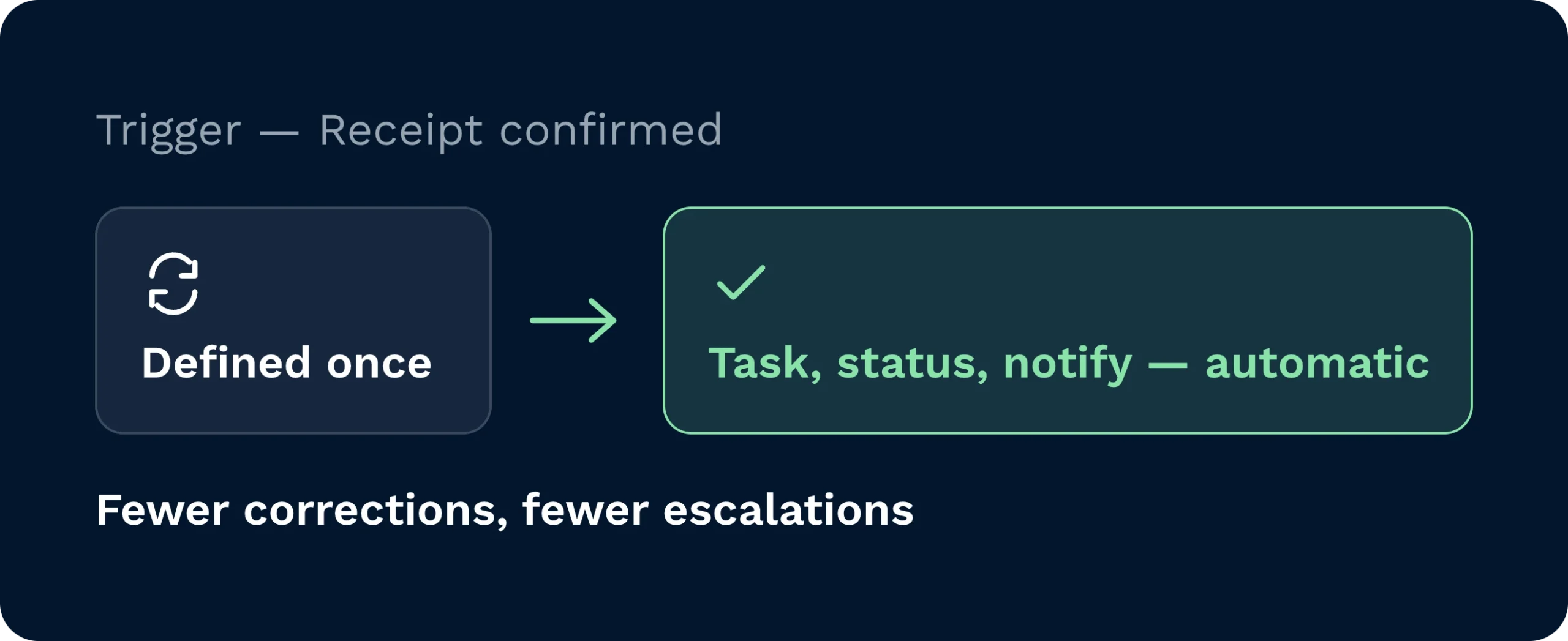
Remplacez les mises à jour manuelles par des actions automatisées. Définissez un déclencheur une seule fois, puis laissez le système génère des tâches, met à jour les statuts et informe les parties prenantes. Des données plus fiables permettent de réduire le nombre de corrections et d'interventions auprès des clients.
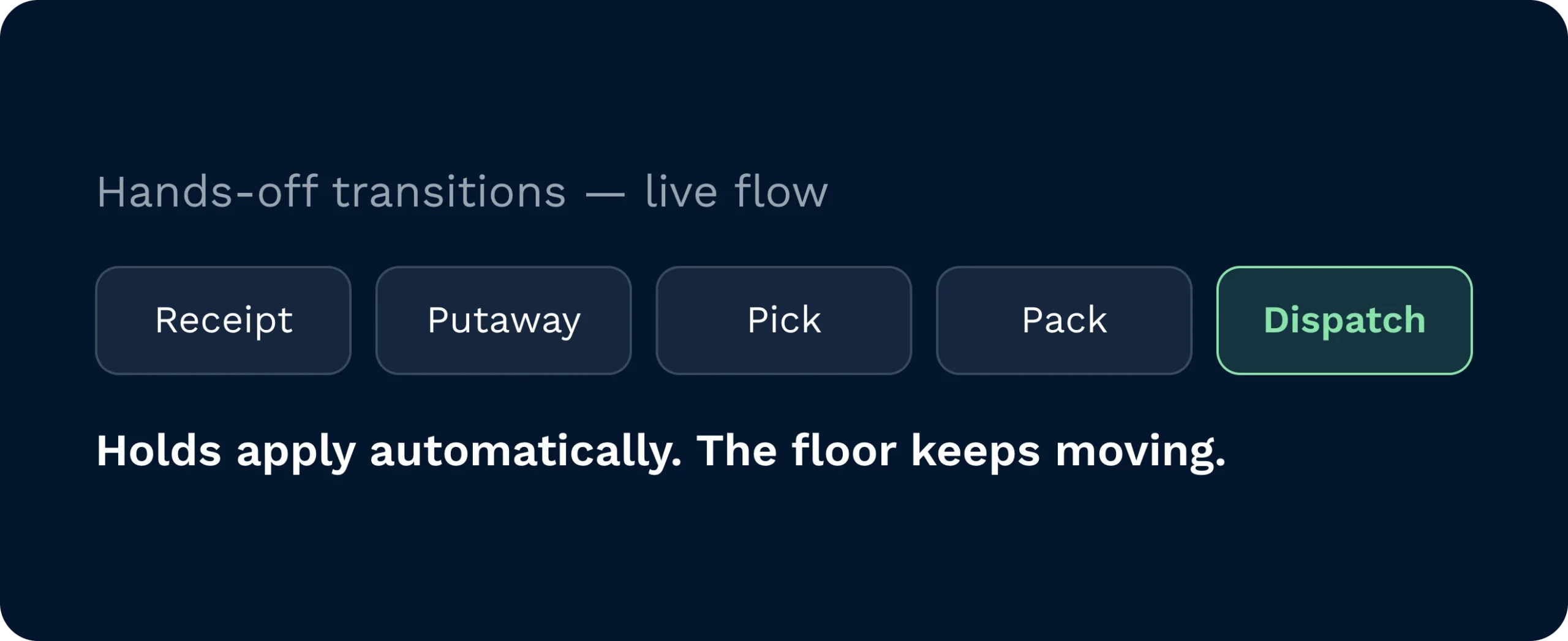
Assurez la fluidité du flux de travail grâce à des transitions automatiques entre les étapes. Les reçus sont acheminés vers Rangement. Les commandes sont transmises à préparation des commandes, mise en colis et expédition. QLes contrôles de qualité et les retenues s'appliquent automatiquement lorsque les conditions sont remplies. Votre sol ne cesse de bouger.
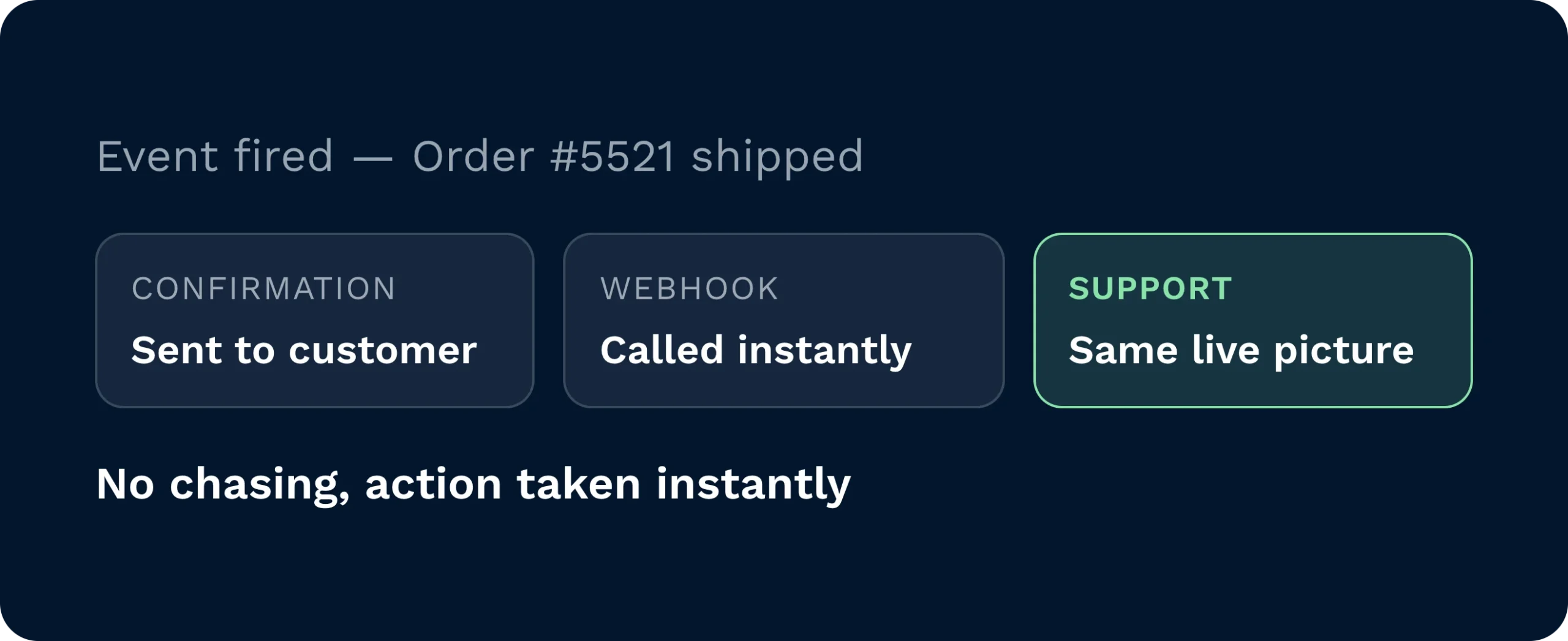
Fournissez à vos clients des informations actualisées en temps utile, sans qu'ils aient à les réclamer. Les déclencheurs peuvent envoyer des confirmations, exporter des fichiers ou appeler des webhooks lorsque des événements se produisent. Les équipes d'assistance ont accès à la même image en direct et peuvent intervenir immédiatement en cas de changement.
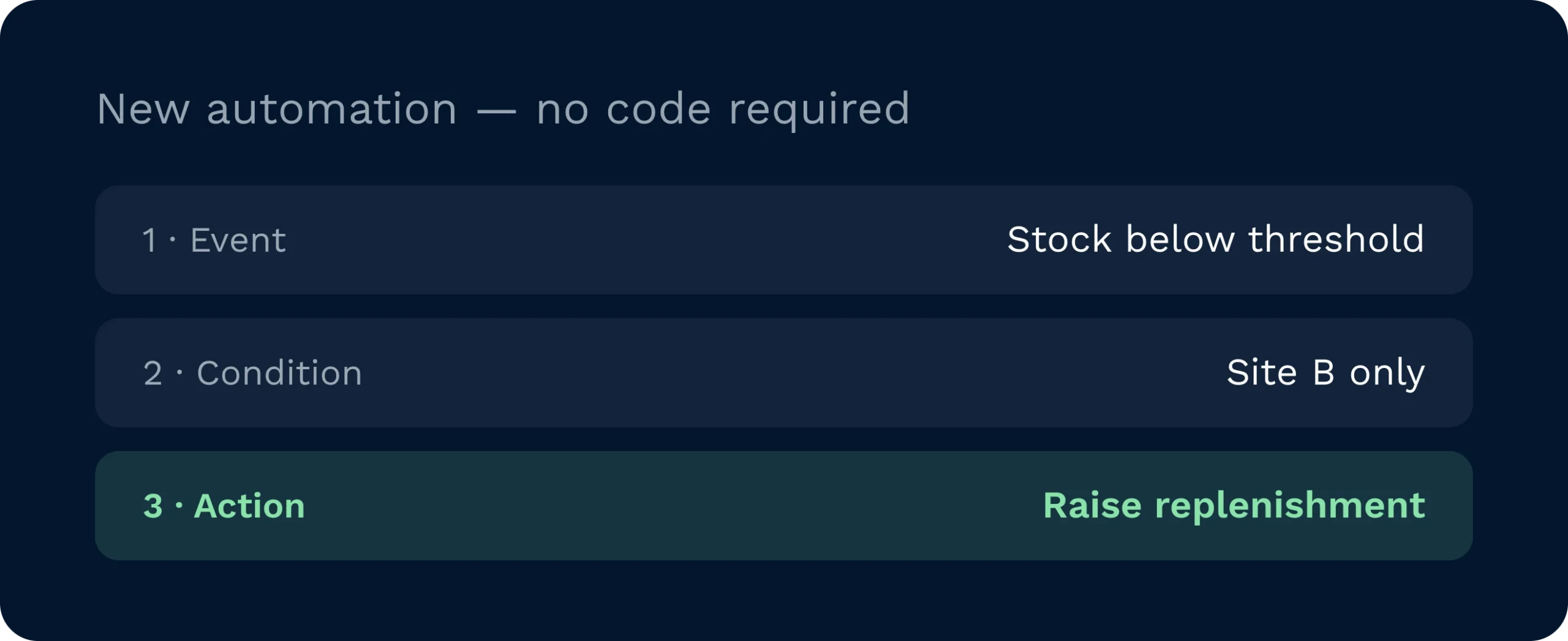
Créez, testez et peaufinez vos automatisations sur la plateforme. Choisissez l'événement. Ajoutez des conditions. Définissez l'action. Déployez vos solutions en toute confiance et adaptez vos règles à mesure que votre entreprise se développe.
Lorsque les opérations reposent sur les boîtes de réception et la mémoire, des retards s'installent. Les mises à jour des stocks prennent du retard. Les commandes attendent que quelqu'un se charge de l'étape suivante. Avec Clarus WMS, Les déclencheurs d'événements relient toutes les étapes. Une réception validée déclenche automatiquement des tâches de mise en stock. Une commande validée génère a orienté les prélèvements et les flux vers l'emballage et l'expédition sans qu'il soit nécessaire de ressaisir les données. Les exceptions sont transmises à la bonne personne, avec tout le contexte nécessaire. La précision s'en trouve améliorée. Les délais sont réduits. Votre équipe se concentre sur la création de valeur plutôt que sur les tâches administratives.

Définissez une fois pour toutes votre politique et mettez-la en œuvre en toute sécurité. Déterminez quels événements déclenchent des tâches, à quel moment appliquer des blocages liés à la qualité et quand alerter les clients. Les déclencheurs d'événements constituent une couche de contrôle pour les accords de niveau de service (SLA) et les coûts, de sorte que les performances sont prises en compte dès la conception, et non pas recherchées a posteriori.

Mise en stock, réapprovisionner, et les listes de prélèvement arrivent « juste à temps ». Les tâches sont ordonnées en fonction des délais limites et des capacités, et non en fonction des e-mails. Les exceptions s'affichent avec les actions suivantes clairement indiquées. Il en résulte moins d'arrêts, des bancs plus propres et des départs ponctuels.

Fournissez les bonnes données au bon moment. Utilisez des déclencheurs pour transférer des fichiers via SFTP, déclencher des webhooks et transmettre les données d'événements aux partenaires sans recourir à du code sur mesure. Vous standardisez les intégrations pour l'ensemble de vos clients tout en conservant votre agilité.
Clarus présente une approche moderne API, le protocole SFTP sécurisé et les webhooks pour vous permettre de vous connecter à ERP, OMS, opérateurs et partenaires. Les déclencheurs peuvent générer des fichiers d'exportation au format CSV, XML ou texte et les transmettre automatiquement, ou encore envoyer des données structurées vers vos terminaux. Les règles étant configurées directement sur la plateforme, vous pouvez procéder à des itérations sans avoir à attendre un développement sur mesure.
Oui. Ajoutez des conditions pour cibler des entrepôts, des comptes clients, des transporteurs ou des références spécifiques. Par exemple, vous pouvez choisir de ne recevoir une notification que lorsqu'une commande destinée au compte X quitte l'entrepôt B, ou d'appliquer une suspension lorsqu'une catégorie de produits ne respecte pas les tolérances. Les conditions garantissent la précision de l'automatisation et évitent les alertes superflues.
C'est le cas. Au fur et à mesure que les événements se produisent, le système met à jour les statuts, ajuste les stocks et génère automatiquement les tâches suivantes. Cela réduit le décalage entre les mouvements physiques et les données enregistrées dans le système. En réduisant les saisies manuelles, vous évitez les doublons, les étapes oubliées et les écarts qui pourraient être évités.
Créer du texte, CSV, ou XML des fichiers dont vous contrôlez les colonnes et les déposer dans SFTP selon le calendrier prévu ou dès qu’un événement se produit. Vous pouvez également appeler webhooks avec des données adaptées aux besoins des partenaires. Les conventions de nommage des fichiers sont configurables pour chaque client, afin que chacun bénéficie du format auquel il s'attend.
Commencez modestement. Choisissez un déclencheur simple mais utile, comme la génération d'un fichier de confirmation d'expédition pour un client. Vérifiez le résultat, puis étendez le processus à d'autres événements et partenaires. Cette approche progressive accélère la rentabilisation et renforce la confiance en interne.
Non. Elles prennent en charge les étapes prévisibles et répétitives afin que votre équipe puisse se concentrer sur les exceptions et l'amélioration. C'est toujours vous qui définissez les règles et qui conservez la possibilité de les contourner. L'automatisation renforce les bons processus. Elle ne vous prive pas du contrôle.
Vous hésitez encore ? Passez quatre minutes à regarder Clarus gérer Marchandises ; prélèvement et expédition. Vous comprendrez pourquoi Nos clients disent ” oui ” aux nouveaux contrats.