Bare én plasseringsplass per produkt, ingen mulighet til å legge til flere
Varelageret måtte føres inn manuelt før plukkingen kunne begynne
Påfyllingen skjedde alltid kun på det ene stedet
Velg oppgaver som alle skal utføres på samme sted, uten rotasjon
Flere utvalg per produkt, lagerbeholdningen fordeles automatisk
En påfyllingsoppgave genereres så snart lagerbeholdningen faller under minimumsgrensen
Plukkoppgavene fordeles jevnt på alle kvalifiserte plukkflater
Påfylling opp til et fastsatt maksimumsbeløp, i hele lagringsenheter om nødvendig
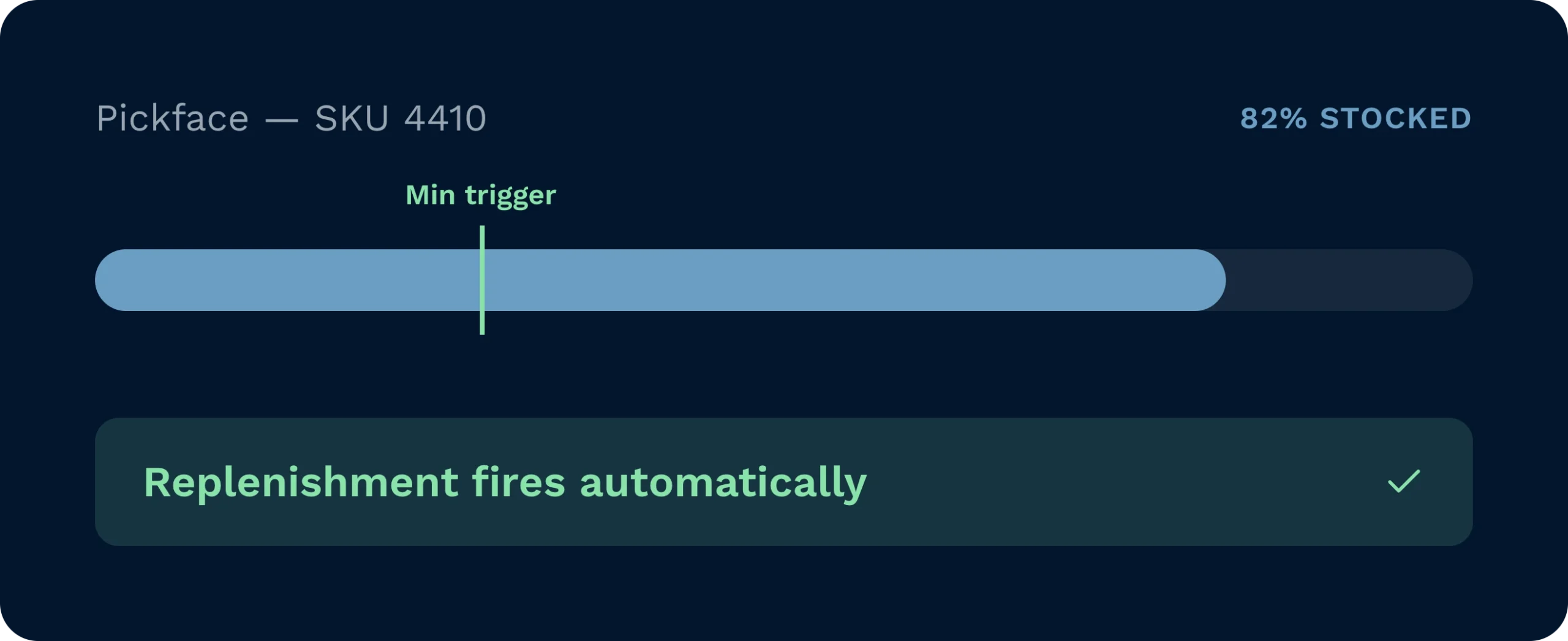
Påfyllingsoppgaver utløses automatisk når minimumsgrensen nås, slik at plukkere alltid blir sendt til lagerplasser med varer, uten at det er behov for manuelle kontroller.
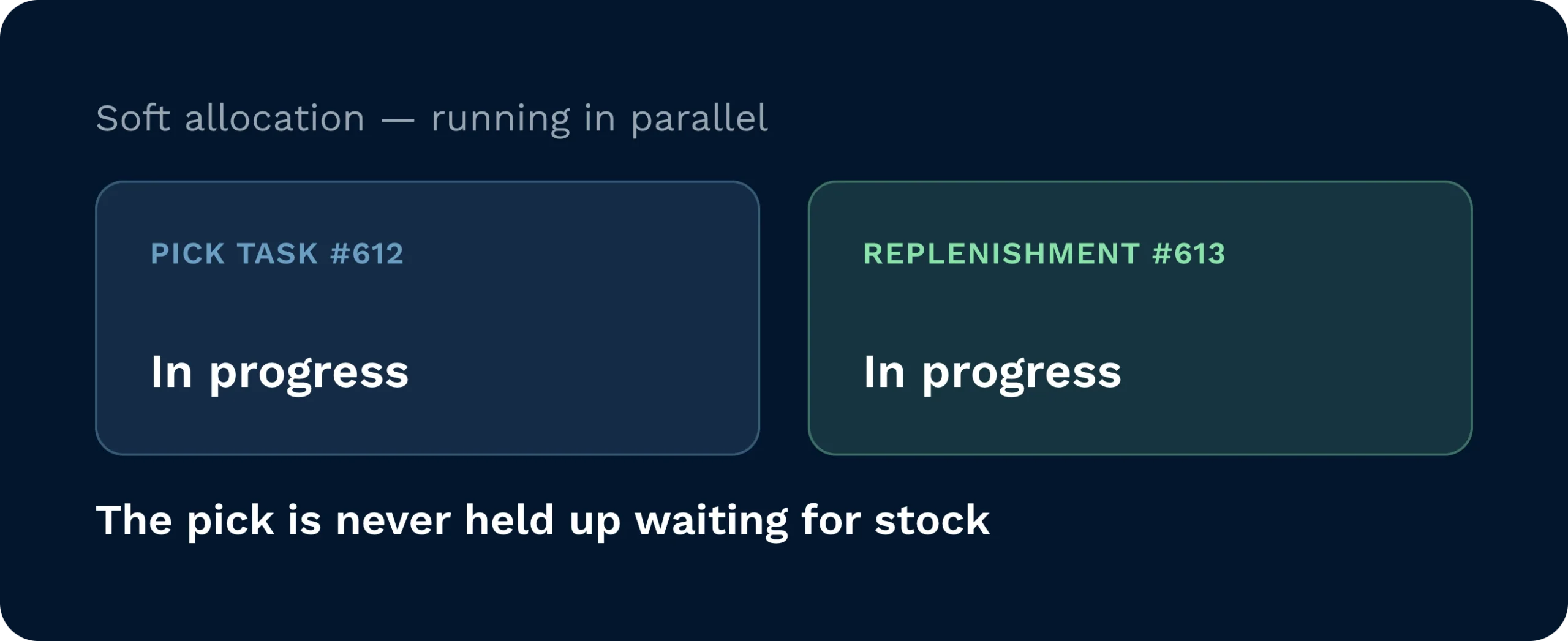
Med «soft allocation» gjennomføres plukkoppgaver og påfyllingsoppgaver parallelt, slik at ingen plukkoppgaver blir forsinket mens man venter på at varene skal ankomme plukkstasjonen.
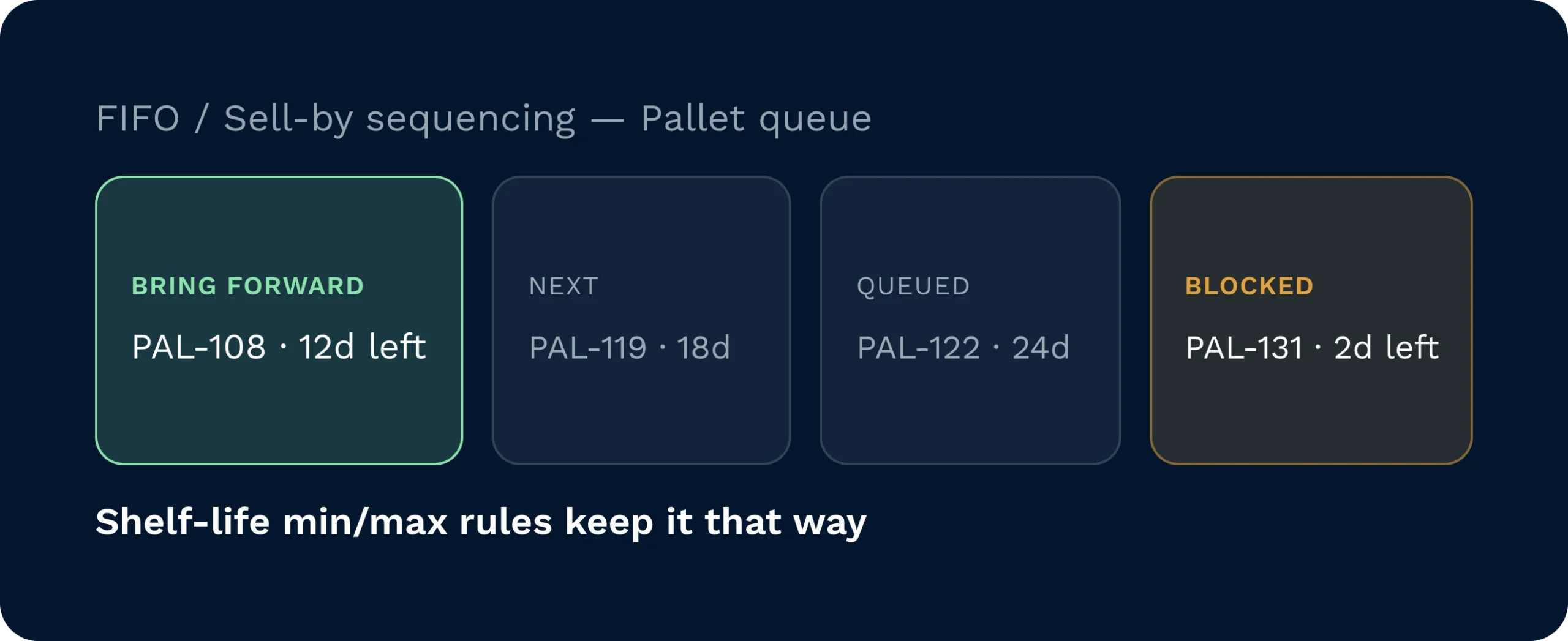
Valgreglene for FIFO og «Sell By Date» sikrer at riktig pall alltid hentes frem, mens regler for minimums- og maksimums holdbarhetstid hindrer at varer som ikke kan plukkes, havner i plukkfeltet.
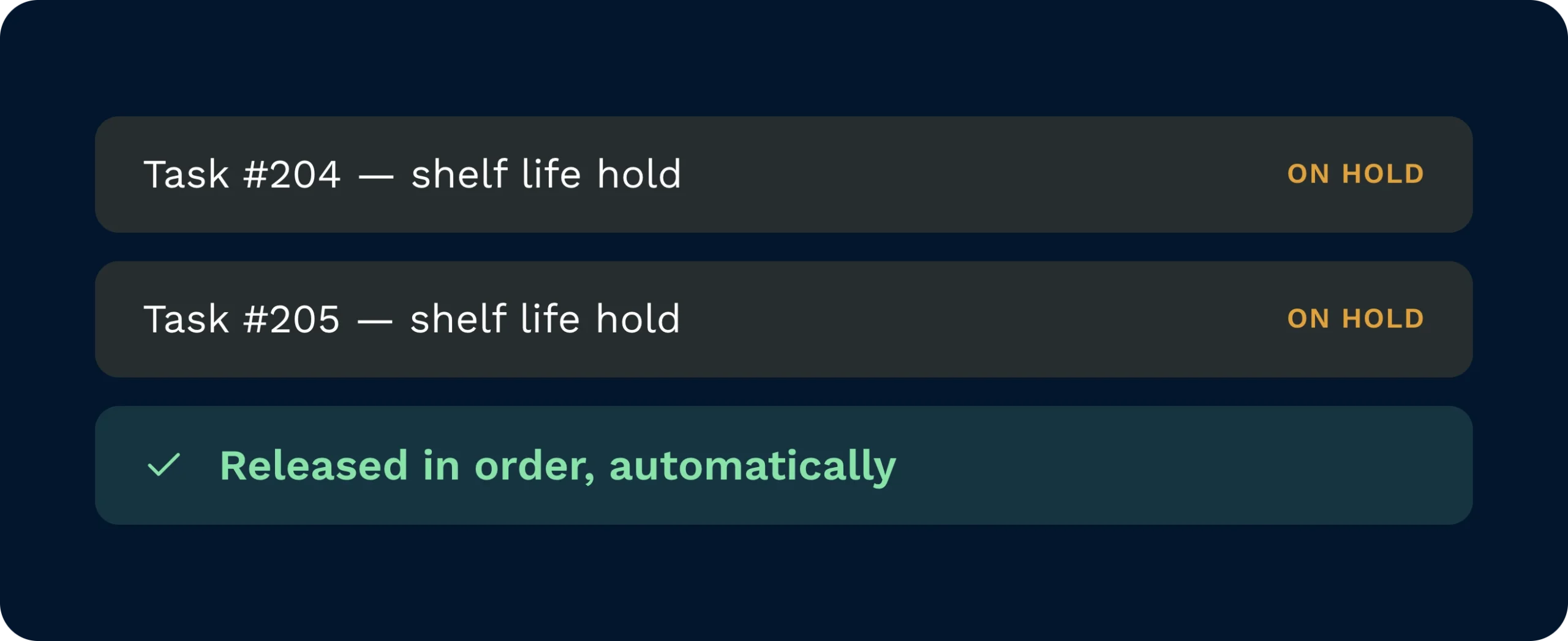
Plukkoppgaver som er satt på vent på grunn av holdbarhetskrav, frigjøres automatisk i rekkefølge så snart kvalifisert påfyllingslager ankommer plukkplassen.
Funksjonen «Kontinuerlig påfylling» overvåker konfigurerte plukkflater i sanntid og oppretter automatisk en påfyllingsoppgave så snart lagerbeholdningen når minimumsgrensen. Lagerbeholdningen tildeles midlertidig, slik at plukkoppgaver aldri blokkeres mens påfyllingen pågår. Medarbeiderne får tydelige HHD-instruksjoner som angir hentested, destinasjon og mengde, uten at det kreves manuell koordinering fra ledernes side.
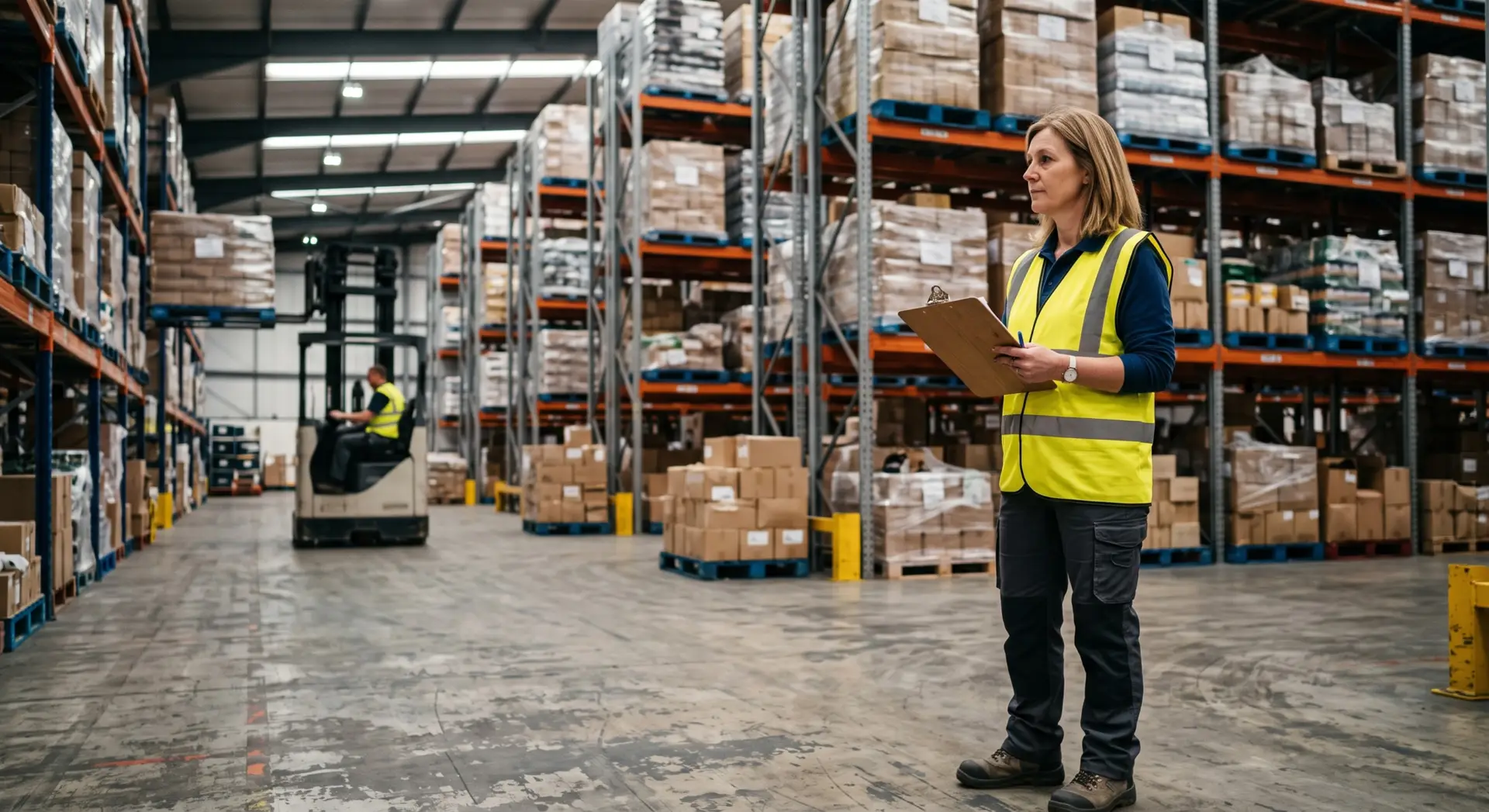
Angi minimums- og maksimumsmengder én gang per plukkflate, så overvåker systemet lagernivåene, genererer oppgaver og frigir holdte plukkoppdrag automatisk gjennom hvert skift.
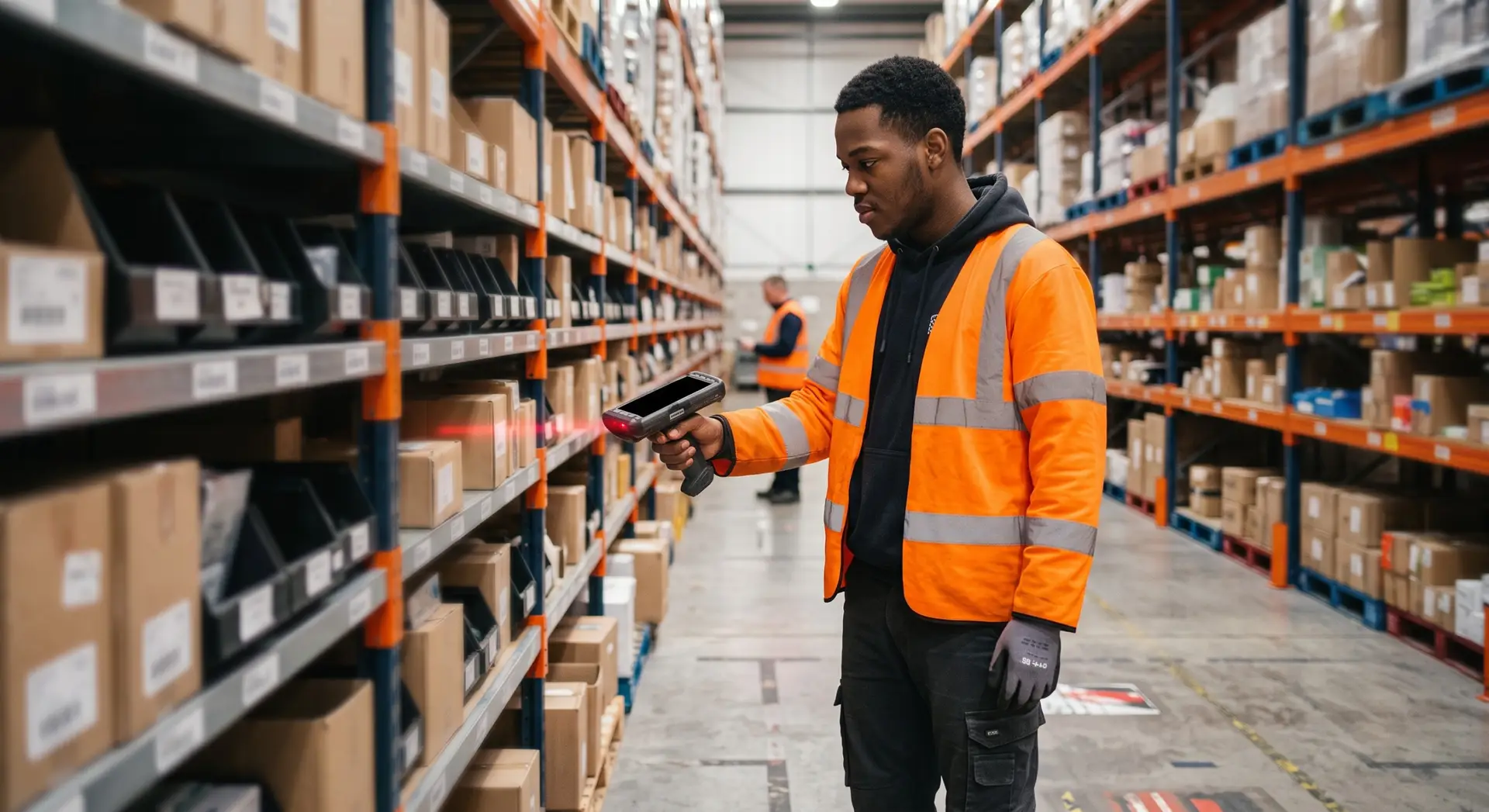
Påfyllingsoppgaver vises på HHD-skjermen med opprinnelsessted, destinasjon og mengde tydelig angitt, slik at man slipper å gjette seg frem når man flytter varer videre.
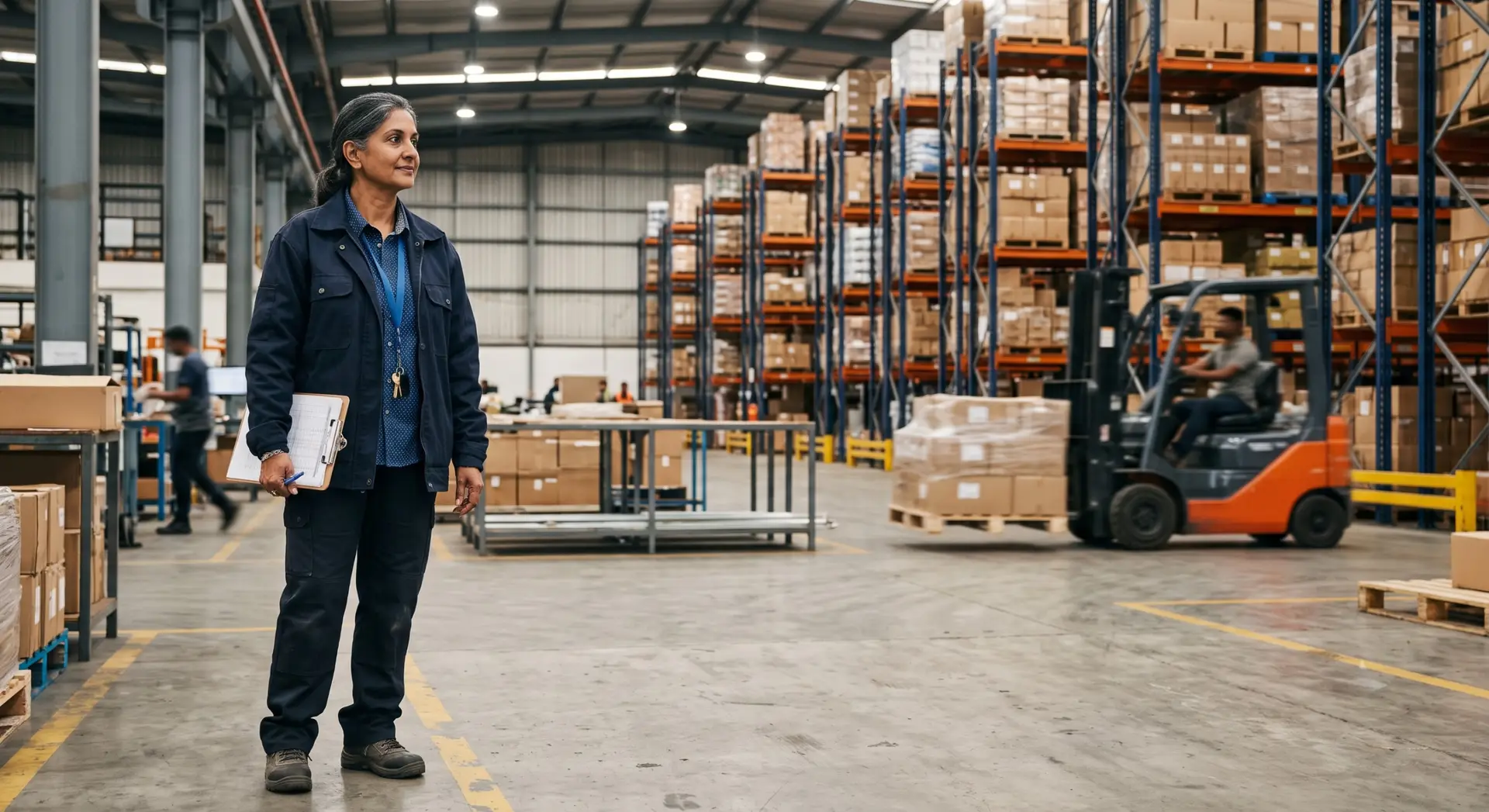
Konfigurer plukkeregler for FIFO eller «Sell By Date» samt minimums- og maksimums holdbarhetstid per produkt, slik at hver kundes plukkflate alltid er fylt opp med kun godkjent, plukkbar varebeholdning.
Kontinuerlig påfylling styres av funksjonsflagget «Kontinuerlige plukkflater», som aktiveres per kundesubdomene av Clarus-teamet. Når funksjonen er aktivert, konfigureres plukkflatene individuelt med minimumsutløsermengde, maksimumsmengde, plukkeregel og innstillingen «Kun hele lagringsenheter» via plukkflatepanelet i WMS.
Ja. Det kan konfigureres flere sammenhengende plukkflater per produkt. Påfyllingsoppgaver tildeles i den prioritetsrekkefølgen som er angitt på plukkflatepanelet, slik at plukkvolumet fordeles mellom lagrene i en kontrollert rekkefølge.
Plukkeregelen som er angitt på plukkflaten, styrer valg av lagerbeholdning. FIFO velger den eldste mottatte pallen først; «Siste salgsdato» velger pallen med kortest gjenværende holdbarhet innenfor produktets konfigurerte holdbarhetsintervall (min./maks.). Kun lagerbeholdning som oppfyller disse holdbarhetskravene, kan påfylles.
Plukkoppgaven settes automatisk på vent. Så snart kvalifisert påfyllingslager ankommer plukkstasjonen og er bekreftet, sjekker Clarus alle oppgaver som er satt på vent og frigir dem i den rekkefølgen de ble satt på vent, med de eldste først.
Nei. Varelageret tildeles fleksibelt til plukkstedet, slik at plukkoppgaver dirigeres til dette stedet uavhengig av om en påfyllingsoppgave fortsatt er i gang. Plukking og påfylling foregår parallelt uten å hindre hverandre.
Når denne innstillingen er satt til «Ja», vil systemet kun generere en påfyllingsoppgave som flytter en hel pall eller lagringsenhet. Når den er satt til «Nei», vil systemet fylle opp plukkflaten opp til maksimumsmengden, uavhengig av om dette krever en delmengde. Denne innstillingen brukes vanligvis der plassbegrensninger i reolene eller håndteringsbegrensninger gjør delvise flyttinger upraktiske.
Fortsatt usikker? Bruk fire minutter på å se Clarus håndtere varemottak, plukking og utsendelse. Du vil se hvorfor Kundene våre sier stadig ”ja” til nye kontrakter.