Los huecos vacíos o infrautilizados pasaban desapercibidos; el espacio era una incógnita
Los equipos recorrían la planta en busca del espacio asignado a una referencia.
Las largas distancias a pie y los atascos ralentizaron las tareas de recogida y embalaje
Los responsables tomaron medidas basándose en documentos impresos que ya estaban desactualizados
Las plazas vacías se detectan al instante, y el espacio se convierte en un activo gestionado
Busca un SKU y ve directamente a su ubicación exacta
Las rutas visuales y los mapas de calor acortan los recorridos y traen tranquilidad a los bancos
Cada escaneo actualiza el mapa, por lo que los responsables toman medidas basadas en la información más reciente
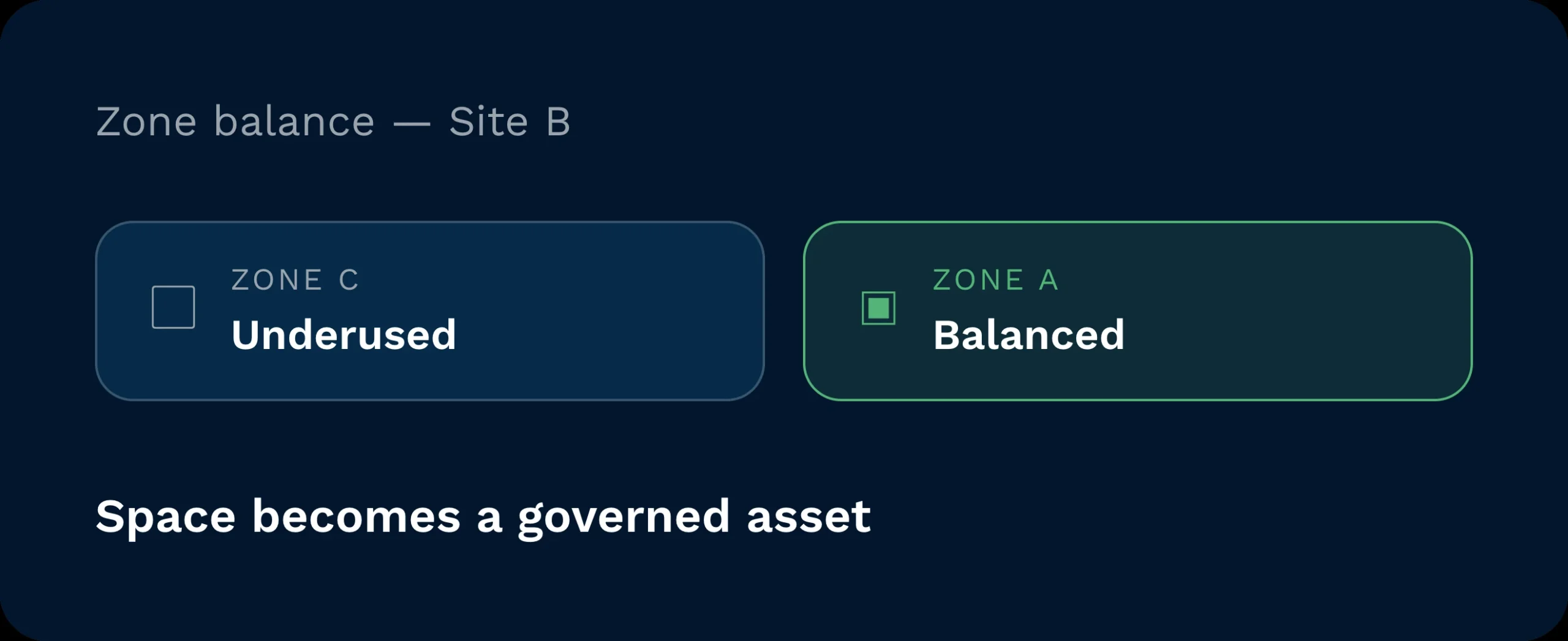
Detecta al instante las plazas vacías o infrautilizadas. Arrastra los nuevos planes de existencias al mapa y equilibra las zonas antes de que lleguen las mercancías. El espacio deja de ser una incógnita y pasa a ser un activo gestionado.
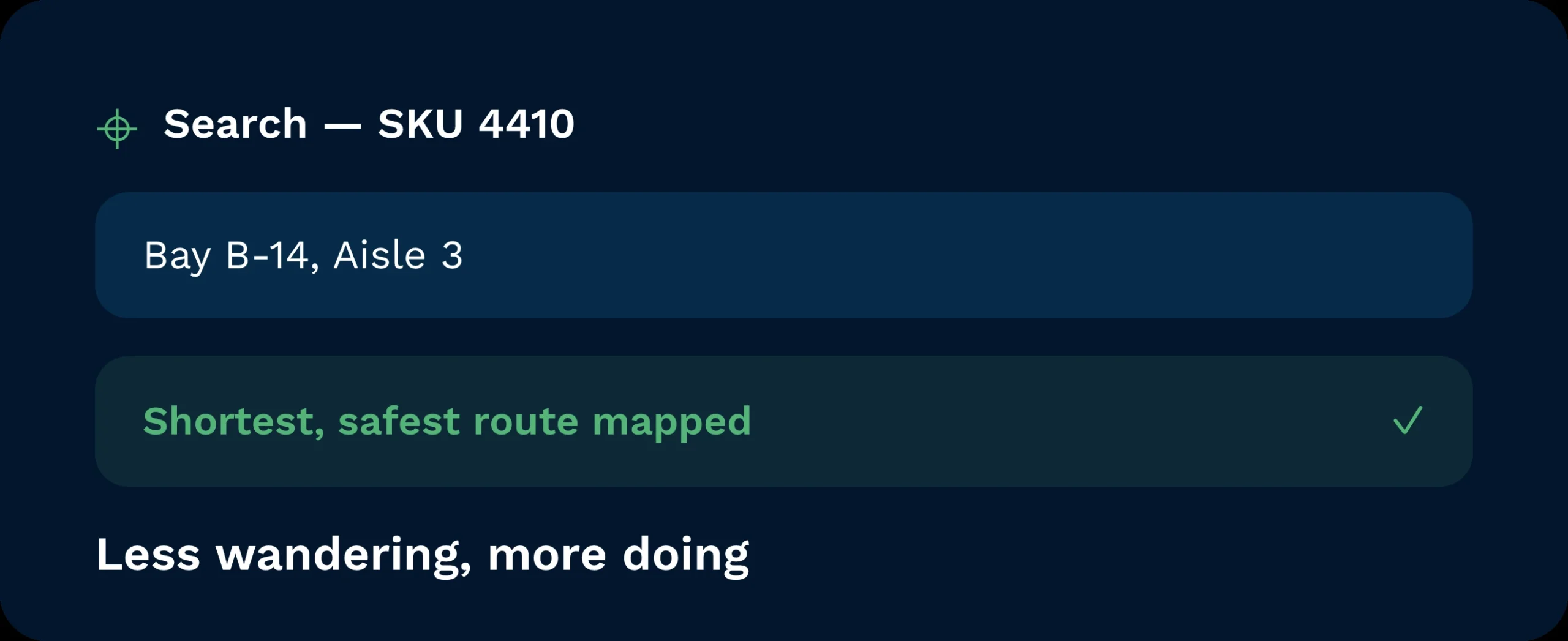
Busca un SKU y ve directamente a su ubicación exacta. Los guías de ruta orientan a los equipos por los caminos más cortos y seguros. Menos divagaciones. Más acción.
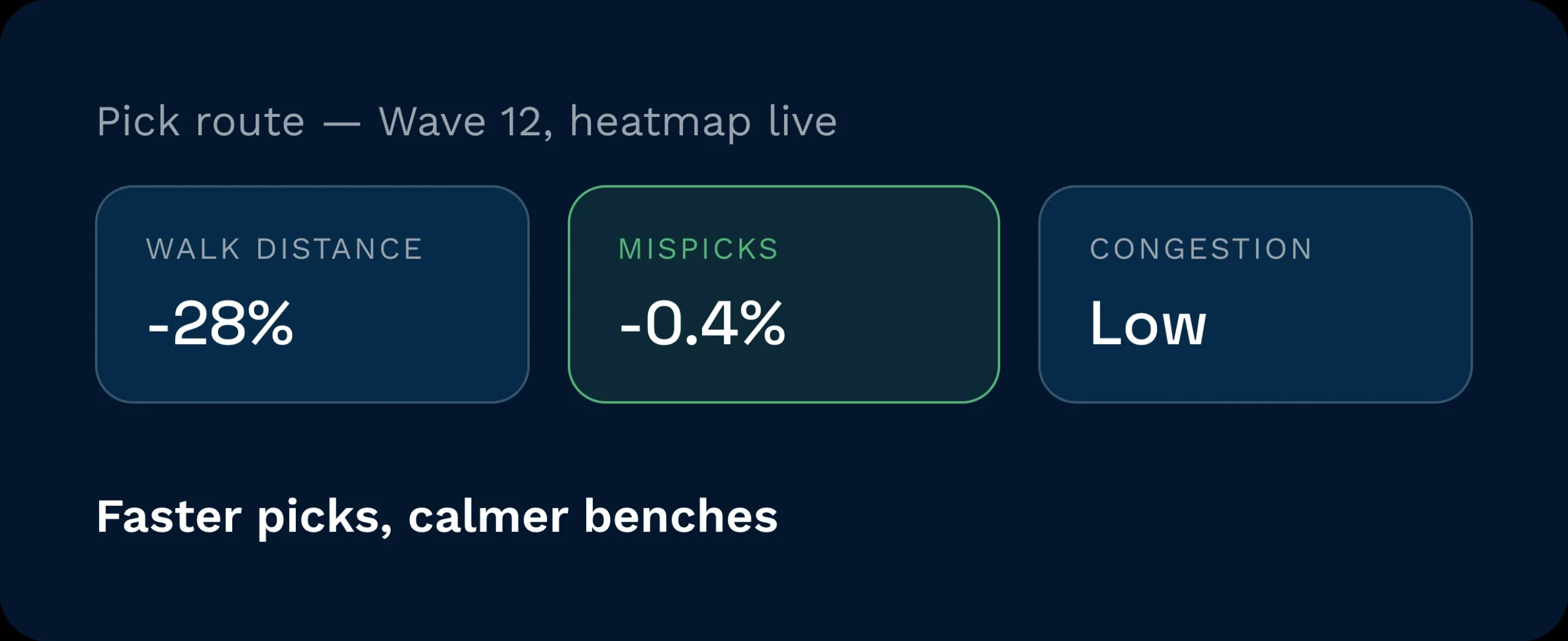
Las rutas visuales y los mapas de calor dinámicos acortan los trayectos a pie y reducen la congestión. El resultado son selecciones más rápidas, banquillos más tranquilos y menos errores en las selecciones.
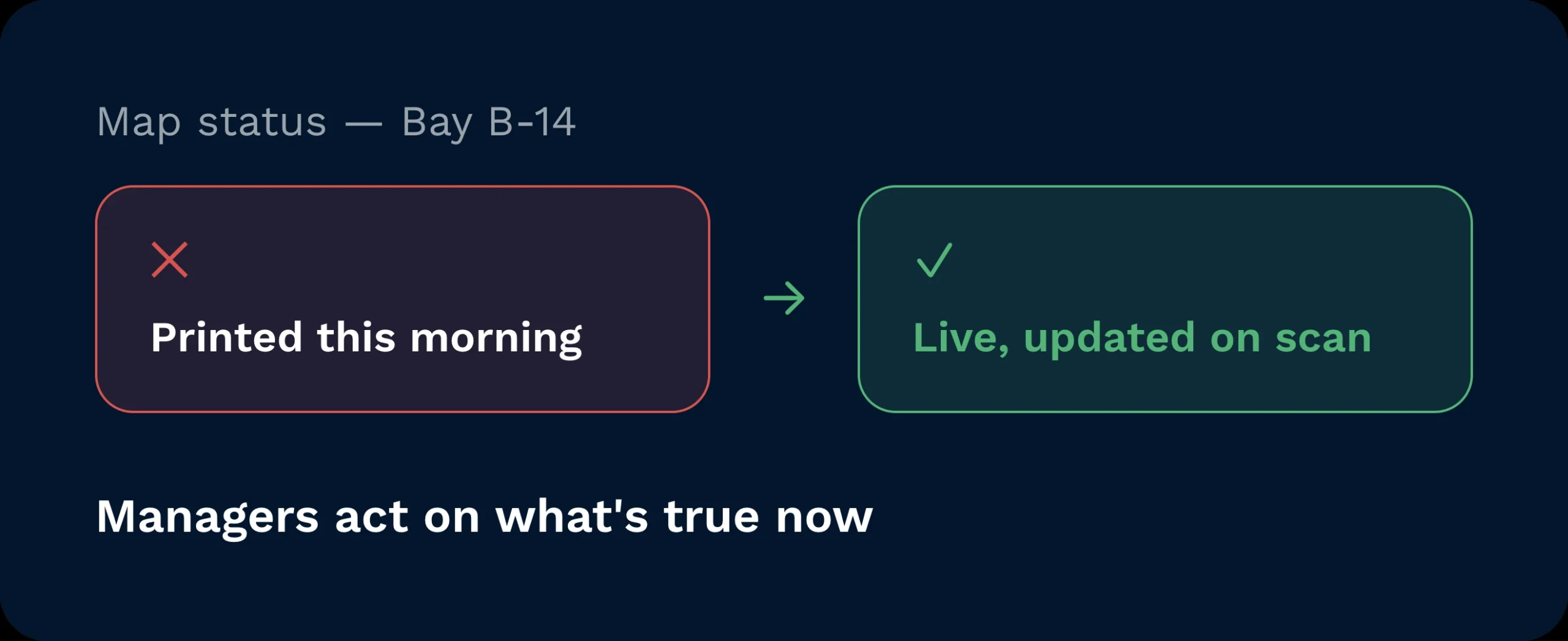
Cada escaneo actualiza el mapa. Replen, guardar, y las selecciones cambian de color y de estado a medida que se producen. Directivos Actúa en función de lo que es cierto ahora, no de lo que se ha publicado esta mañana.
Las listas te indican qué hay en el edificio. El mapa del almacén te muestra dónde se encuentra. Una vista en tiempo real, codificada por colores, muestra una representación de tu planta en 2D y 3D con los palés, las cantidades y los estados superpuestos. Los responsables ven la capacidad de un solo vistazo. Los preparadores de pedidos siguen las rutas más cortas. Los clientes obtienen información clara sin necesidad de visitas guiadas. La visibilidad se traduce en rapidez, ya que la distribución y los datos funcionan por fin al unísono.

La planificación de la capacidad se vuelve visual y rápida. Abre el mapa, identifica los puntos críticos y ajusta la mano de obra y las rutas antes de que se produzca el pico de actividad. Las reseñas pasan de ser meras opiniones a basarse en pruebas.

Localiza, traslada y prepara los productos sin interferencias de radio. Las indicaciones de la ruta más corta y los estados en tiempo real reducen el tiempo de búsqueda y mantener las colas ordenadas.

Convierte el mapa del almacén en un recurso comercial. Utiliza imágenes en 3D en tiempo real para demostrar la precisión, la capacidad y el control del SLA en cuestión de minutos.
¿Qué grado de precisión tiene el mapa del almacén?
Refleja los últimos datos escaneados. Cada operación de almacenamiento, recogida y traslado actualiza las ubicaciones y las cantidades en tiempo real, por lo que lo que ves es exactamente lo que hay en el almacén.
Sí. Reserva zonas, simula ubicaciones y equilibra la capacidad antes de que lleguen los camiones. El mapa resalta los puntos críticos para que puedas ajustar el personal y los carriles con antelación.
Así es. Los asistentes de rutas aplican reglas de secuencia de recorrido y de distribución para proponer los recorridos más cortos y seguros. Los centros informan de que, una vez incorporadas las reglas, las rutas son más cortas y los pasillos están menos concurridos.
No. La vista en 3D ayuda a los equipos y a los clientes a comprender rápidamente las complejas estructuras de estanterías. Es ideal para la formación inicial, las auditorías y las reuniones de ventas, y favorece la toma de mejores decisiones en la planta.
Si activas Acceso para clientes, puedes compartir una vista de solo lectura por cuenta. Es una forma muy eficaz de demostrar la precisión y la transparencia sin necesidad de hacer capturas de pantalla manualmente.
Importa tu plano de estanterías y contenedores o créalo en el editor. Asigna ubicaciones a zonas y reglas. En cuanto los escáneres empiecen a funcionar, el mapa del almacén se convertirá en tu plano dinámico… y obtendrás beneficios desde el primer día.
¿Todavía indeciso? Dedica cuatro minutos a ver cómo Clarus se encarga de mercancías?en, recogida y expedición. Ya verás por qué Nuestros clientes siguen diciendo ”sí” a nuevos contratos.