Exportar los datos y esperar a que el departamento de informática elabore el informe
Hojas de cálculo estáticas, que ya están desactualizadas antes incluso de publicarse
Cambios masivos realizados a ciegas, sin medidas de seguridad
Un formato, un público; hay que reformatearlo a mano para el siguiente
Haz una pregunta y recibe una respuesta en tiempo real
Gráficos y tablas a partir de los mismos datos en tiempo real, sin necesidad de exportarlos
Medidas de control, autorizaciones y un registro de auditoría de cada acción
Di “gráfico circular” o “gráfico de líneas”: los mismos datos, una nueva perspectiva, al instante.
Olvídate de los filtros y deja de lado las exportaciones. Pregunta por el estado de las tareas, los pedidos atrasados o los mejores recolectores y obtén un borrar la tabla con gráficos al instante. Guarda la indicación una vez y reutilízala a diario.
Deja atrás los paneles de control y actúa con mayor rapidez. Indica al asistente que ponga en cuarentena los lotes con fecha de caducidad próxima, que levante las retenciones tras el control de calidad o que asigne trabajo a una zona. Comprueba qué se necesita y lo ejecuta con tus permisos.
Todo funciona con datos de Clarus en tiempo real… Sin hojas caducadas, sin necesidad de volver a introducir los datos. El asistente responde directamente a las preguntas y ofrece respuestas coherentes. Los responsables obtienen control sin necesidad de hacer clics adicionales.
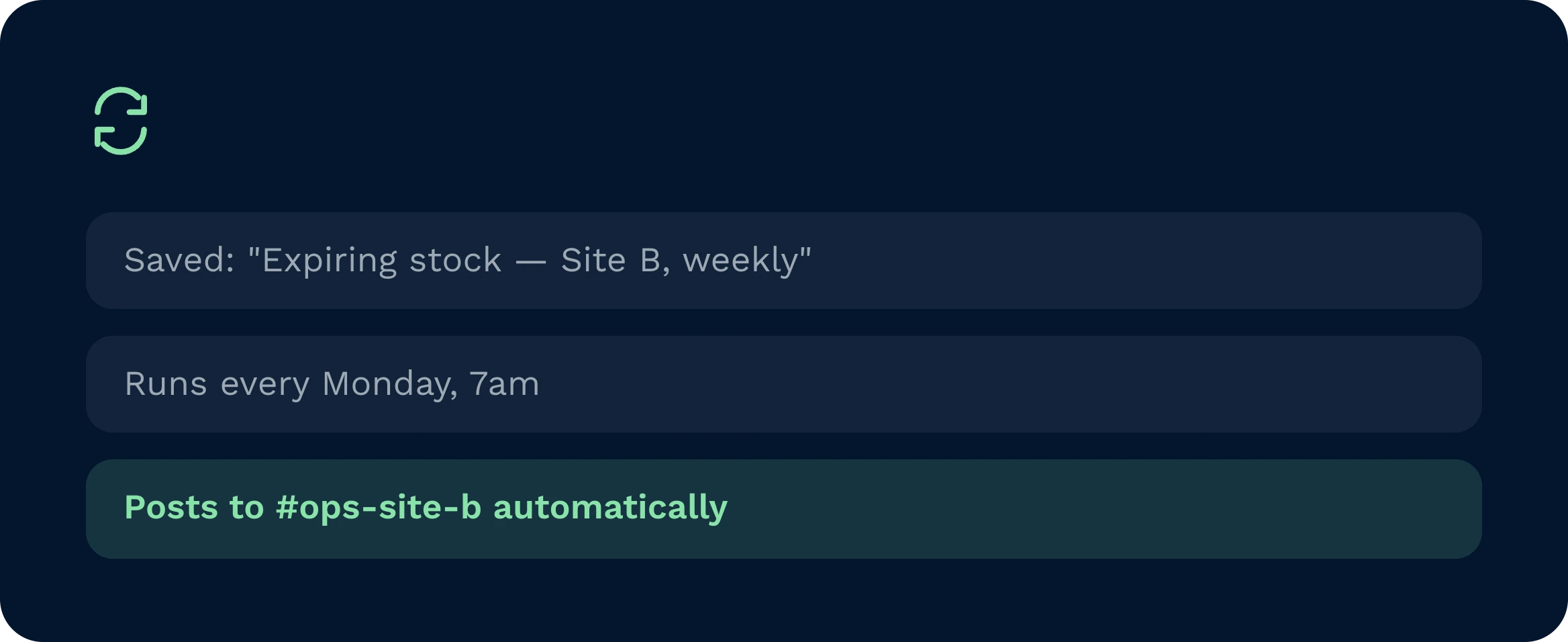
Convierte las indicaciones fiables en series repetibles. Barridos por caducidad. Riesgo de corte de la operadora. Clasificaciones de selección. Todas las automatizaciones se ejecutan según lo programado con la misma lógica, las mismas normas y el mismo registro de auditoría.
Los almacenes tienen dificultades cuando los equipos no consiguen respuestas con la rapidez suficiente o no pueden ponerlas en práctica. Esa es la brecha que cubre el asistente de IA de Clarus. Se integra en el SGA de Clarus, lo que te permite respuestas claras en cuestión de segundos y acciones seguras al mismo tiempo.
Haz una pregunta directa y obtén al instante la información que necesitas. Cuando haya que arreglar algo, indícale que actúe: poner muchas cosas en espera, iniciar una revisión o crear tareas de forma masiva.

Consulta las tareas de hoy por estado y área, identifica los cuellos de botella y aplica la solución en un solo proceso. Avisos guardados estandarizar las reuniones diarias. Las automatizaciones realizan las mismas comprobaciones antes incluso de que comience el turno.

Pregunta: “¿Qué caduca esta semana?” y obtener una lista clara y ordenable con lotes, cantidades y ubicaciones. Indica al asistente que reserve los lotes con fecha de caducidad próxima, que asigne tareas de reetiquetado o que los reasigne a los pedidos prioritarios.

Seguridad propia y escala. Configura los permisos una sola vez, dar a conocer las herramientas de MCP que el asistente puede utilizar y publicar un catálogo de indicaciones seleccionado.
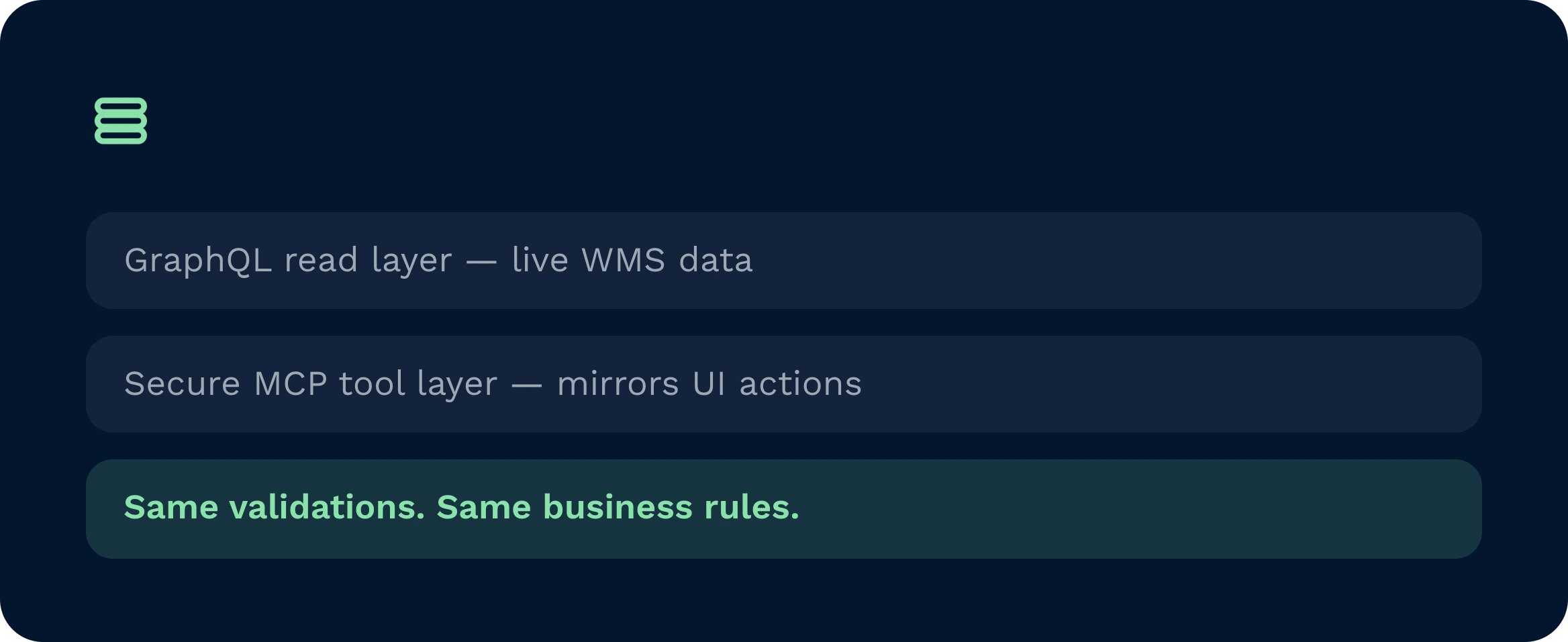
El asistente está integrado en Clarus WMS. Lee a través de GraphQL y actúa mediante una capa de herramientas MCP segura que refleja las capacidades de la interfaz de usuario. Las validaciones y los flujos de trabajo se reutilizan, no se eluden, por lo que se mantienen las mismas reglas de negocio. El acceso basado en roles regula lo que se puede ver y hacer. No hay bases de datos secundarias, ni procesamientos por lotes nocturnos, ni conectores frágiles que mantener. La implementación es gradual y segura.
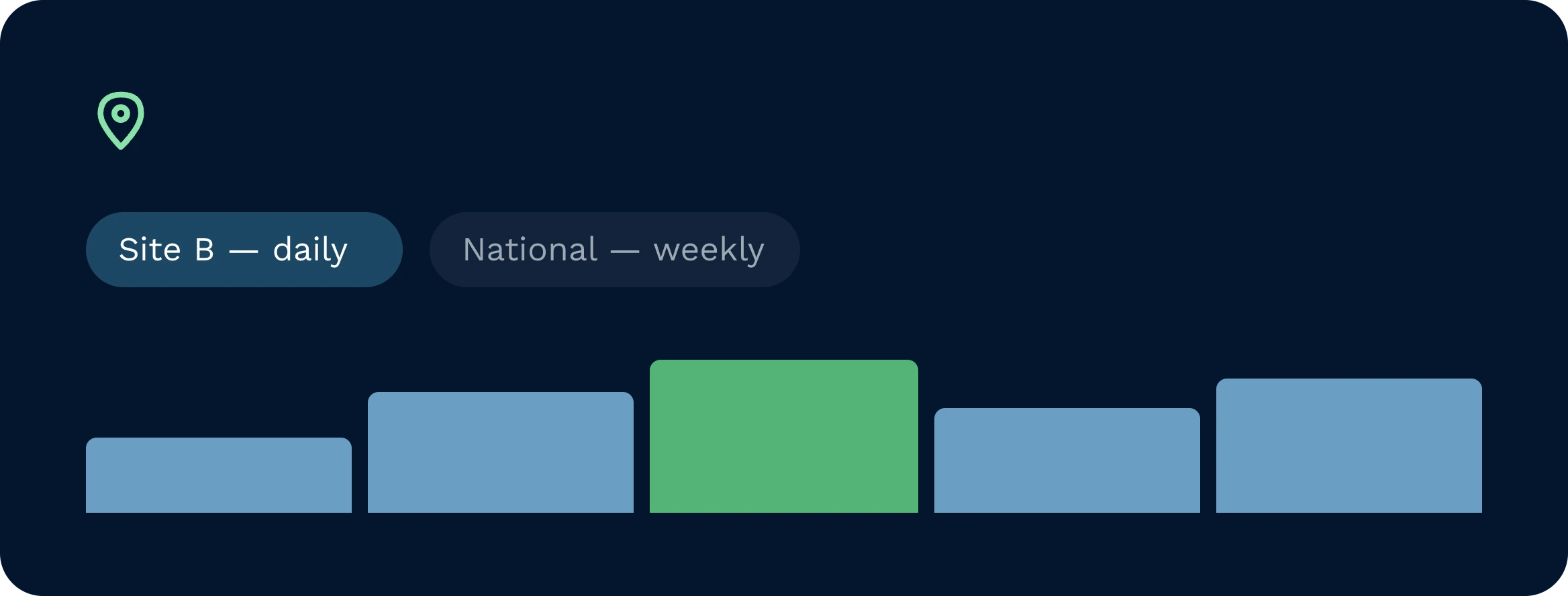
Sí. Las notificaciones se pueden limitar a un centro, un cliente, una región o una marca. Un responsable regional podría suscribirse a un informe diario de existencias con caducidad por centro, mientras que un responsable nacional recibiría una visión consolidada. Los permisos de rol garantizan que los usuarios solo vean y actúen sobre lo que tienen autorizado. Las automatizaciones respetan esos ámbitos cuando se ejecutan según lo programado, lo que permite mantener un control riguroso en todas las ubicaciones.
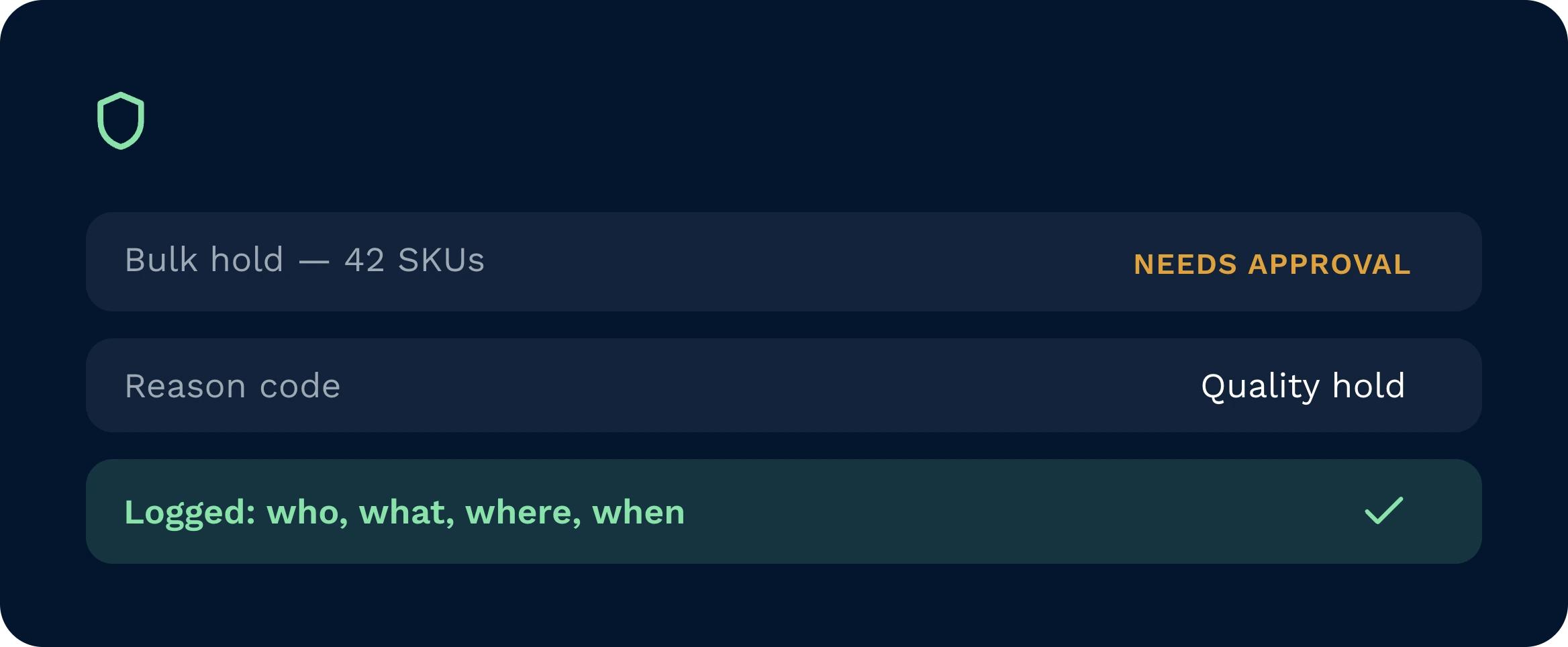
Las acciones se ejecutan con el rol de quien las inicia y pasan por las mismas validaciones que la interfaz de usuario. Una serie de medidas de seguridad adicionales limitan el tamaño de los envíos masivos, solicitan confirmaciones para operaciones sensibles y exigen la cumplimentación de campos obligatorios, como los códigos de motivo. Puedes exigir una doble aprobación para tareas definidas y redirigir las notificaciones a Slack, Teams o el correo electrónico. Cada acción es totalmente auditable, ya que se registra quién, qué, dónde y cuándo se ha realizado.
Cualquier indicación útil se puede guardar. El asistente almacena la intención, los filtros y los resultados preferidos. Con un solo clic se vuelve a ejecutar. La programación lo convierte en un proceso automatizado que publica resultados, abre tareas o ejecuta acciones configuradas. Cuando actualizas una pregunta, las ejecuciones futuras heredan el cambio. Así es como se estandarizan las buenas prácticas y se eliminan las tareas manuales de las rutinas diarias.
Por supuesto. Basta con decir “gráfico circular de los cinco primeros” o “gráfico de líneas por día”, y el asistente reformatea el mismo conjunto de datos sin necesidad de realizar una nueva consulta. Como la fuente está en tiempo real, los gráficos se mantienen precisos. Se pueden compartir enlaces a la consulta guardada, de modo que los equipos comparen datos comparables en lugar de exportar hojas de cálculo y generar una proliferación de versiones. Esto garantiza que el análisis sea rápido y coherente.
La implementación es sencilla. El departamento de TI asigna los permisos según los roles, habilita las herramientas de MCP adaptadas a tus casos de uso y publica un catálogo inicial de indicaciones. Los equipos comienzan con acceso de solo lectura y, posteriormente, añaden acciones seguras y de gran valor, como la retención de datos o la creación de tareas. La formación se centra en el arte de redactar una buena indicación. La mayoría de las organizaciones perciben los beneficios en cuestión de días y, a medida que aumenta la confianza, amplían el alcance. Los plazos varían en función del alcance y del control de cambios.
¿Todavía indeciso? Dedica cuatro minutos a ver cómo Clarus se encarga de mercancías?en, recogida y expedición. Ya verás por qué Nuestros clientes siguen diciendo ”sí” a nuevos contratos.